Updated: March 13, 2024
A couple of weeks back, I wrote my second long-term usage report for the Slimbook Titan laptop. Now, we shall have a third report for another Slimbook, the Executive. This is a machine that I bought as the replacement for my old and trusty, you guessed it, Slimbook Pro2. After five years, that system experienced a case swelling due to a faulty battery, and I had to promptly power it down. One doth not play games with Lithium, cor. But only briefly, it turned out. I was able to replace the battery just fine, and give the Pro2 a fresh breath of life. That is a story for another time, though.
We wanna focus on the Executive here. So far, so excellent, one must say. This is a superb productivity laptop, the perfect travel slash office slash non-serious-gaming-stuff machine, with a beautiful, even sexy case, splendid screen and keyboard, good performance, and, clad in Plasma that be Kubuntu 22.04, it also behaves majestically. I am ultra-pleased with the machine, even though there was a hiccup or two in the recent few months, as I reported in the second article. Now, we need to see what happened since.
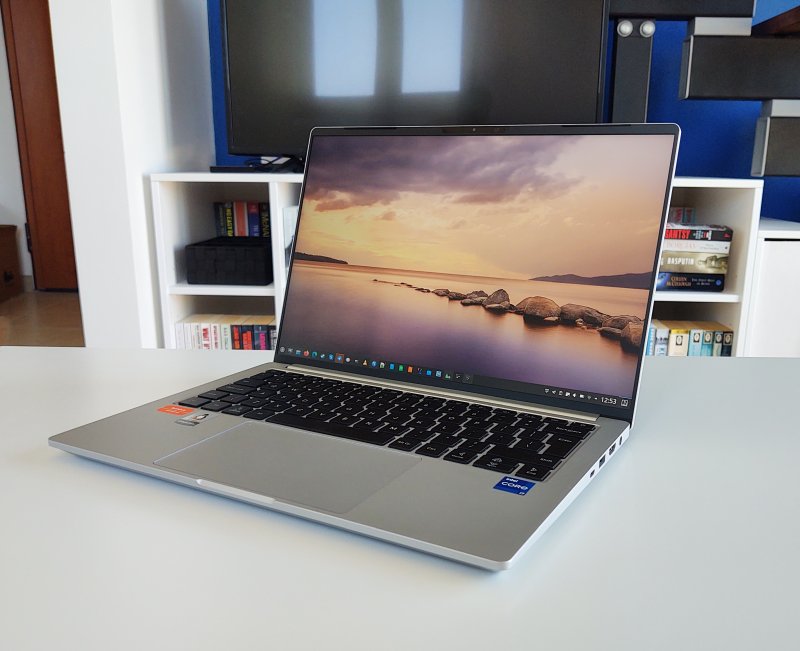
Most if not all is quiet on the Balkan Front
I have to say the last few months have been unremarkable. Which is a GREAT thing! One does not want problems and issues or any sort of irregularities with their hardware. Boring is steady and steady is boring, and that's how computers ought to be. By and large, I had little to no reason to complain about my Executive.
But then I jinxed it, of course. Just as I started feeling cocky, there was one biggish issue. An update problem, specifically related to VirtualBox. One day, I ran the usual sequence of updates on the system, and Discover complained it could not update the virtualization software (from its upstream repo).
The reason was, I was actually using and running VirtualBox. But like most modern systems, there's no cohesive, comprehensive understanding of how different components behave and cooperate. Discover failed to execute one of its scripts, boom. There's no, hey, maybe the user is actually running this piece of software?

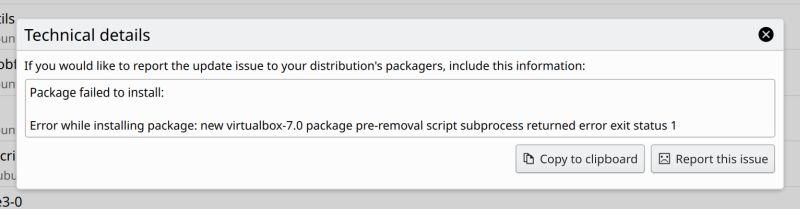
Eventually, the update succeeded, but, I was now unable to run virtual machines. It complained that a kernel driver was not installed.
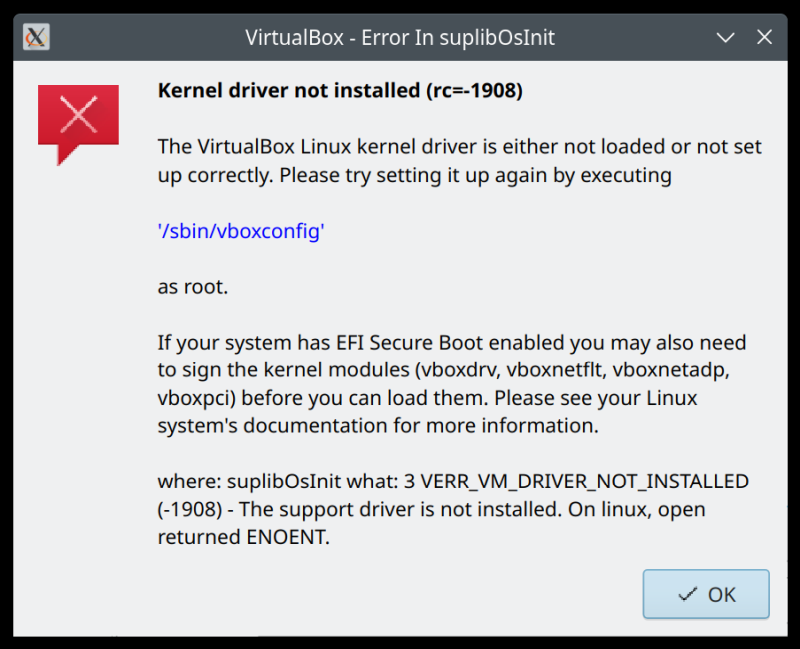
I followed the instructions, and eventually learned that the error comes down to gcc-12 not being installed on my system:
...
--hacks=skylake --retpoline --rethunk --sls --stackval --static-call --uaccess
--prefix=16 --module /tmp/vbox.0/linux/SUPDrv-linux.o
/bin/sh: 1: gcc-12: not found
make[2]: *** [scripts/Makefile.build:251: /tmp/vbox.0/linux/SUPDrv-linux.o] Error 127
Fixed by installing the missing package:
sudo apt install gcc-12
Now, on its own, this shouldn't be a big issue, but:
- I do have the build-essential package installed on the system.
- On the identical operating system (Kubuntu 22.04), on the Titan, there was NO such issue.
- I don't care about kernel going from 5.x to 6.x or whatever. The nerdy stuff needs to be hidden away.
Other than that ...
To be fair, I can't say I've encountered any other problems. Some of the niggles I mentioned in the previous reports remain, like the Android phone connectivity & Dolphin crash. But there's nothing new that should spoil my mood. On the contrary, the laptop works really well.
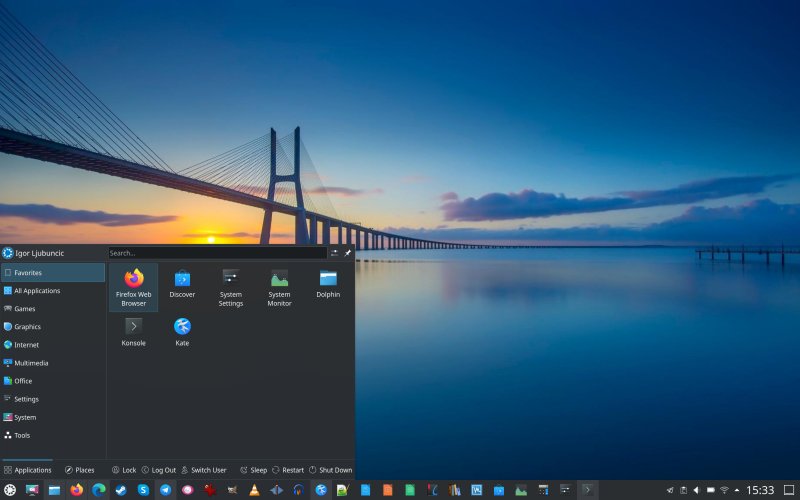
Let's see. WINE 9 works beautifully, I have DOSBox configured dandily on the 3K screen, and I can play majestic DOS-era games with a reasonable level of detail, clarity and nostalgia. Virtualization works extremely well, as the storage is fast, and the system has tons of CPU cores, so there's never a dearth of processing power. Sharing is caring.
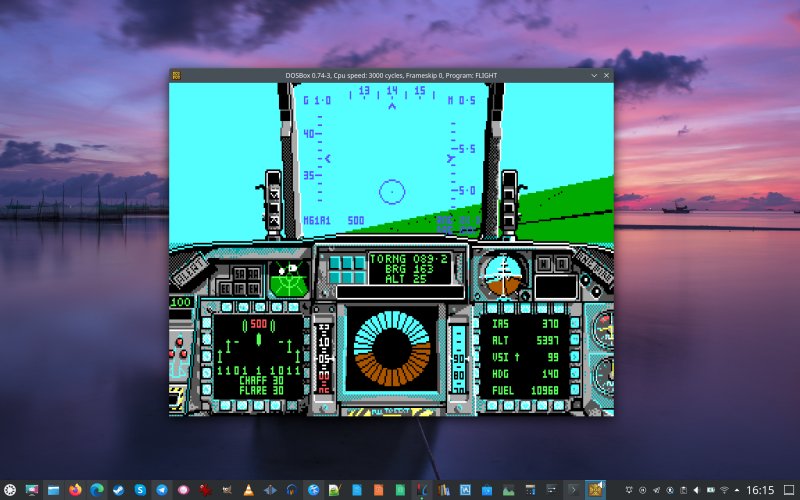
That's me playing a 35-year-old combat plane simulator - and still one of the best. A review to follow.
The battery holds its worth - not as hot as it used to be when charging, and still does a respectable full day of work before it needs a resupply. Of course, running more intense workloads, like video conferencing and streaming will reduce the overall autonomy. But we're still talking 6-7 hours, easily.

Spurious errors
To make sure everything is truly dandy, I also looked in the system logs. There were a few warnings and errors, but nothing serious. Now, every system out there, without exception, will have something, and this includes Windows, Linux, you name it. Here, the only "problems" were:
atkbd serio0: Unknown key released (translated set 2, code 0xf8 on isa0060/serio0).
thermal thermal_zone3: failed to read out thermal zone (-61)
iwlwifi 0000:00:14.3: WRT: Invalid buffer destination
The first one has to do with the power button key re-map I did. The other two are related to the Wi-Fi microcode. But there's nothing sinister in there, nor any actual usability issues. The errors only crop up after waking from sleep. All is well, then.
Conclusion
I think I can quite confidently say the Executive is a pretty decent machine. Ergonomically, it's superb. The feel, the weight, the screen, the keyboard, all of it. From the software perspective, the operating system works beautifully. Kubuntu 22.04 with the Plasma desktop is really the best there is. Now and then, an occasional niggle will arise, but there aren't any cardinal blockers. I am highly critical of even the smallest issues, but then looking at every other device (including Windows machines) I've owned and used, in the laptop space, there is always, always something somewhere.
With the Slimbook Executive, the somethings are quite rare. I would like to see the MTP issue resolved, as it's the only "persistent" problem that has affected my usage since I bought the laptop. The rest are the usual day-in day-out bugs that eventually get fixed (not that there's any excuse for sloppy QA ever). But as far as laptops go, I am proper happy. Well, that brings my third Executive report to an end. If you're pondering whether you want a Linux laptop, this could be it. And with that, off I go.
Cheers.