Updated: August 22, 2025
For many years, I strongly opposed the idea of using the iPhone, for two primary reasons. One, I couldn't find an easy way to sync my local, offline MP3 music to the device without using the iTunes. Two, there was no effective adblocking. And in my book, browsing the "modern" Internet without adblocking is like swimming through sewage with your eyes and mouth wide open.
In the recent years, I was able to resolve these issues. You can use VLC (and optionally KDE Connect) to copy your MP3 songs onto the iPhone. Sweet. Then, there's also the Adblock Plus extension for Safari, which lets you, well, block ads. Now, my preferred browser is Firefox, which doesn't support similar functionality on iOS (but it does so in Android, better than anything else, as it happens), but you could try Firefox Focus, or perhaps use Brave (I shall do that test soon). Yes, solutions. Happy me. Obstacles removed. Well, now, great news! UBlock Origin Lite, from the creator of the fantastic UBlock Origin (UBO), is now available on iOS, starting with version 18.6. Sweet. Let's explore.
Installation
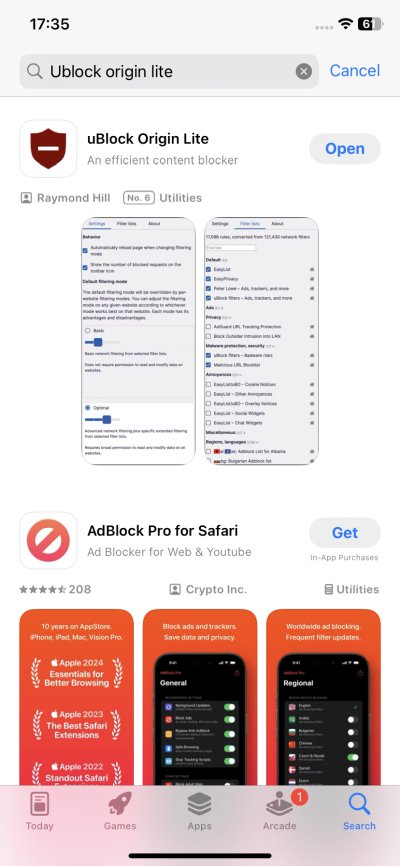
I grabbed the iPhone 11, updated it, and then went into the Apple Store. Grab the extension, and beware any potential lookalikes. You want the product from Raymond Hill (gorhill), the creator of UBO. Once I had the extension installed, and "opened" it, the iPhone informed me that: Lockdown Mode may affect the functionality. For now, I decided to do nothing, but it does bring up an interesting set of questions. One, you don't see such a warning for Adblock Plus. What if you disable Lockdown Mode for UBO Lite, but keep it for Safari? How does this change or affect your security? Very intriguing.
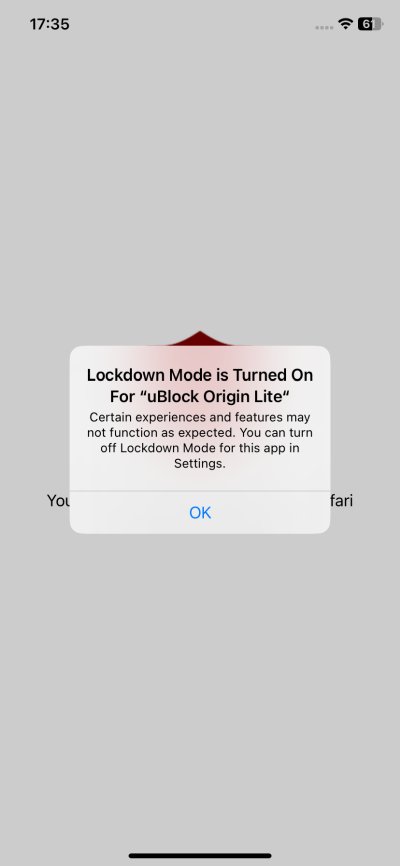
Now, if you ask me, you ought to use the Lockdown Mode, and not just because of security. I find it useful primarily because it disables tons of "modern" nonsense, all sorts of permissive default behaviors and settings that simply add no real value to one's phone usage. For me, the security element is a bonus. I detest the hyperactive modern garbage, and Lockdown Mode is a great purifier.
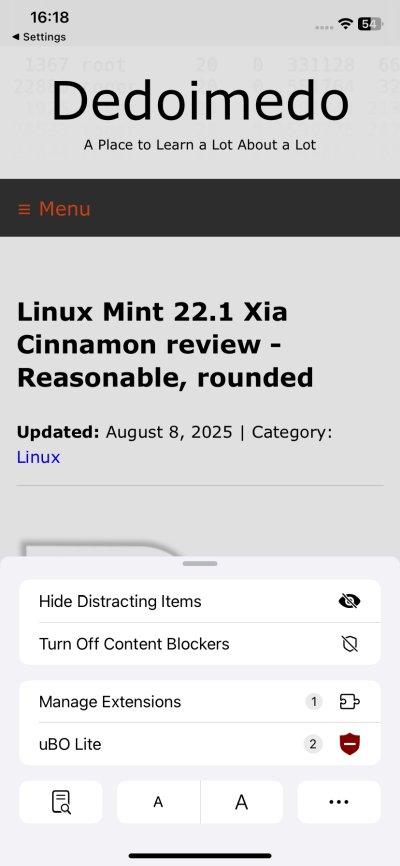
Well, so, it stays on. Next, you need to go into Settings, choose Safari, and then enable UBO Lite. I decided to disable Adblock Plus, so the two would not interfere with one another. It will also give me a better understanding of how effective the tool is.
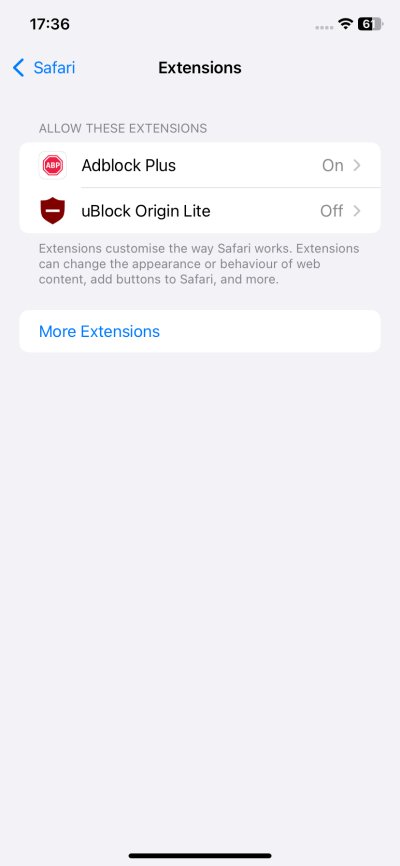
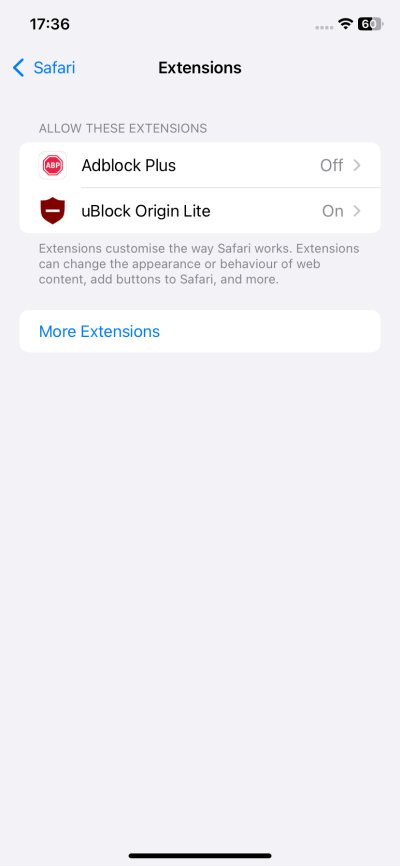
On, off, like Mr. Miyagi. Same same but different.
First run
Now, things get a little bit interesting - or rather, nonintuitive. I opened Safari, and I noticed that UBO Lite wasn't active. I launched the application (it's a placeholder for its settings really), but it was blank, and it redirected me back to the browser. Hm. Confusion intensifies.
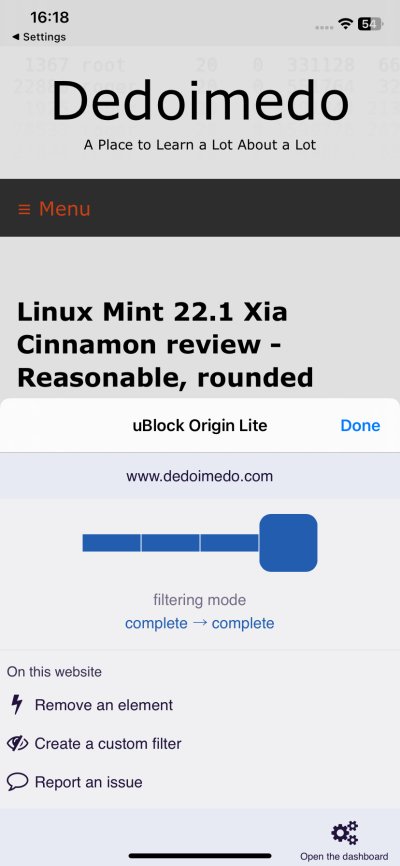
As it turned out, I had to allow UBO Lite to run, once for the actual website, a second time for all websites, for it to become active, and for me to be able to access and change its settings, namely switch to the full blocking mode. This is somewhat cumbersome, so let me show you.
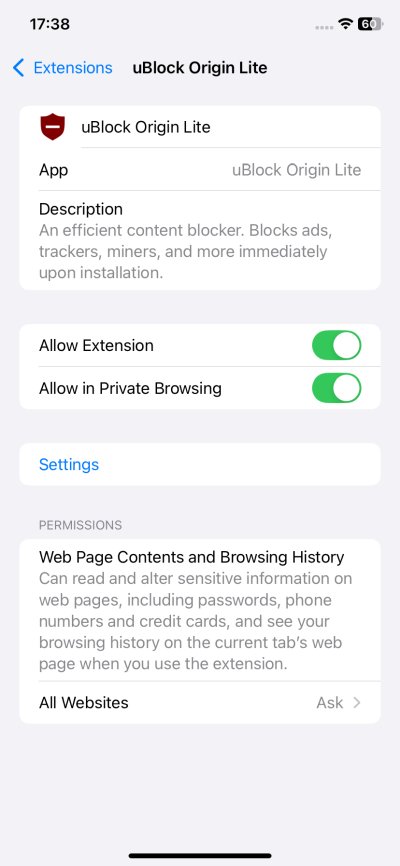
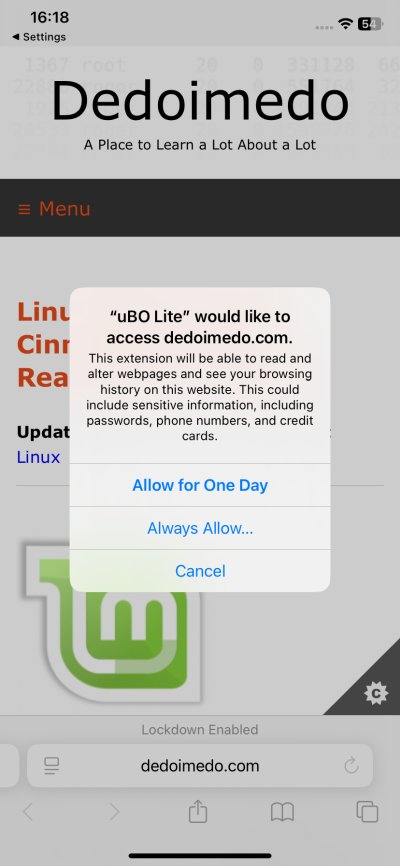
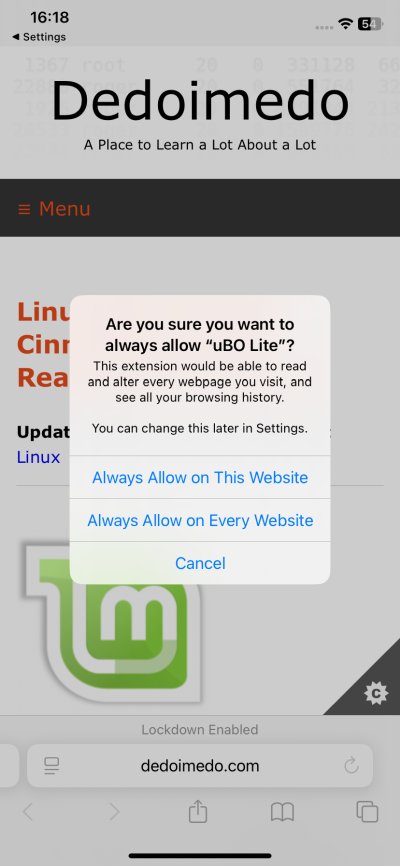
The actual flow you need is:
- Install, enable.
- Open the browser, open the site settings, click on the UBO Lite icon.
- Then, allow the two prompts (always allow).
Alternatively:
- Install, enable.
- Go to Safari settings > Extensions > UBlock Origin Lite.
- Toggle whether you also want to use for private browsing.
- Under All Websites, change to Allow rather than Ask.
Once the extension is working correctly, you can then access its Settings. Now, you will see the familiar interface, as I've shown you in my actual review of the tool. You can set the filtering mode. The default configuration is Basic, but you can choose more "rigorous" ones like Optimal or Complete. You can also always make exceptions, and exclude certain websites as you see fit. Likewise, under Filter lists, you can enable additional filters, like say Block Outsider Intrusion into LAN (so sites cannot figure out your localhost ports).
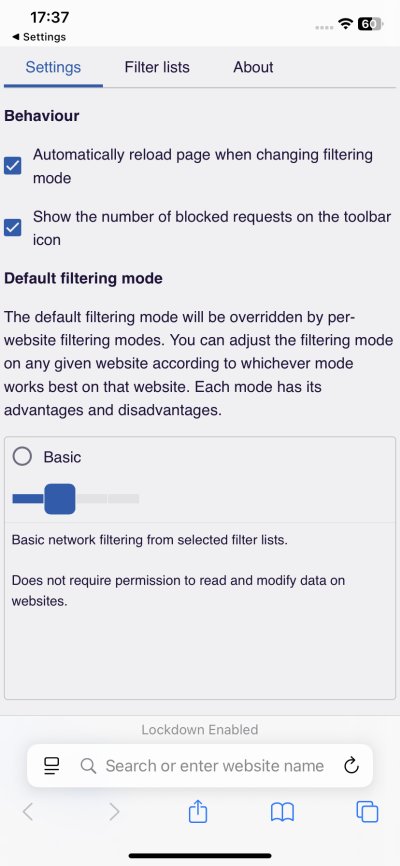
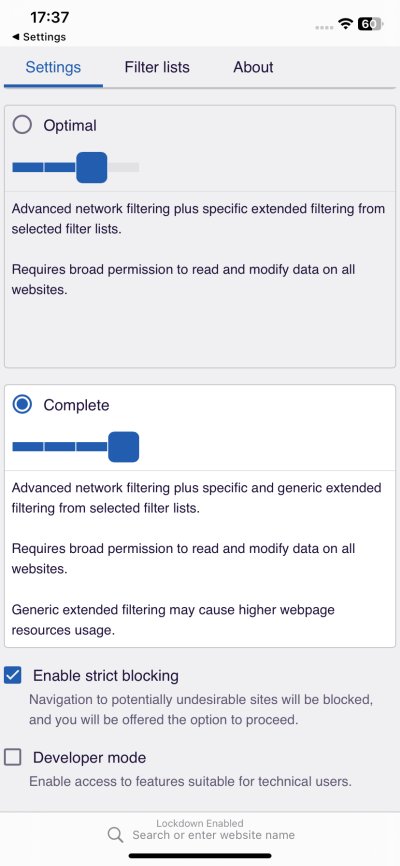
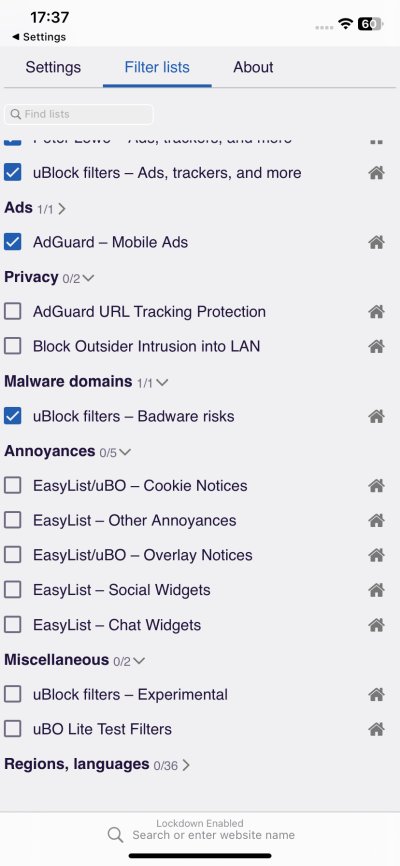
And that's it. You can now browse the Internet, and UBO Lite will do its job. And it works as well as you'd expect. Fast, elegant, effective. Now, you can go back to using the Internet, should you desire so.
Conclusion
Great stuff. Now, I am one step closer still to being able to want to decide to use the iPhone if I need to. It's quite interesting what a few years of passive observation can do. From nothing to a plethora of options and choices. Safari with not one but two adblockers. Firefox Focus as a sort of lightweight anti-tracker browser. Now, I also need to test Brave, to see how that one behaves on this particular system.
But, as far as I'm concerned, UBO Lite is a lovely blessing. It's an excellent tool. It works just like its desktop version. Small footprint, negligible performance impact, effective blocking of stupid online things. Less data, less CPU wasted. Fantastic. The only downside of this setup is the convoluted configuration. You need to pay attention, or you may end up with an ineffective adblocker. Make sure you allow it on all sites you need, set the desired level of filtering, and then add any exclusions. May your Internet be intelligent and peaceful.
Cheers.