Updated: May 7, 2018
Let us continue the saga of happiness. I mean, the spring distro testing season. In my first test, I tried Kubuntu 18.04, and it was average. Disappointingly so. I was hoping for a rock-solid Plasma offering to dazzle me for the next five years, to make me upgrade my production systems, but all I got was a handful of tears. It will get better, but so does a shrapnel wound.
Today, I'd like to test Ubuntu MATE. This flavor has recently come into my focus with the release of MATE 1.20, which brings about a whole spectrum of fresh ideas and solutions to the retro-Gnome scene. I was also quite intrigued by the Mutiny Unity-like panel-and-menu implementation. All in all, this should be interesting, although my hopes are quite low, following the Kubuntu test. But then, I ended up with more than 100 screenshots collected, so let's see what gives.
Live session
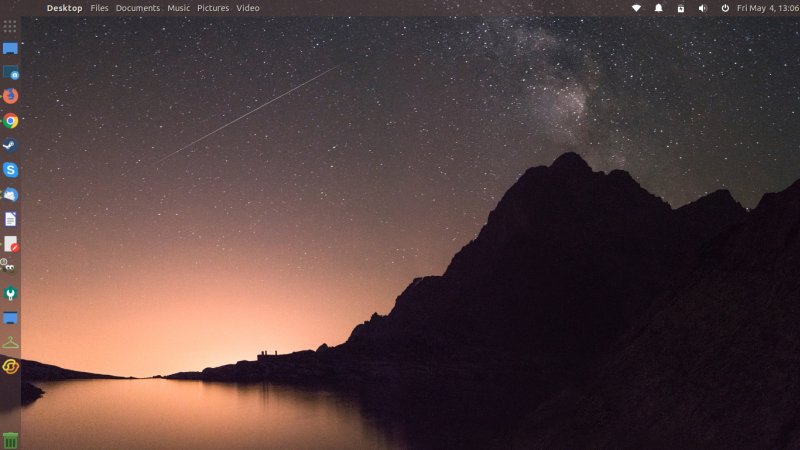
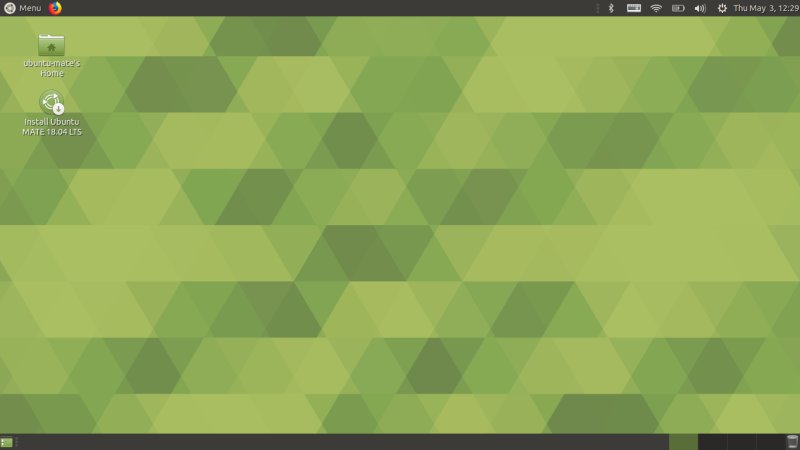
Like its K brother, MATE booted fine - with a single firmware error entry spoiling an otherwise clean and surprisingly fast boot. The desktop is quintessentially Gnome 2 - simple, clean, elegant, gray and green.
Networking
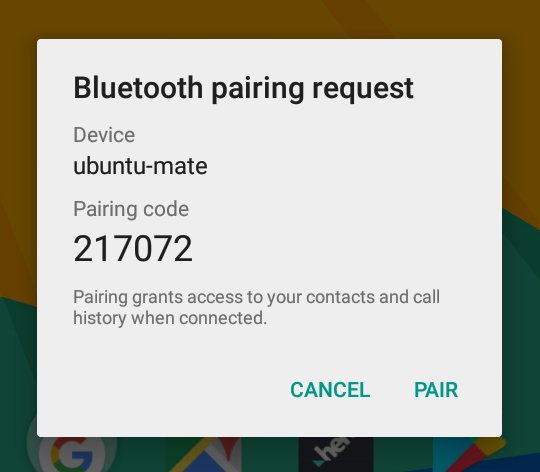
Well, it was almost perfect. Wireless worked just fine. So did Bluetooth, despite a bogus message about a failed pairing (much like Kubuntu), but then the mobile device was correctly detected and coupled and all that, and I could send files. Samba ... ah, well. Of course, we all know upstream crap is packaged into other distributions without any checks or testing. Someone takes a dump in a village above yours, and you get to enjoy the aroma.
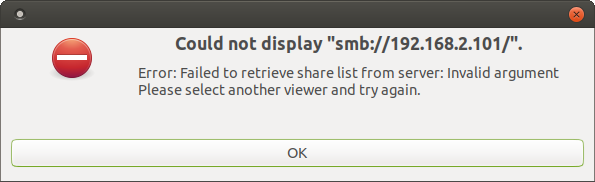
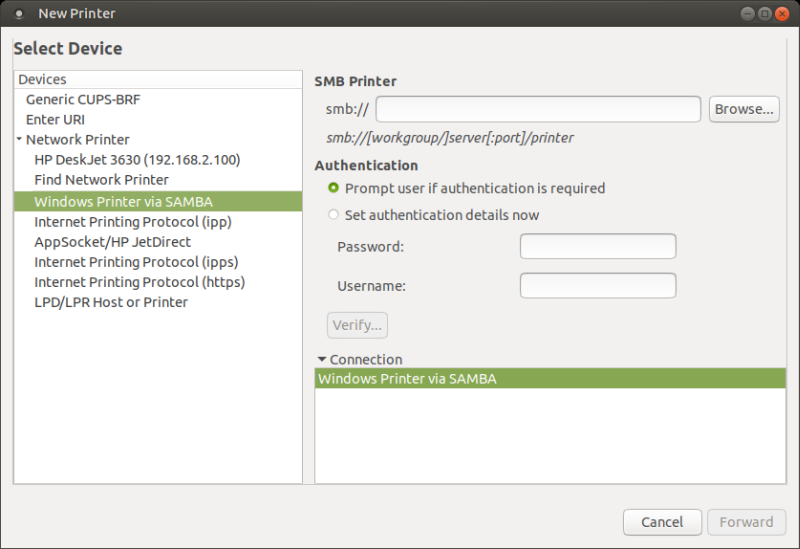
Samba does not work by default. You will need to change the protocol to NT1 so that you can connect to Windows machines. This is useless security cancer that has nothing to do with desktops and everything with corporate enterprise environments, and yet it's pushed onto unsuspecting desktop users with all the grace of a Livonian crusade.
P.S. And for those of you thinking security is some kind of modern battlefield, please enlist into a military in a dodgy part of the world for a few years, then come back relaxed and with a renewed perspective. Moreover, arbitrarily moving to SMBv2 prevents Windows 7 connectivity, which is still a fully supported Microsoft operating system, and the most popular one still by a HUGE margin. Functionality is everything. Disabling a protocol because it was used to attack UNPATCHED systems (there was a patch available for months, it wasn't deployed) is crap, because for that matter, you can disable the Internet because it was used as a vector of attack. And finally, the attacks related to Samba a couple of years ago ALL happened in the ENTERPRISE environments. How do you like them apples?
Once the Samba conf is sorted out, you will be able to connect to your Windows boxen fine. And then, the printing will also work well. Both Wireless AND Samba. 'Tis but a single line of stupidity that separates MATE from success.
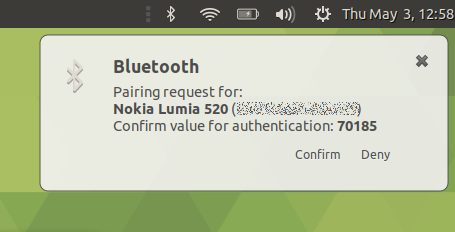
Visual bug: the clock almost touches the right border.
Multimedia
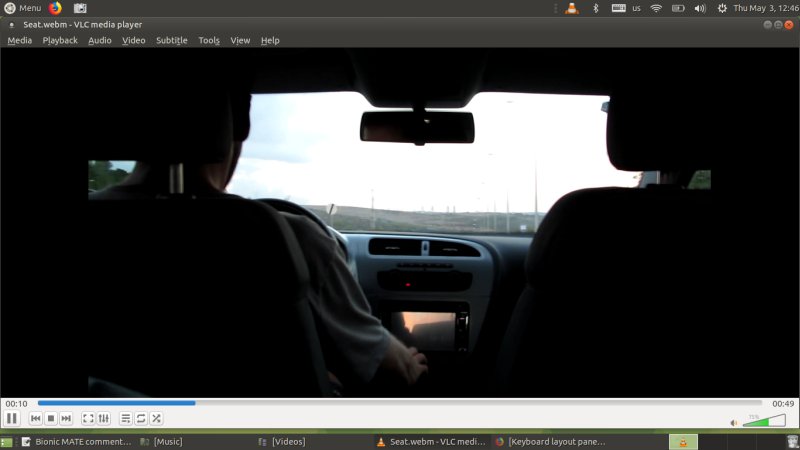
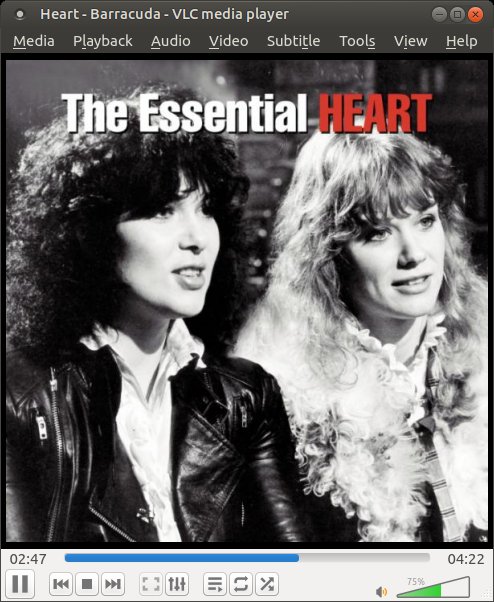
Worked great. HD video and MP3, alles klar herr ubuntuar.
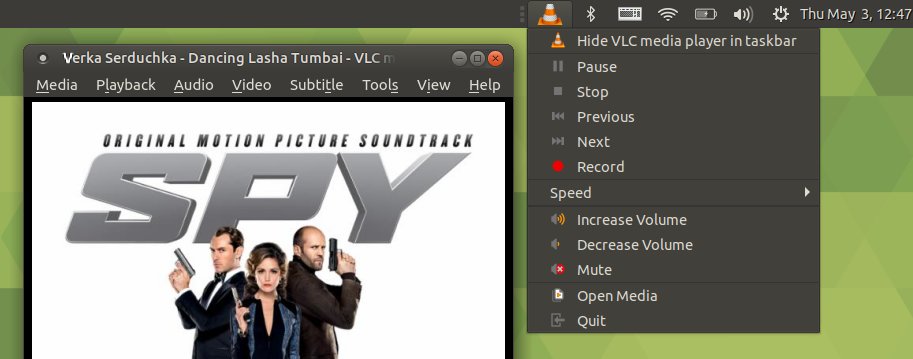
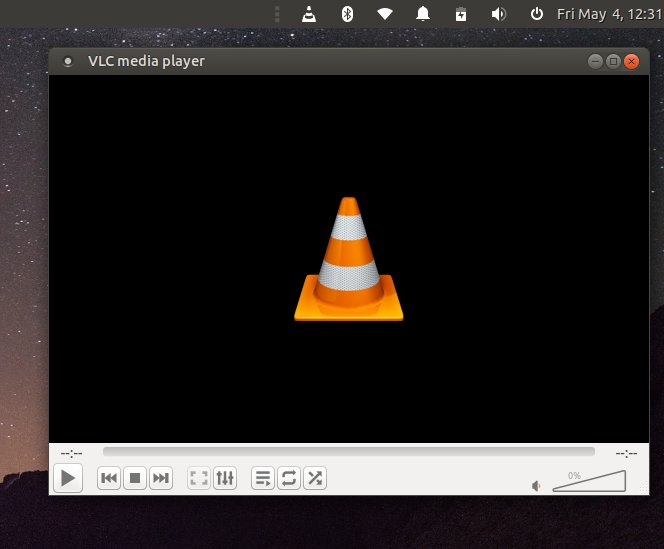
The VLC icon in the notification area is wrong, maybe on purpose, but still wrong.
You also get a very nice system area integration - except the keyboard indicator thing. When nothing is selected, it shows without the lang code, and when you select anything, the letters pop up. In my case, this was the string (us), making the keyboard applet fidget, getting wider and thinner almost erratically, dodging mouse clicks, making the whole desktop experience super annoying. This is a terrible, terrible distraction.
Keyboard annoyance
This thing almost made me stop testing altogether. It was so bloody annoying. Seriously. First, there's no easy way to identify which applet this really is and how it can be controlled via panel preferences. Well, it can't. You can either add the whole system area or nothing, but this isn't evident right away. Second, it's also hard figuring out what session autostart program launches this keyboard applet.
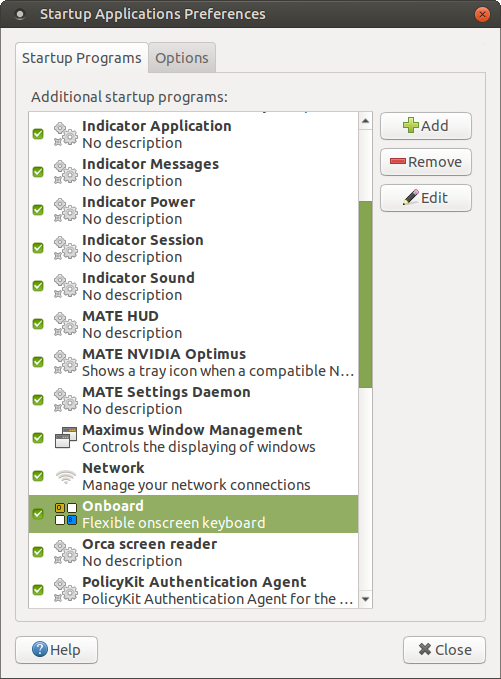
Hint: It's NOT the onboard keyboard.
I tried to click on it to see if there's something there - and it got STUCK. The whole desktop got stuck! I was able to open a virtual console and kill the mate-panel process. This also undid all my top panel customization. The problem occurred three times. I logged out then, came back, and I got a Welcome screen that had not shown on first login, only this second one. Why.
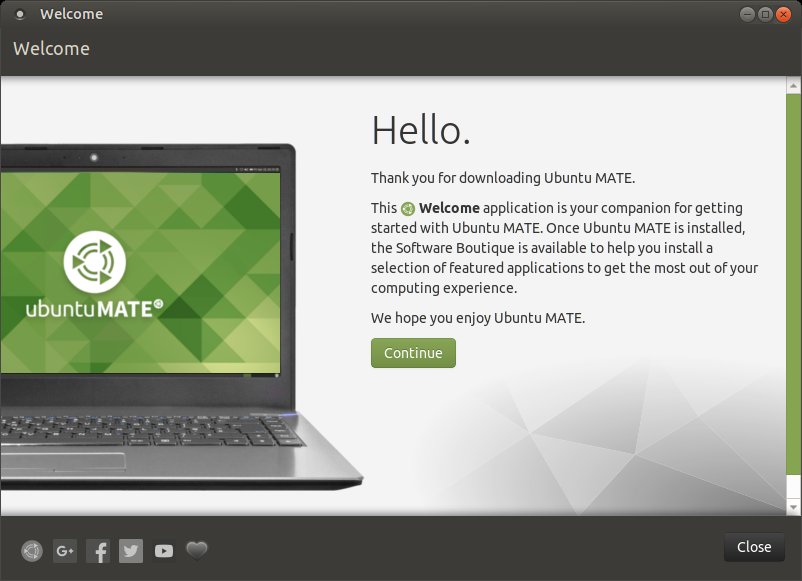
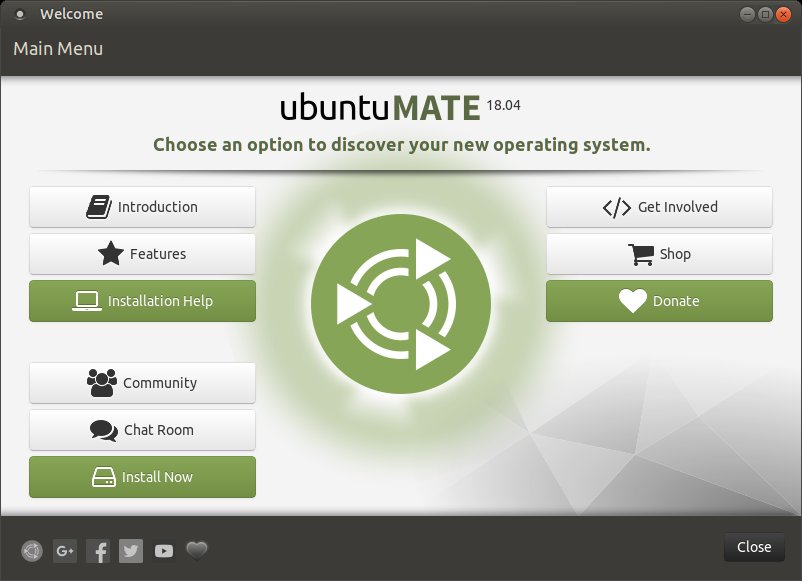
The keyboard thing did finally work - without getting the desktop stuck. It looks complicated, unnecessarily so, and it tries to present a solution to a problem that no one asked yet. Also the phrase 'input method' is useless. I've pointed this out back in 2010, and it's still true. Normal people don't care about dev lingo. They just wanted to be able to switch easily between keyboards, if ever.
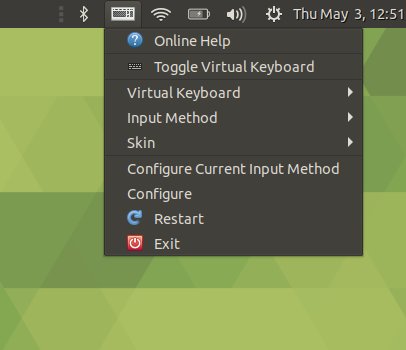
I tried to figure out how to kill this nonsense. Not easy. Not intuitive. It's called fcitx. It means nothing. It's a useless dev string - but it shows in startup items and such, and you have absolute zero chance of figuring out this yourself. And then, under Appearance, there's a little checkbox that lets you vanish this thing for good, but then it completely removes the applet instead of just fixing the dancing lang letters.
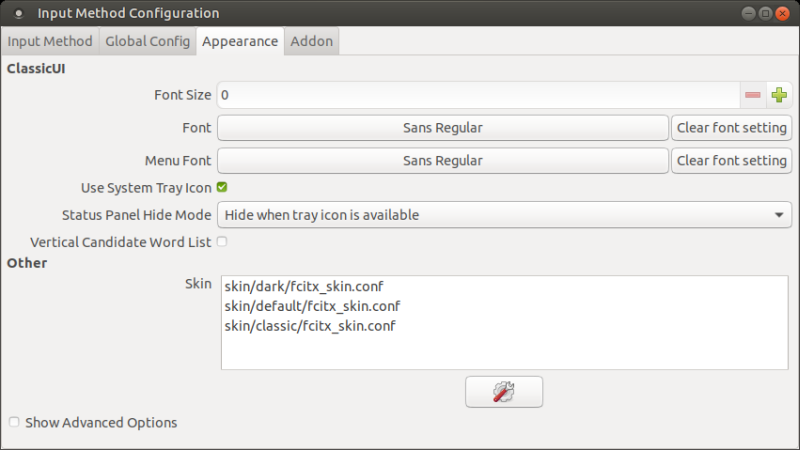
Finally, I was happy, because I could continue my testing without the visual dance of bullshit in the corner of my eye. This was so horrible that about 20 screenshots I've taken in trying to figure out how to kill this thing all have long and deep expletives in their names. We will talk about this problem later on. Of course, there's a bug, which hasn't been fixed. In fact, 99% of all Linux bugs are developers arguing with people why their OOP minds should make UI decisions and how users are obtuse in not seeing the world through the code-focused lenses of their psyche. Bottom line: this keyboard indicator needs to be dissolved into basic elements, fixed, then maybe reintroduced.
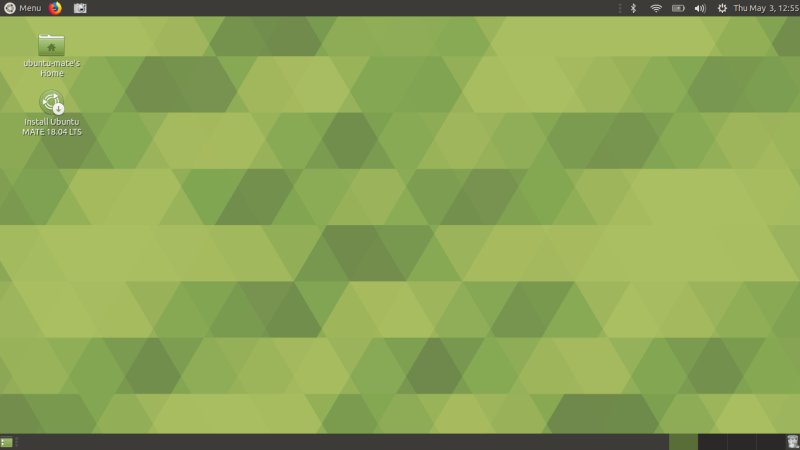
I could finally focus on the testing.
Smartphone support
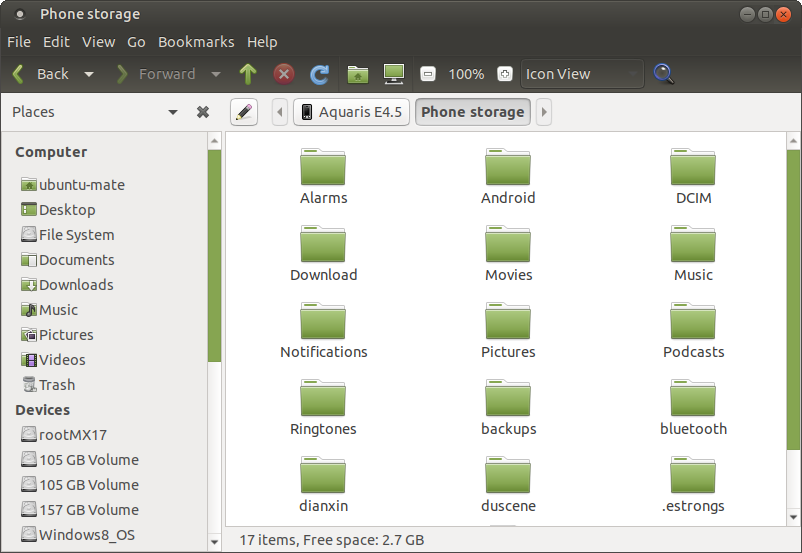
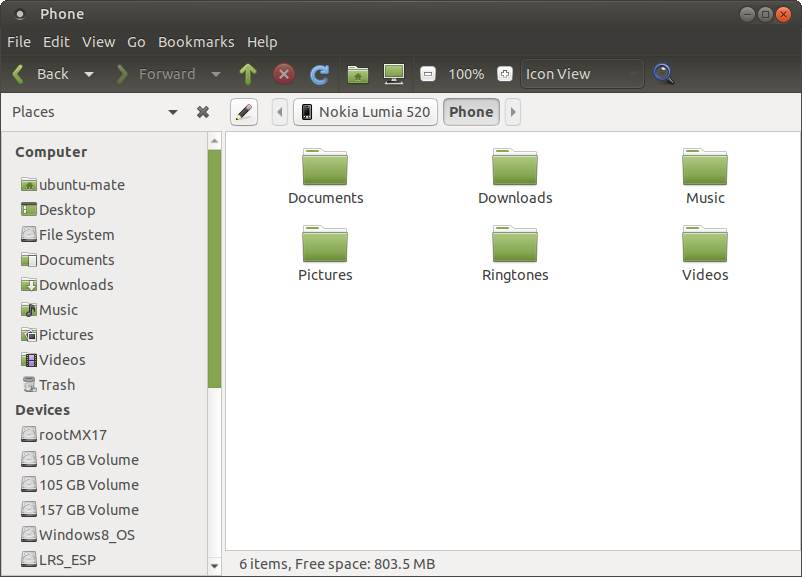
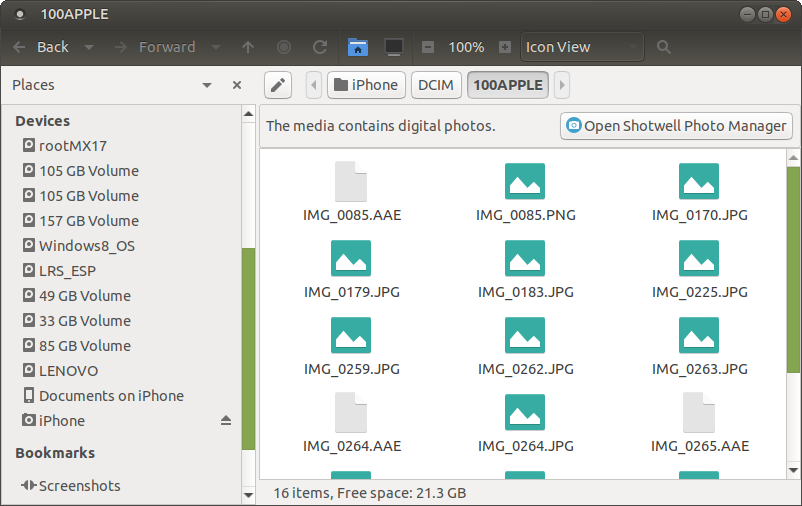
Excellent. All three major brands, lovely jubbly. Furthermore, Bionic tried to auto-pair with the Android phone via Bluetooth right away (possibly because the phone had the MAC address remembered from my previous tests). Again, nice.
Installation
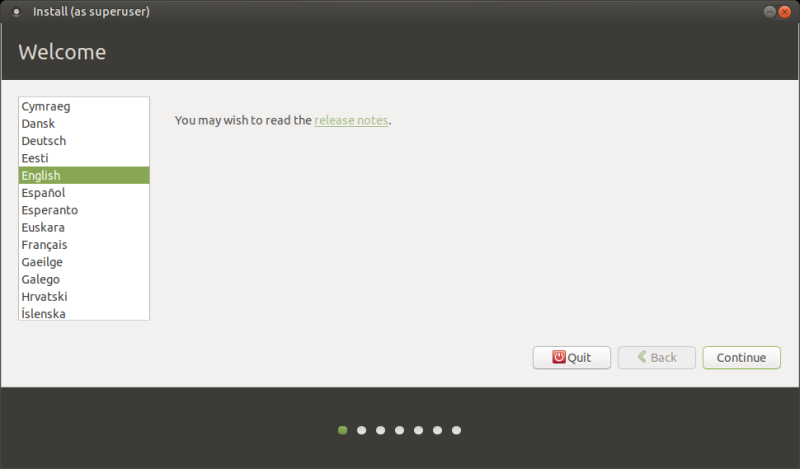
Overall, there was a plenty of good stuff in Bionic MATE. Let's install. A familiar ordeal with the usual nationalistic language twist where the installer decides it knows better than me what flavor and spelling it should use based on my timezone rather than my earlier installer + keyboard language choice. As always, I go for En(US) but then if I choose a European timezone, the language will be forced to En(UK). Thank you for nothing. If you try with Canada, Australia, South Africa and alike, you'll get similar forced changes.
The installer took forever discovering partitions, and then after I changed from Guided to Manual, it still took another few seconds scanning for devices AGAIN. Pointless. If I recall correctly, no option to use LVM and/or encryption like we've seen in Ubuntu Beta. Maybe I just missed seeing it, so don't get hung up on this one.
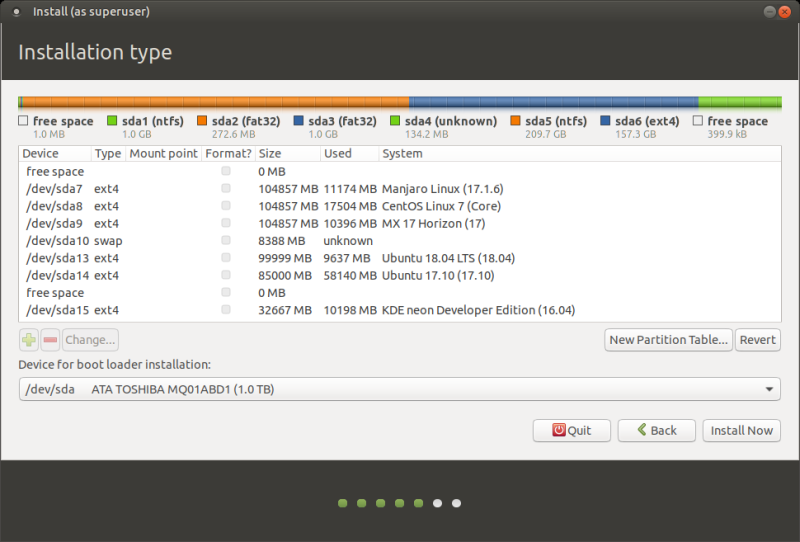
The partitions show with names, unlike Kubuntu. Also, unlike Kubuntu, the installer switched to the user setup stage right away instead of waiting for the file copy process to finish. The slides are pretty and inviting. The laptop was super hot during the entire live session.
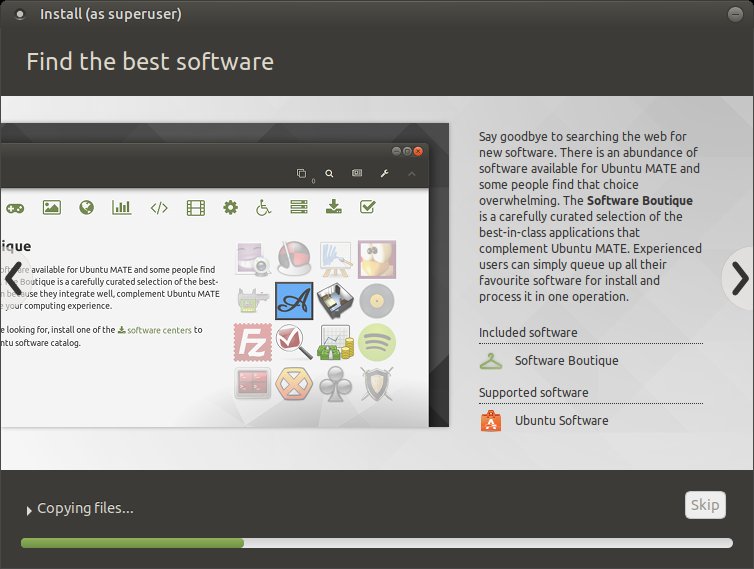
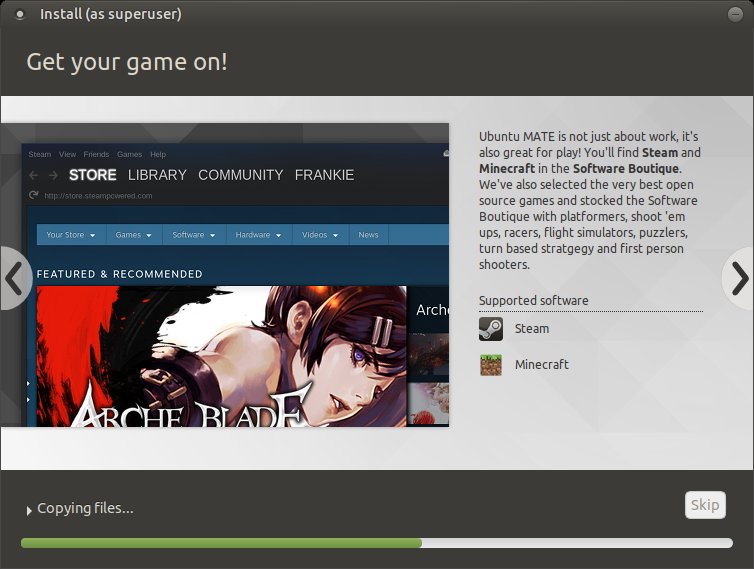
There's a mention of something called Boutique. We shall see.
The MATE-ing ritual
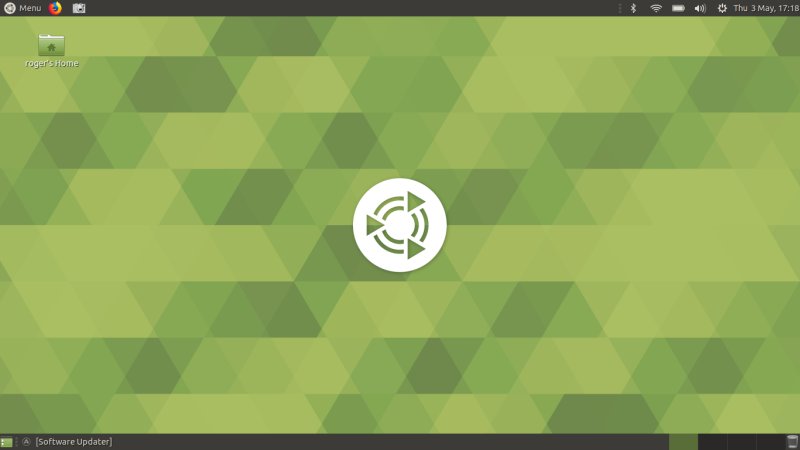
The distro installed fine into an eight-boot Windows-and-Linux UEFI/GPT setup on the G50 laptop. The boot sequence is pretty fast - and clean. No firmware nonsense this time. The system came up without the Wireless settings being preserved. The Welcome screen did not launch until the subsequent login. Again.
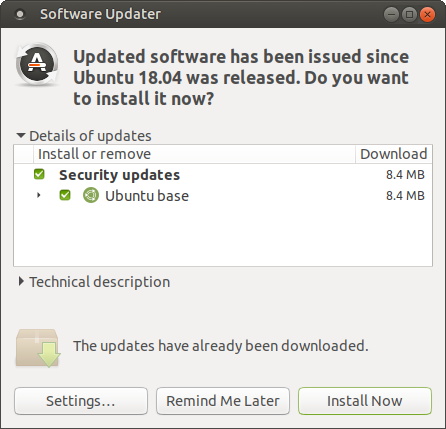
Further inconsistencies: No keyboard indicator, and the system updater popped up right away. Just notice how many differences there are between identical-family flavors - Kubuntu and MATE so far. We've seen this back in 2015 in my War on inconsistencies article. And what has changed in almost three years? Nothing. Until distros develop a robust testing framework where 20% of time is done developing and 80% testing - YOU KNOW THE NOT FUN PART OF CREATING PROFESSIONAL PRODUCTS - it will never ever scale up and measure against Microsoft Windows.
Development is not meant to be fun. It's modern-day digital slavery.
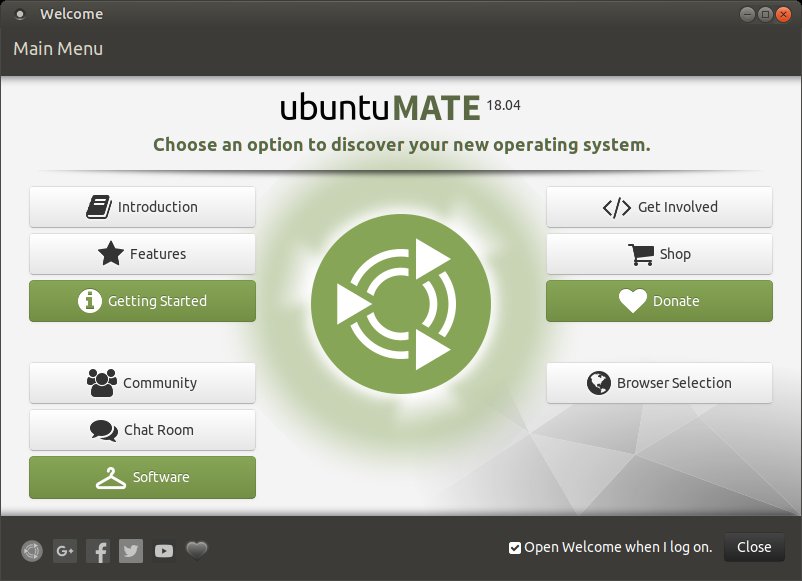
And on second login, this fella showed up:
Customization
While doing all sorts of other tests, I focused a lot of energy in making Ubuntu MATE pretty. There are many reasons for this. One, the power of MATE (Gnome 2), which allows for quick and simple changes, unlike its successor, which is basically a smartphone-cum-desktop-wallpaper. Two, I want to see if Ubuntu users can regain the reasonable Unity-like looks now that Unity is gone and Gnome 3 is the default desktop, because Gnome 3 is not suitable for real, prolonged usage in any way shape or form.
Ubuntu MATE comes with a nice collection of wallpapers. I didn't even have to download anything. I did install the Papirus icons, but most of my work focused on the customization of the desktop and panel layout. All this can be done through MATE Tweak, which is installed, and we've already seen some of this stuff in my MATE & Mutiny review.
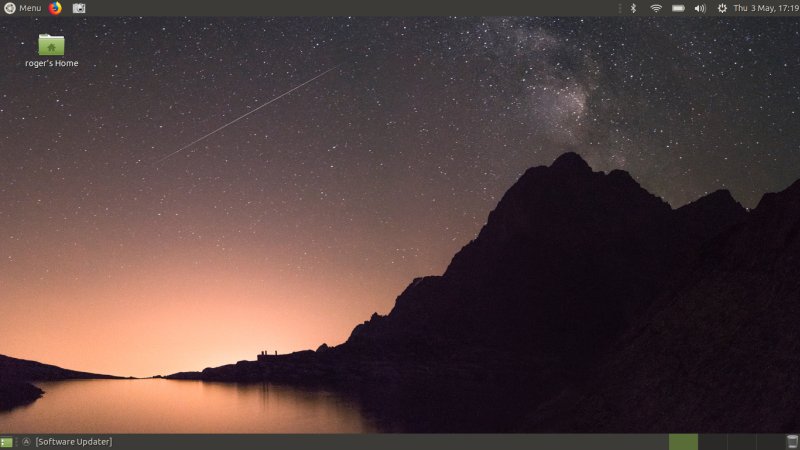
This time, I made sure to backup and save my desktop layouts before switching to other modes, because you do lose your customization. You have an integrated, built-in dock, HUD, and you can use both traditional and MAC-like layouts, with top panel + global menu and a dock either side or bottom. Very neat, very flexible, very easy to use, a joy, sprinkled with bugs of course.
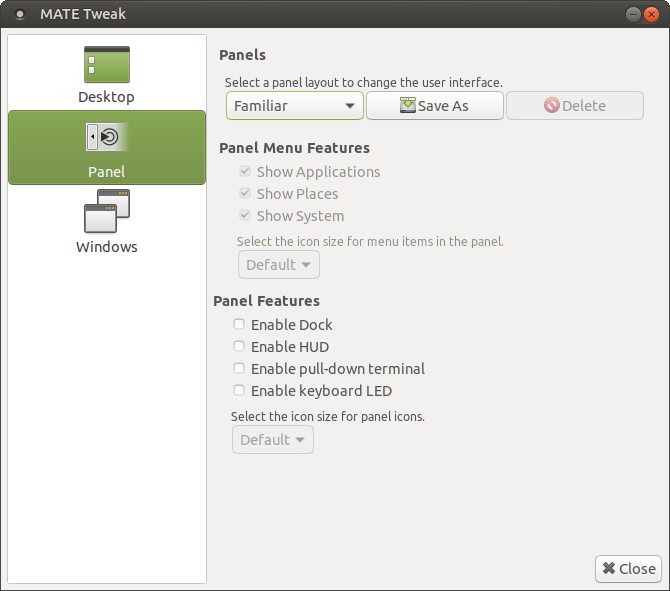
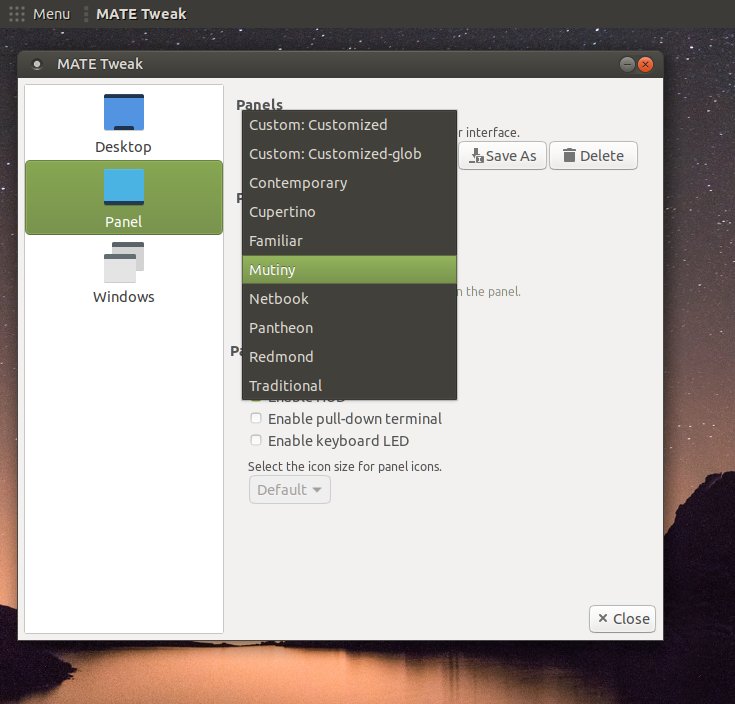
At first, I went for classic look + dock + global menu. Manually, i.e. not Cupertino or Mutiny layouts. The global menu worked fine, but it was sometimes a little bit slow. But it's quite powerful. You can invoke your files directly from the desktop, and it looks the part. Saves you some vertical space, too.
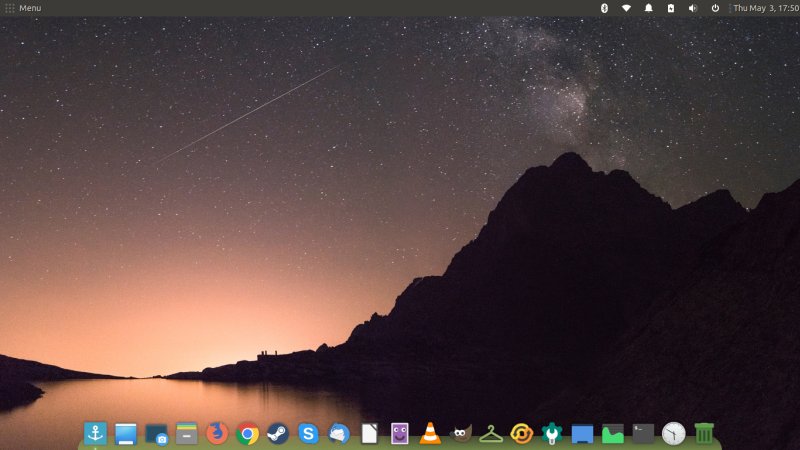
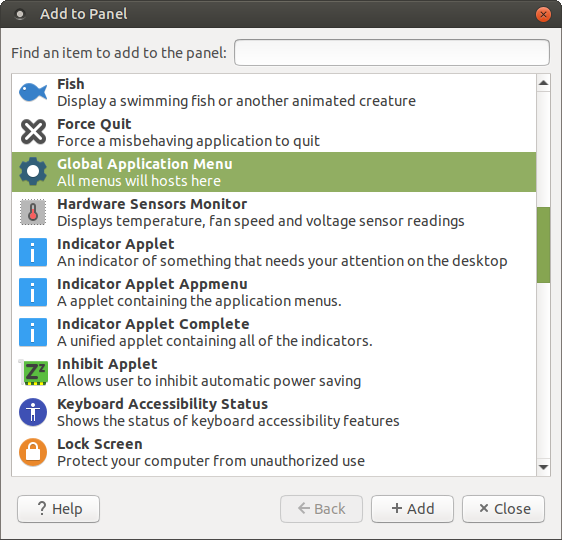
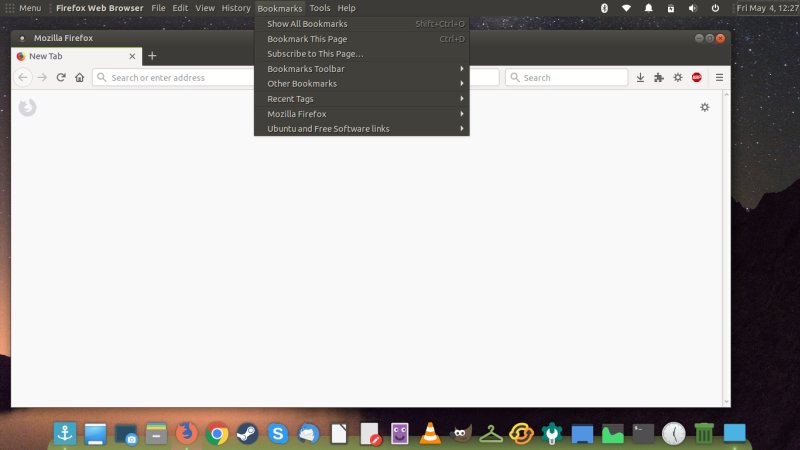
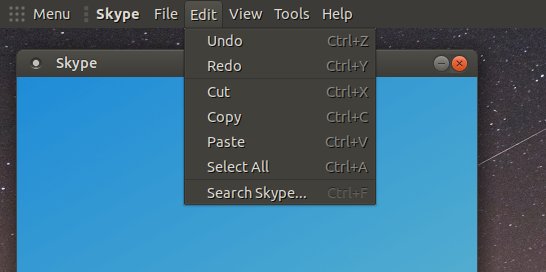
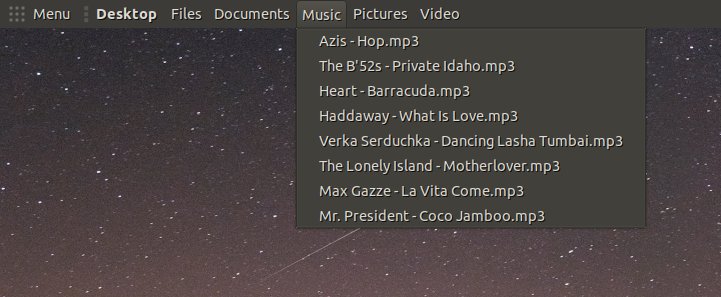
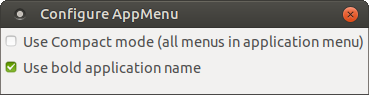
Customization wise, you don't get much, only a weird little config window - btw, why does it call itself AppMenu, when the panel preferences list has a different title?
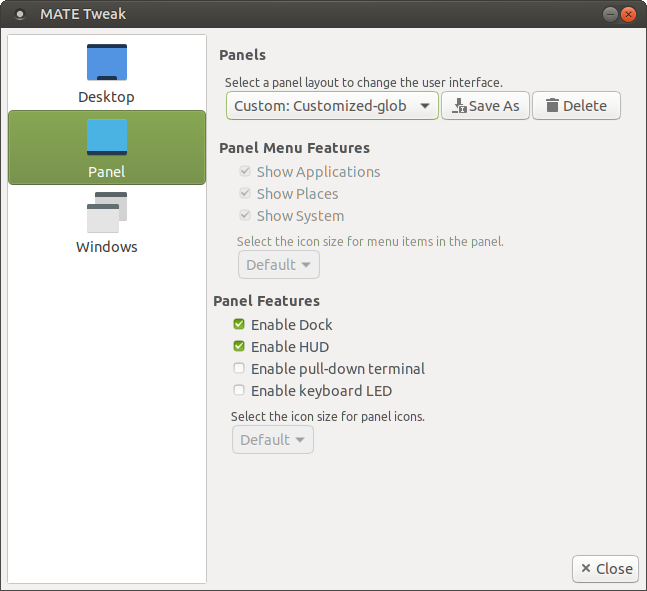
I tried Mutiny second. This was all right, but it took much more effort than I had planned. You need to unlock items, shuffle them around, like the Trash or the Show desktop applet (not there by default). This is definitely a time waster. In the end, it looks nice.
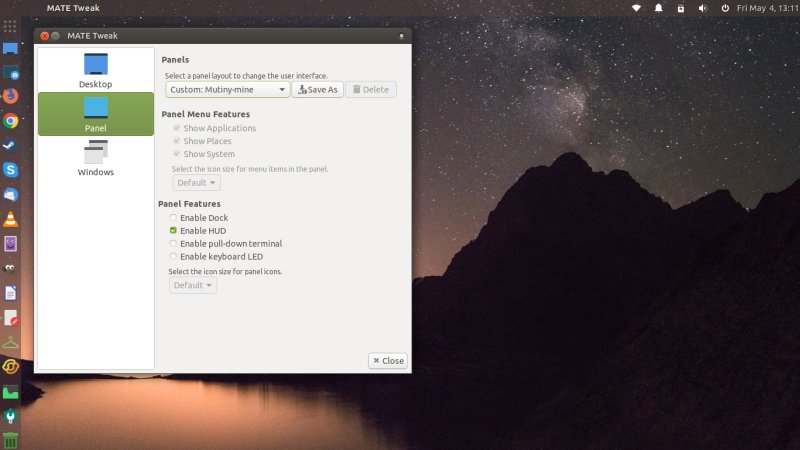
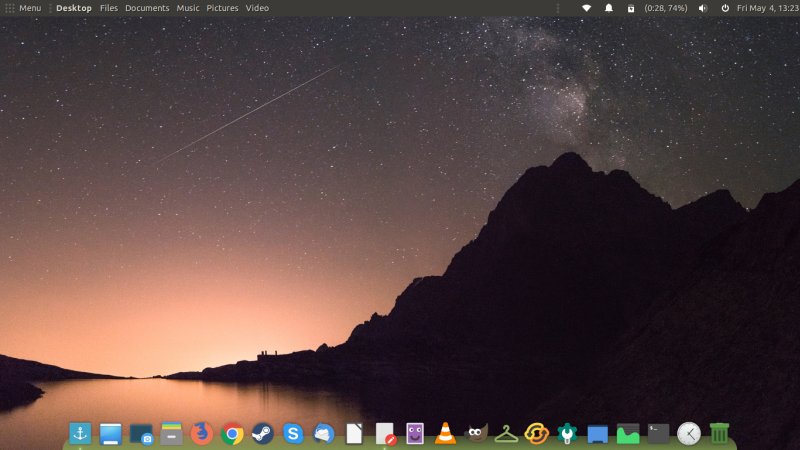
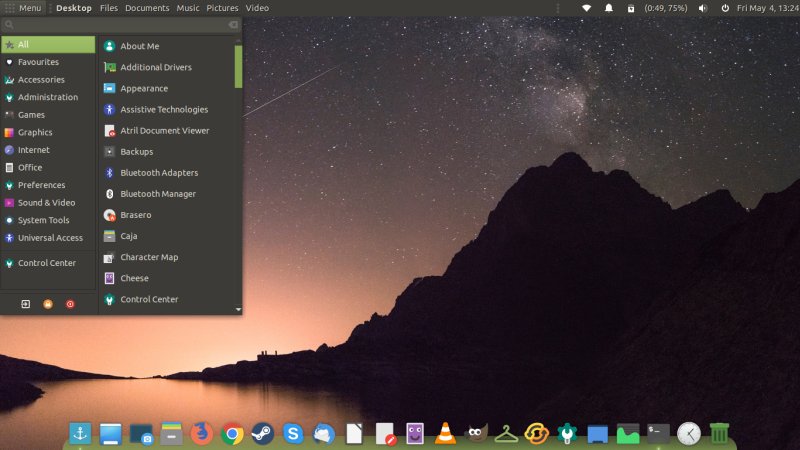
There might be a complete separate article on how to make Ubuntu MATE pretty. Stay tuned. Meanwhile, le final product, with the classic layout for me after all. I hope you approve. Or something.
Networking
The Samba common package was installed - unlike Kubuntu, and I had to edit the configuration again. This time though, I struggled getting to my shares, and this was because the keyring wouldn't get unlocked and whatnot. We're having a KDEWallet moment in MATE. Only after a full reboot did it prompt correctly for password, and I was able to reach my shares. This is silly.
Package management & updates - Enter Boutique!
Well, we saw the updater pop up right away, nice. There weren't too many updates, so we will see how this affects the system stability as we go along. Now, Boutique is the really intriguing part. Ubuntu MATE comes with a new package manager. Before you say not another one, hear me out: Boutique is the best GUI package manager available in Linux currently. Boom.
I was not expecting it, but there it was. Slick, elegant, useful, with clear recommendations, easily accessible and powerful settings, no glitches, no inconsistencies, Ubuntu Software Center from yore reincarnated. After years of being orphaned, we have a nice software center. Finally! Moreover, the Partner channel is enabled by default, proprietary software, check, and you can ALSO grab Skype and Chrome, no need to wander online. Steam, too, of course. You can tweak and change software sources, and even fix problems should you encounter them. This is but a teaser, and we will have a complete standalone review soon.
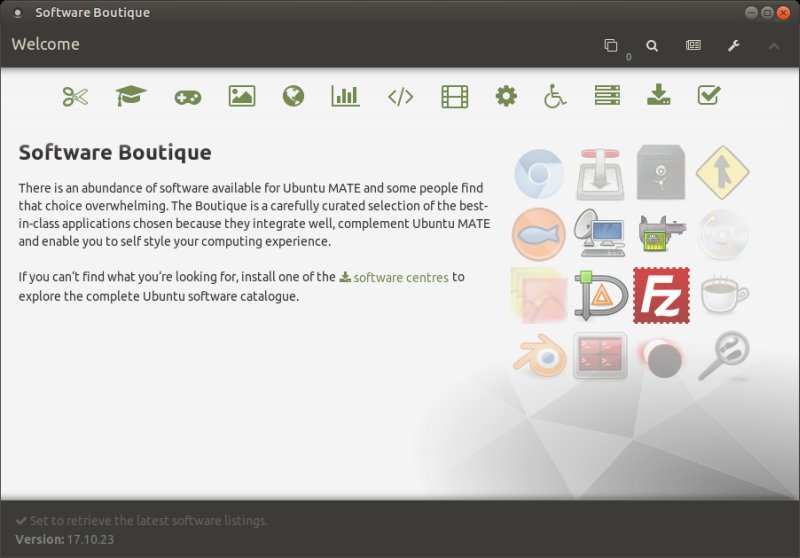
Notice the UK spelling of the word Center (even though my desktop is set to US locale).
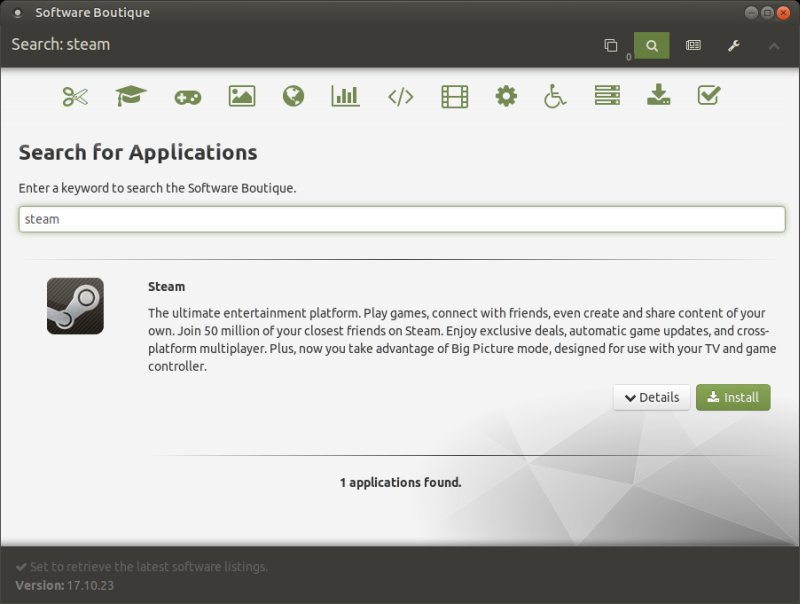
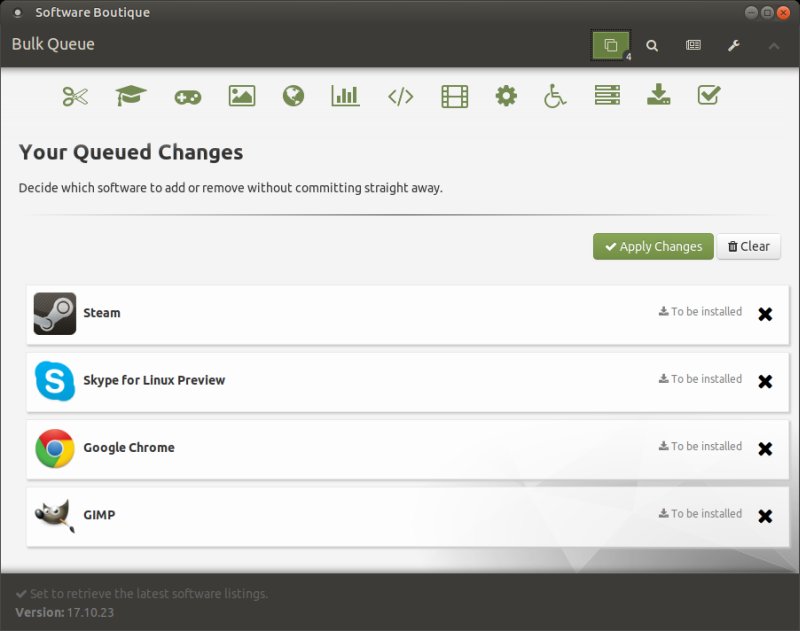
BTW, I have to add something more. So yes, Boutique is a gem. And it highlights the sad reality of the Linux world. Supreme solutions exist in rare isolation here and there, buried among projects and distros. If only all these self-centered efforts cooperated together, we could have an operating system that blends the best of all worlds, the best this, the best that, a fusion of the good things in MATE and Plasma and Xfce and openSUSE and Ubuntu and Gentoo and whatnot. Alas, that means 90% of egos will have to relent first and say, perhaps that other guy's tool is better than mine, maybe I'll join effort. Let's keep on dreaming.
Applications
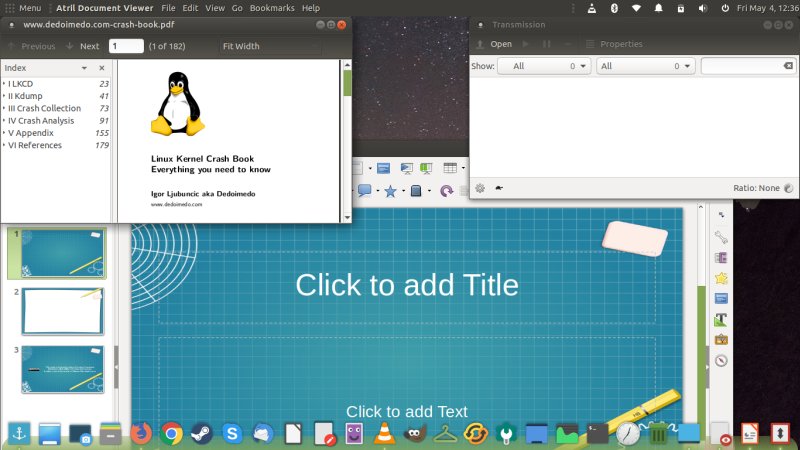
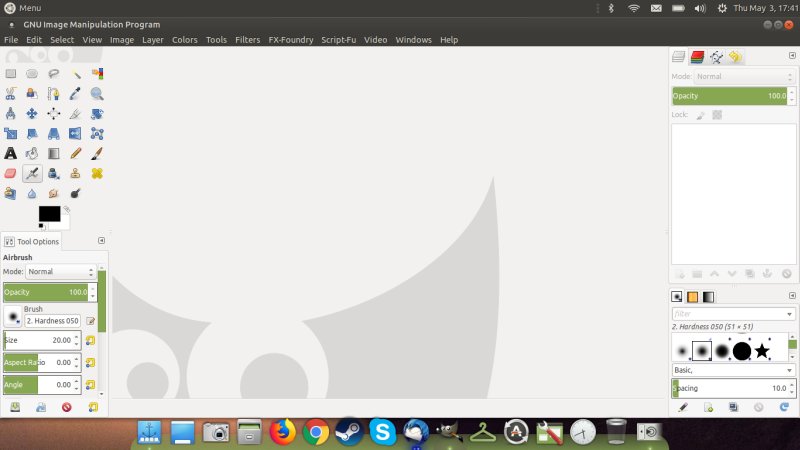
Bionic MATE weighs about 2.0 GB, and it gives you: Firefox, Thunderbird, LibreOffice, VLC, Transmission, Cheese, Atril, and some more. It's a reasonable lot, perfectly sane and functional. I added lots of extras, including GIMP replete with goodies and scripts and whatnot.
Hardware compatibility
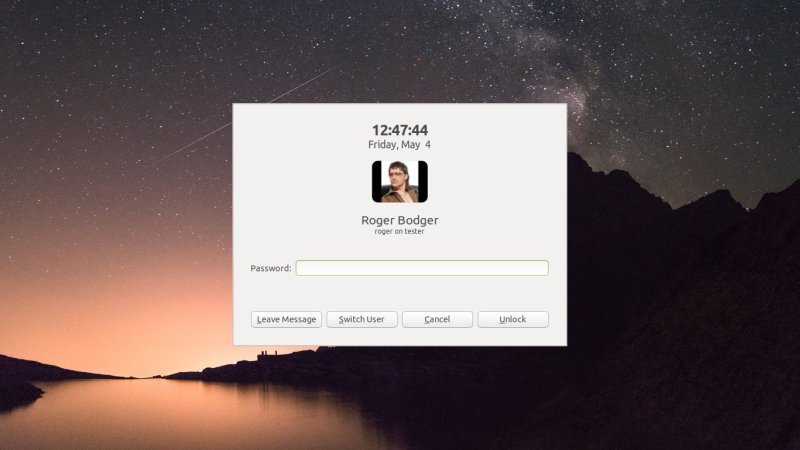
Overall, it worked just fine. No hardware problems, to begin with. Suspend & resume worked fine, with none of that screensaver stuff we saw in the early testing. Hell, you can even leave a message on the lock screen. Cushty. Webcam, Fn keys, all that, good. Overall, the hardware side seems pretty tight. No Intel microcode firmware, though.
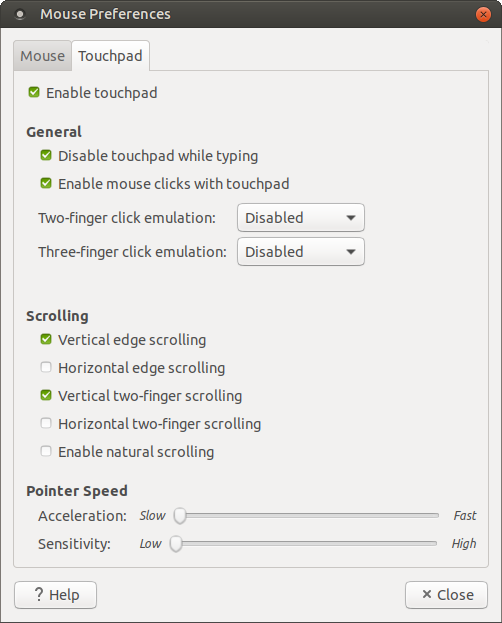
Touchpad control is also good:
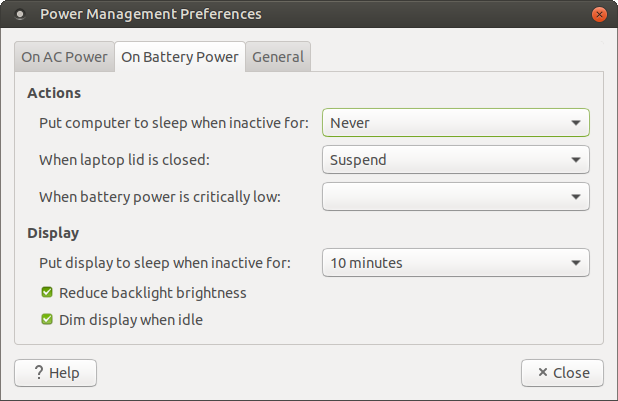
Power management
Very reasonable. Overall, among various desktops, only Plasma seems to have any degree of precise, granular power management. Well, MATE is edging into this territory, and the implementation in Bionic Beaver is quite all right. Decent settings, plus when you unplug the power source, it reduces the brightness right away. Very neat overall.
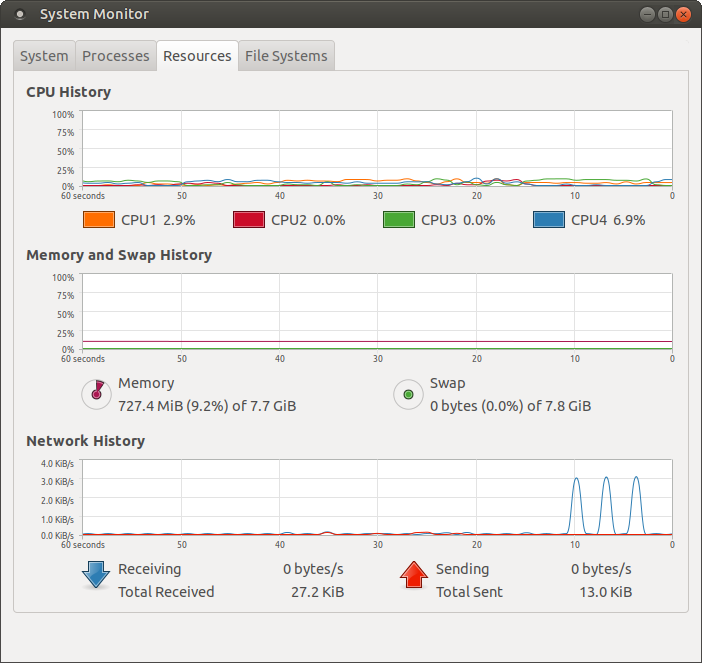
Resource usage & battery life
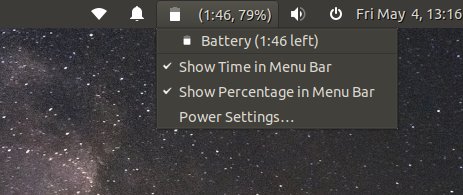
Well, this was a surprise. Good and bad. On one hand, Bionic 18.04 with the MATE desktop is very fast. It responds instantly, and the performance is stellar. But the numbers aren't as frugal as they should be. Memory usage was about 730 MB and the CPU ticked at about 5%, with Xorg taking anywhere between 6-9% on a single core constantly. Not sure why. But Plasma is less ravenous.
Some other cool things
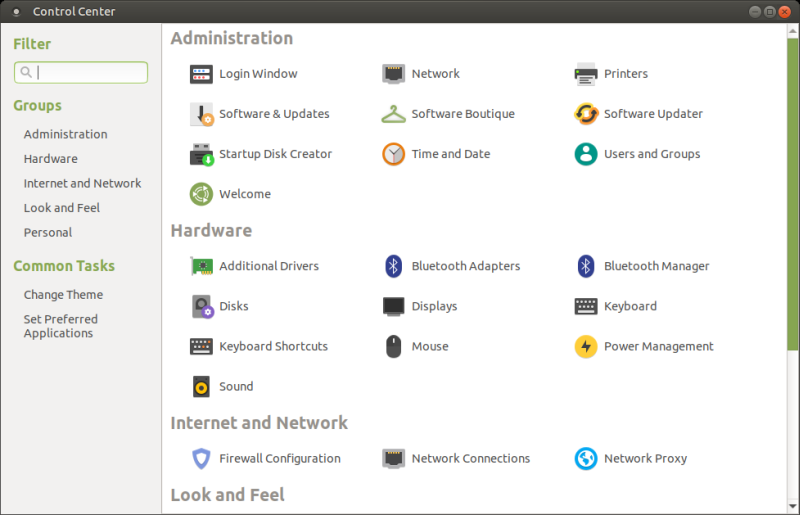
I think we will talk about the ups and downs of MATE separately. For now, let's just briefly cover some other interesting features. We saw MATE Tweak, and there's also a very nice Control Center. Rich, powerful, simple. As it was always meant to be.
Problems and visual niggles
There were MANY visual bugs and glitches. Too many for the distro, even more so for an LTS. Some of the stuff in the MATE desktop simply feels not ready or not polished enough. For instance, Pluma the text editor comes with a default dark theme whereas everything else uses a light one. Failed integration. The font is not as sharp as Kubuntu (or Ubuntu). The default theme contrast isn't strong enough. VLC auto-resizes for video but does not auto-resize back for audio.
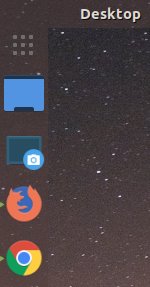
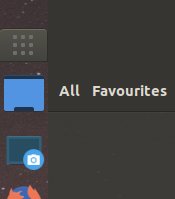
There were tons of language-related issues. In the live session, Control Center read Control Centre despite my language choice. The Brisk menu has a Favourites section, and this is hard-coded, because it stays so even if you switch to other locales (like American English for instance). There were half a dozen other instances like this.
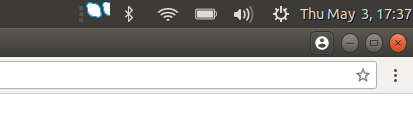
I had problems with the notification area. The Skype icon shows totally weird, and the bigger you make the top panel (height), the half-cropped Skype icons you get there, bunched up oddly, the worse it becomes. After switching among different modes using MATE Tweak, the notification area moved and/or disappeared altogether. You have no option to push the shutdown button to the far right like in Ubuntu - it's an inseparable part of the system area, so it sits to the left of the clock & calendar, and that's ugly. Maybe you can manually add individual indicators, but that's annoying and unnecessary. The calendar also disappeared in between my games.
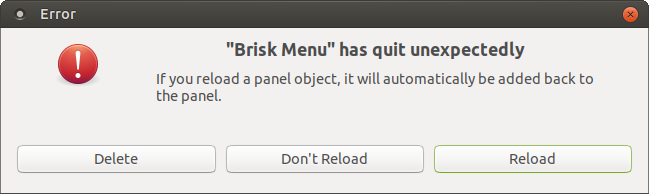
Moreover, while testing the different layouts, Brisk crashed! Twice.
The Global menu also crashed - after I viewed Music files in my home dir (see earlier screenshot):
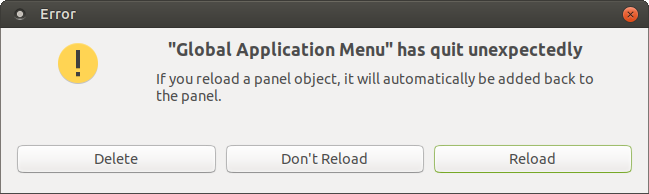
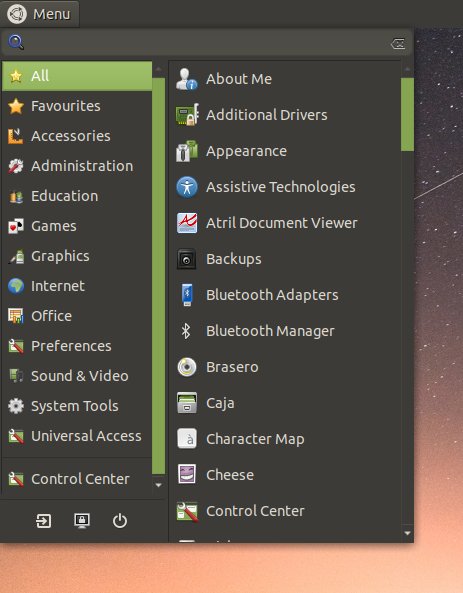
When I had it reloaded, it was visually misaligned. I complained that it crops categories, remember. Well, this was all right at first, until the crash - but after that, you get the ugly stuff again, and no option to manually resize like say Whisker. After a couple more reboots and logins and panel layout changes, it was okay once more.
Switching to the Papirus icon theme also fixes the VLC icon thingie in the system area:

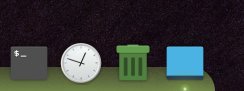
Working with the Mutiny layout, I found a dozen other visual issues. The Show desktop applet is too wide on the 48px width and okay if you slim down to 36 px. The scroll up and down action comes with a severe delay, so if you have a full dock, this is annoying - better to go with a horizontal layout with Plank. That one has both more space and reacts much faster. Wrong spelling in the menu, too.
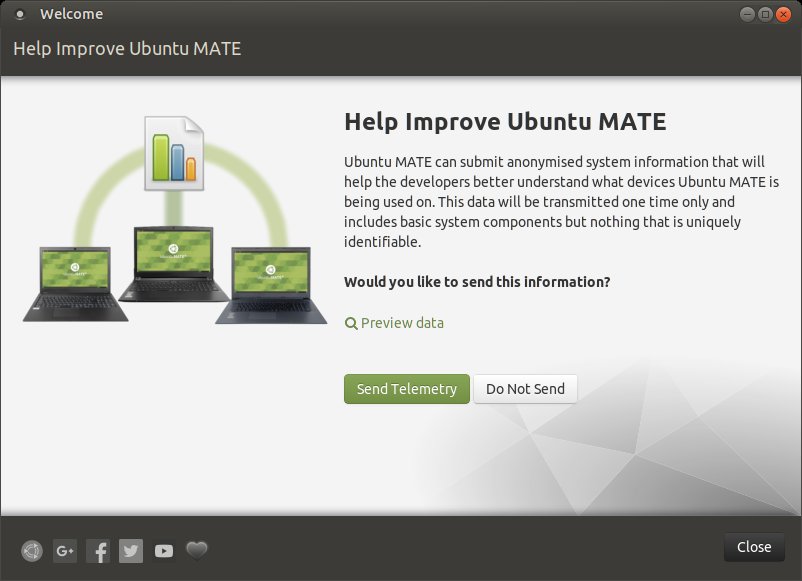
The Welcome screen asked me about telemetry. What? Well, you can choose, and move on with your life.
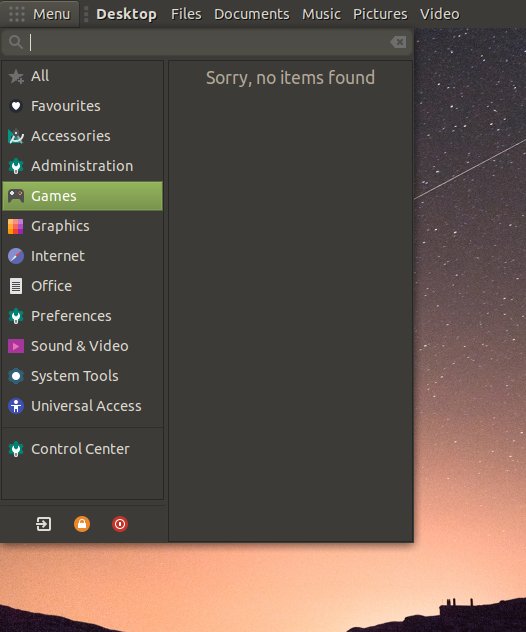
Steam does not show in the Menu games category:
Conclusion
Ubuntu MATE 18.04 Bionic Beaver is a reasonable distro. But it's nowhere near LTS good. On the bright side, MATE has undergone a phenomenal face lift, Boutique is dog's bollocks, and the media-phone stack is really awesome. Lots of nice things all around.
On the other hand, we have application crashes, less-than-average battery usage, tons of visual niggles, Samba problems, and quality that works fine for an amateur project, not for a serious distro that people might need to rely on for the next five years of their life and work. I know I can't. The underlying issues need all be fixed out before this can be a candidate for my production setup. Shame, because there's so much cool and funky stuff, marred by almost nonexistent QA and life-sapping bugs.
Overall, the MATE edition of the 18.04 LTS family is better than Kubuntu. Something like 7.5/10. But when we remember what's out there, and how Trusty fared, and how Zesty fared, well, this is hardly an achievement. I will do the whole long-term follow up, and of course, the whole bucket of useless bugs that were arbitrarily released sometime in late April will surely be fixed in the coming months. I might even end up using this a year from now. But it won't be love or enthusiasm, more of a lesser evil if it comes to that. And that's not how I roll. Aiming for mediocrity is the worst kind of ambition. Let's hope Linux - and Ubuntu MATE - can do better.
Cheers.