Updated: September 6, 2021
Some people wrongly assume that I'm opposed to online accounts. Not at all. In some scenarios, they make perfect sense, where the online functionality is an intrinsic part of the usage model. Like on the phone. What I am opposed to is UNNECESSARY use of online accounts, just for the sake of it. Case in point, Windows 10 Home, and now Windows 11, too.
I've already done a review of the Windows 11 Dev Build, and also showed you how to tweak and undo some of the low-IQ features in this system. I didn't touch on the installation process, because, until very recently, there wasn't an official bootable ISO for clean-install testing. Now that there is, I want to show you how to configure a local account in Windows 11. The simple, classic desktop formula, and all that. Follow me.
The paradox of forced decisions
Software is designed by two types of people - clueful techies and clueless marketing folks, who often end up providing "clever" ideas to the nerds on how to "improve" products, in the name of profit, of course. Forcing users of the Home edition of Windows to use a Microsoft account in order to complete the installation process is a typical example of this nonsense. It's also a paradox:
- There is no reason to force users to create an online account, because 99% of people just follow defaults. It's the 1% techies that get burdened with unnecessary nonsense.
- There are legitimate cases where people may need to have a local account, prefer it for usability and privacy reasons, and also may not want any of their data shared online. Making it harder for these people to have the setup they need is an exercise in softcore bullying.
- The techies will always find a way around the problem, so why overcomplicate things when the outcome will be the same?
Then, there's the element of indignation. I have no real opinion or resistance to most technologies or solutions UNTIL they are shoved down my throat, when low-IQ people start forcing me to "adapt" to their banal ideas of functionality. No. This is where I push back. Marketing people and such like can be as "excited" as they want on stage, but once they start treating me as a stupid cash cow, I'll resist loudly and mightily.
There are companies and products that I've been boycotting since early 2000s. You will never ever hear a mention of them on Dedoimedo, not so much as a single word. Total and complete black hole. Whenever some new stupid idea is bird-dropped onto my head, it goes onto my naughty list, and then, it never gets used. Here are some Windows-specific examples:
- Windows 8 Start Screen - It opened my eyes to Classic Shell, which I've not considered using before.
- Windows 11 menu - Another useless implementation that made me use Open-Shell instead.
- The Teams Preview in Windows 11 - I used the program before, never minded it, it was quite alright actually, but now, because it's been added to my Windows 11 in a rather rude manner, it's on my never-use list. If there was only a slightly friendlier approach to the whole situation, I might have installed it and really gave it a proper go. Now, nope.
- Microsoft Edge - A very decent browser, but because how Microsoft ignored my Edge registry upgrade block from back in the day - an official registry tweak published by Microsoft to allow customers to not upgrade to the Chromium-based browser version, ever - for this reason, on my Windows desktop machines, the browser is not even allowed to run. I have no problems with it in Linux, for instance. This may sound like a paradox, but it is not. Behave naughtily, and you go into the naughty corner.
There are more examples. The ones above are mild, mind, because I still find value and use in Windows overall, and it's not all bad. Far from it. But then, some of the stuff going into the operating system really challenges my chromosomes. The same goes for online account functionality. I have several Microsoft accounts, I used them with DELIGHT on my lovely, lovely Windows Phones - it's Microsoft who killed my perfect Lumias, not me! I still think Windows Phone is superior to all the other mobile operating systems, by a good parsec. Then, I've had my Insider testing account for years now, and all that. I care. But then, when I want simple desktop functionality, I want simple desktop functionality.
And this is where the online-account mandatory nonsense kicks in. What's the point? How me having an account will benefit Microsoft in any way? If anything, my usage patterns are so contrarian, they would be doing themselves a favor by not giving me one. In the past 20-odd years of using the Internet, I've not once clicked on an ad or somehow gotten swayed by mass-media nonsense. Perhaps that's a clue?
Enough ranting, let's do this.
Local account options in Windows 11 Home
There are three methods you can use to get a local account configured:
- Set up your Windows 11 box, create an online account, log into the system, then create a new local account, log into it, delete the (first) online account, and continue using your machine. This will work even if all other methods fail. It's a total waste of time and effort, of course. But maybe, "they" will take a hint once the number of those dead accounts starts piling up.
- Set up your Windows 11 box without an Internet connection. You MAY be given an option to proceed with a local account configuration.
- Set up your Windows 11 box with an Internet connection. Use a nonsense account.
What I'm saying here isn't new or novel. I outlined similar issues in my Windows 10 local account guide. The different methods and ways to create a local account in Windows 11 are also extensively covered in the following two guides - the Winaero and Windows 11 Forum tutorials. After all, other smart people have found themselves in the same box, sharing the same loathing and resentment for this low-IQ push for mandatory online account functionality for Home users.
Now, let me walk you through the actual installation process.
Installation process
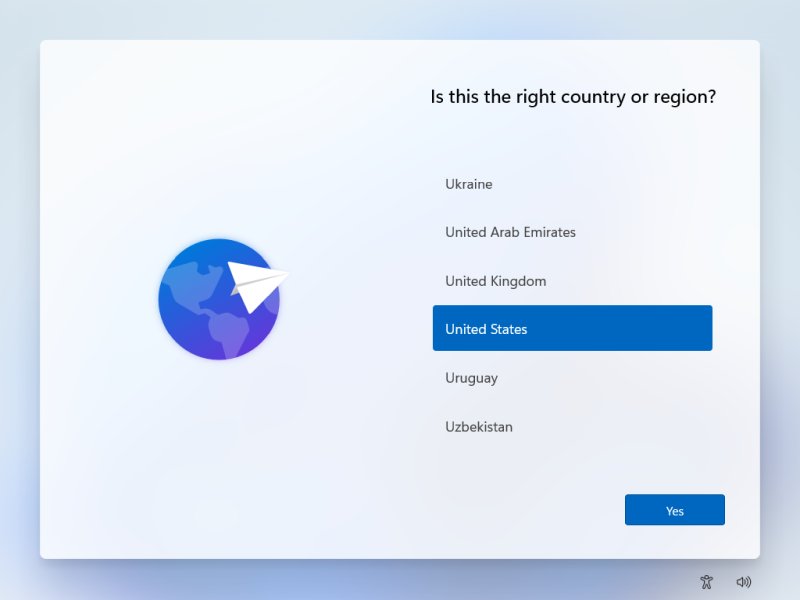
You will be asked the same set of questions as in the past - Language, Keyboard, partitioning, and then the user setup starts. Windows 11 will use the narration tool to let you know that you can use accessibility options during the installation. Then, you will be asked to select region and keyboard (once again), add any extra keyboard layouts, and optionally name your host. This is the one new and truly useful aspect of the whole procedure.
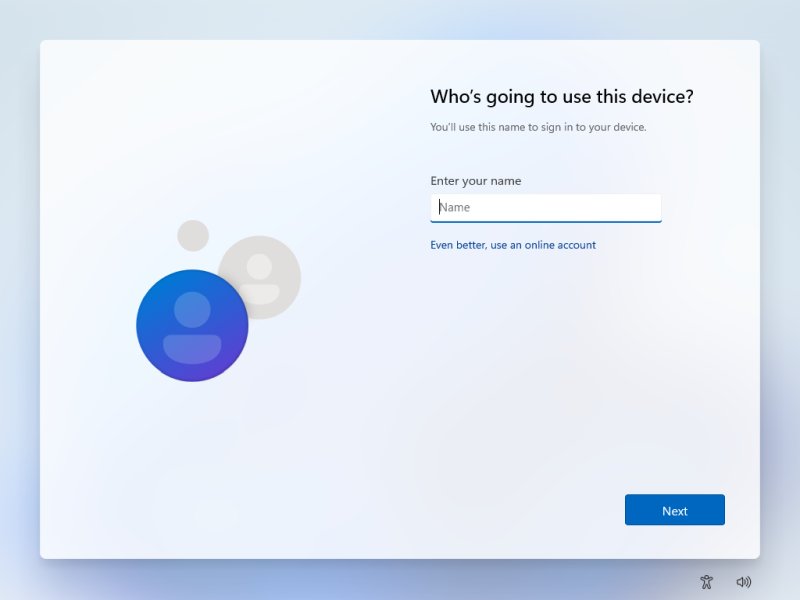
After this step comes the user account setup. I tried completing it with no network connected, but unlike the Windows 11 forum guide, I did not see an option to continue with the limited setup. Perhaps this may be a change in one of the more recent Windows 11 Dev Builds, or maybe Windows didn't like my virtual machine configuration. I was unable to continue without the network running.
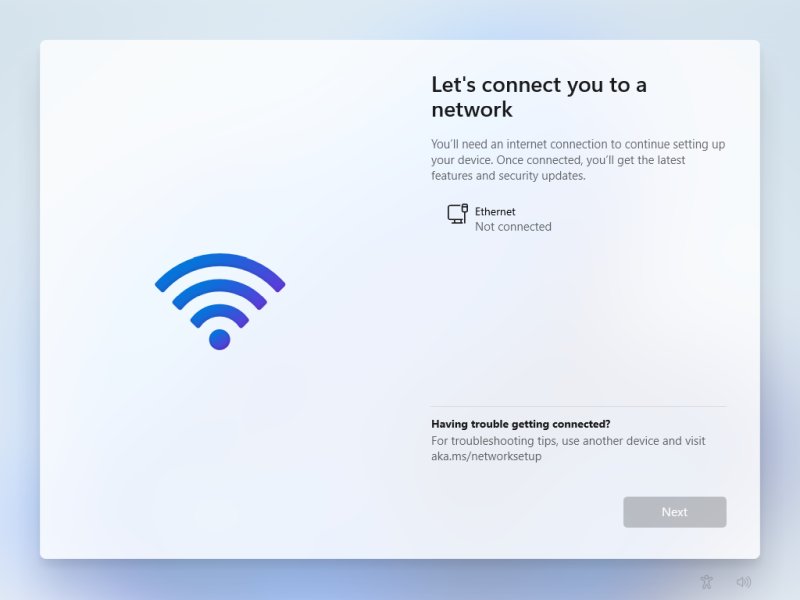
Then, I was asked to sign in - there is no option to fall back to the local account, and if you click the Back button in the top-left corner, the installer just loops back to the same step. If you reboot, the user setup will start fresh. I realized that I needed to go with the third option here, and that is to use a nonsense account.
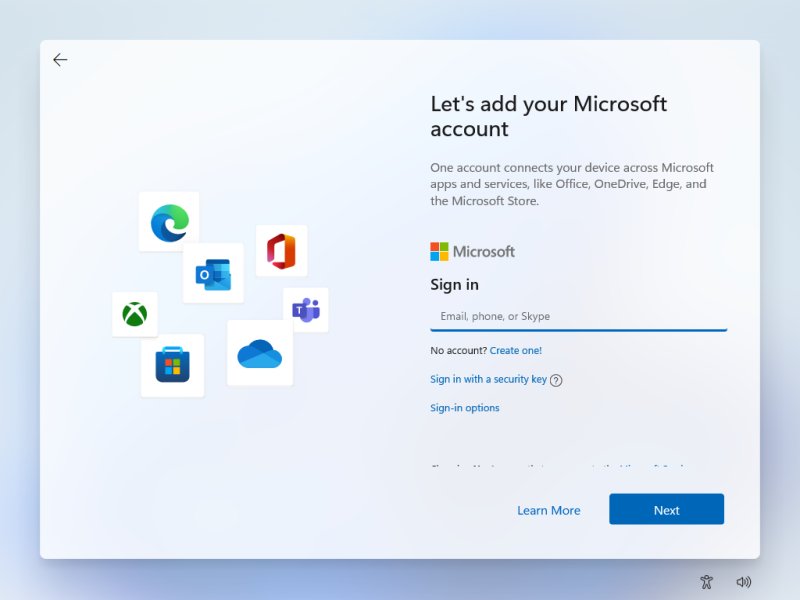
The blurred dots are not an artifact - it's the top 5-6px of a new text line, which does not fit into the installer frame. Tiny details. But they matter so much.
Predictably, the setup failed - something went wrong - and then, Windows did offer me the local account configuration, just like in the good ole days. So why this whole charade to begin with? The functionality is there. Why hide it? Why make it so difficult? What is there to gain from just making things extra difficult for those who know they need an alternative accommodation? I am convinced that the majority of people will create an account without any great fuss. It's people who actually need the local account that will suffer. This is needless. This is pointless.
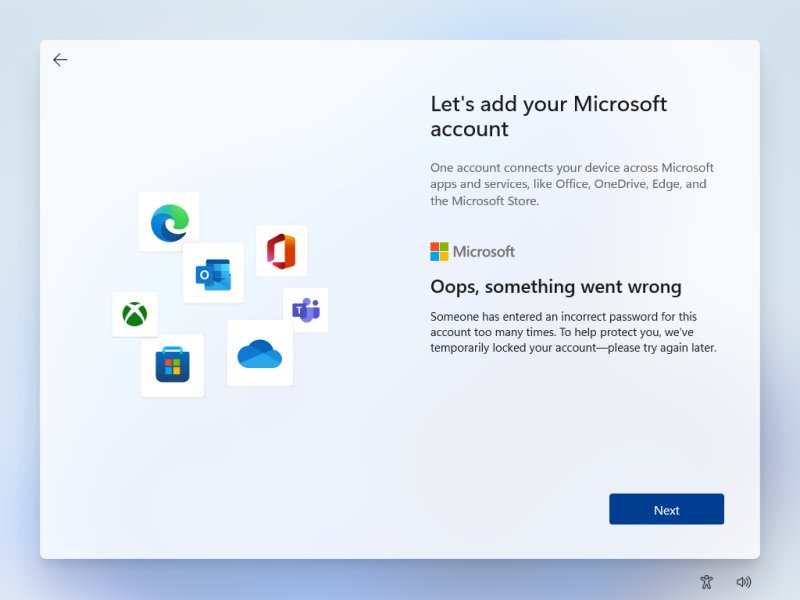

Why not offer a simple toggle - No to all? Why make things complicated?
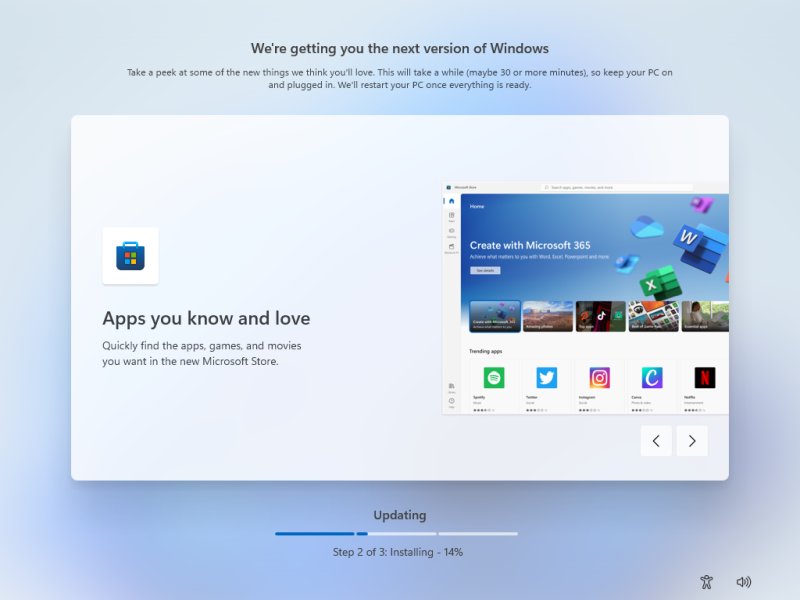
After I had the local account in place, the installation continued, and all was well. And by that, I mean, nothing special or remarkable. But I had the setup that I needed. One day, I may decide to use Windows in its "new" form, but first all these so-called "modern" apps need to become usable. Except ... as long as they have the touch element, they will be totally inferior to any classic desktop program. Always. It's the undeniable reality. Any touch-based, touch-inspired or whatever mobile-related application goes onto the desktop, bam, inferior.
Conclusion
There you go. Now you know what you can do to create a local account and dispense with all this unnecessary online-account better-life saga. Was it fun? Was it really needed? No, this is a waste of time, yours and mine. I did something because it needed doing, but then, all it takes is one little button for Microsoft to make the user experience nice for everyone, those who want online services and those who don't, those who are nerdy and those who are clueless. Very simple.
Windows 11 is shaping up to be another Windows 8 - the Start menu is another 10-year-old problem resurrected. And the thing is, after so much noise about Windows 10 being the last version, and the whole rapid release cycle, now, people have just started getting used to this new operating system, and Windows 11 is here, and it doesn't really bring anything valuable to the table. Rounded corners? Windows XP. What else is new? Online accounts? For what? People who use their phone are deeply embedded in the Apple and Google worlds, they don't care about the PC. Why annoy the desktop people who don't want to be part of this despondent game? On that happy note, bye bye.
Cheers.