Updated: February 2, 2024
Comrades! Put your sickles down. It is time for another article in my long series on moving away from Windows. The strategic objective is for me to stop using the Windows operating system. The timeline should ideally coincide, at the latest, with the demise of Windows 10, in 2025 (not that the system stop being useful for many more months and even years after that). But to get there, one must achieve functional parity between Windows and Linux.
So far, my journey has been going great. In fact, better than expected. Especially on the gaming front. I've been able to install and run pretty much any game I own and love and play and which keeps me locked in the Windows ecosystem. I've tried all sorts: Wreckfest, ArmA 3, Command & Conquer: Red Alert, Age of Empire II: Definitive Edition, GTA: Vice City, and then some. It's all there in my report, yup, and you can also peruse the gaming section. And now, I'm gonna try another gem, the ultra-hard, ultra-fun industry builder game called Workers & Resources: Soviet Republic.
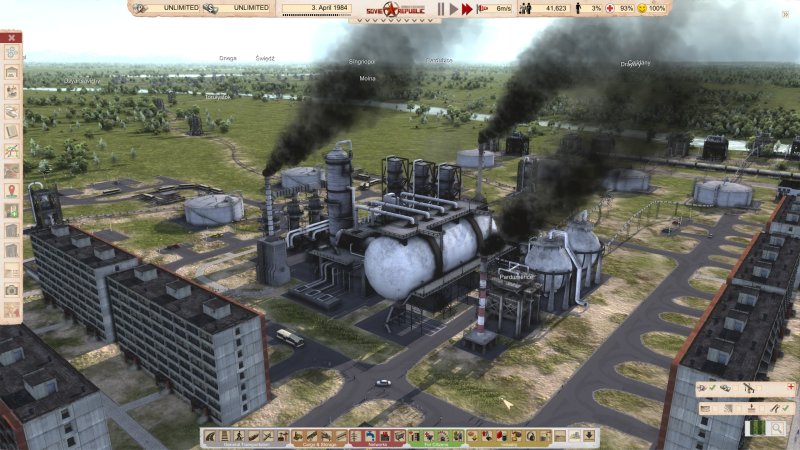
Installation
This was a pretty straightforward affair. Select, install, wait. Simple. My test rig: the Titan, w00t.
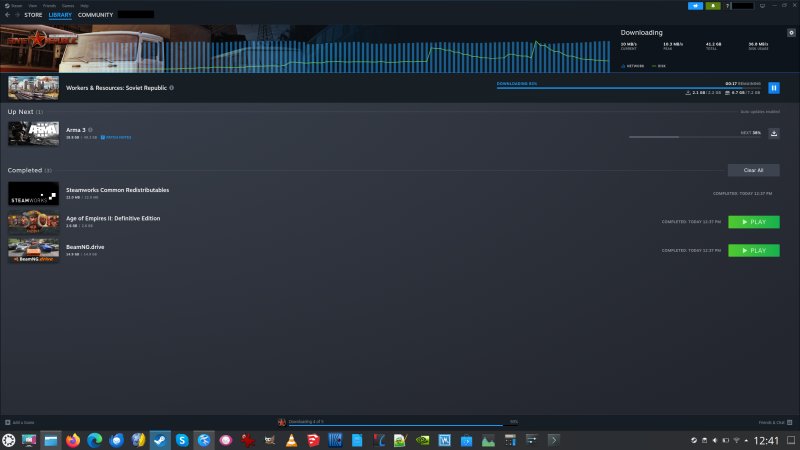
Does it play? Yes, but with some problems
I think this is the first title where I've encountered real issues with playback. And they don't occur consistently, which makes it a bit harder to resolve them. Namely, if you start a brand NEW game in your Proton-enabled session of Workers & Resource, audio works fine and without any issues.
However, if you load an EXISTING save game, ported over from your Windows installation, then your sound may not work. Specifically, the game will sound like a 1994 dial-up modem connection, a garbled, shrill whine that cannot be ignored.
How to resolve sound problems
There are three ways to do this really:
- One, when the game starts, select Windows 7 instead of Windows 8/10. Click on the button that reads PLAY AND SAVE (64-bit Win7). This should solve the audio problem in one fell swoop.
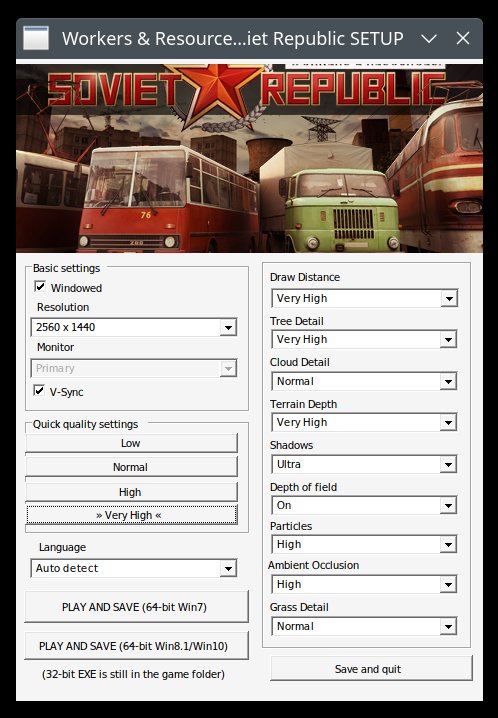
- Two, if this alone does not work, you will also need to add a WINE DLL override to your game startup parameters. In technical parlance, the Steam Proton compatibility layer is a heavily modified WINE setup. For those of you not familiar with WINE, it's a compatibility layer of libraries designed to mimic the Windows environment so that you can install and use Windows applications in Linux as though you're running them natively. Right-click on your game in Steam > Properties. On the General tab, look at the bottom, where it says Launch Options. This box will be blank by default. Paste the following string into the box, and then close the box and relaunch the game with PLAY AND SAVE (64-bit Win8.1/Win10).
WINEDLLOVERRIDES="xaudio2_7=n,b" %command%
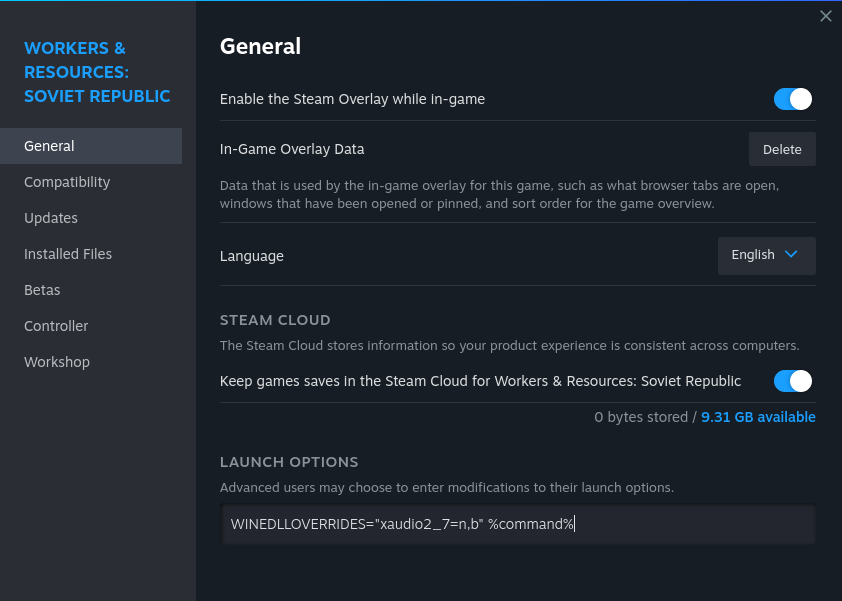
- Three, if this second option on its own does not work, relaunch the game in its Windows 7 mode PLUS the DLL override. The combination of both the Windows 7 option and the Launch options should give you proper sound and glorious music in game.
How to import old game saves
If you don't want to lose hundreds of hours of hard labor building the socialist Utopia, then you can copy your old game save files from Windows into Linux. I consulted PCGamingWiki, a site on my greatest sites list, on the right paths for where to place the save files, but the instructions were, for once, not that clear or precise. That set me back, but not for very long!
Thus, I did a little test to figure it out. I created a new game, saved it with an auspicious name, and then did a system-wide search in Linux, in a terminal window. The updatedb, locate command combo provided the answer I needed.
~/.steam/steam/userdata/[your Steam user id]/784150
The game files need to go into the folder above. There, you will see the correct path, where you need to place your Windows save files. And if you're wondering where to find them in Windows, then:
[Steam installation path]\steamapps\common\SovietRepublic\media_soviet\save
Another note, the save game path in Linux will reside wherever your Steam is saved, and it will ignore the gave download & install paths. For instance, in my case, all of the games go under a separate folder /home/igor/Steam, but the Workers & Resources save files are kept under /home/igor/.steam. Just pay attention to this small detail if you use multiple paths for your Steam titles.
Living la vida Lada
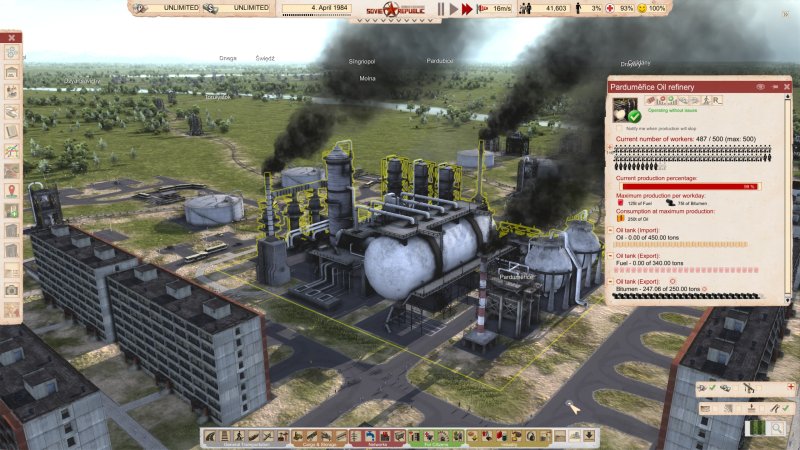
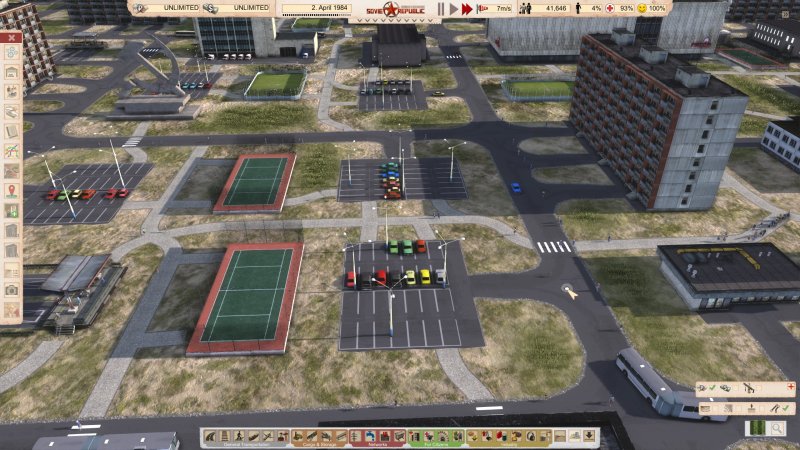
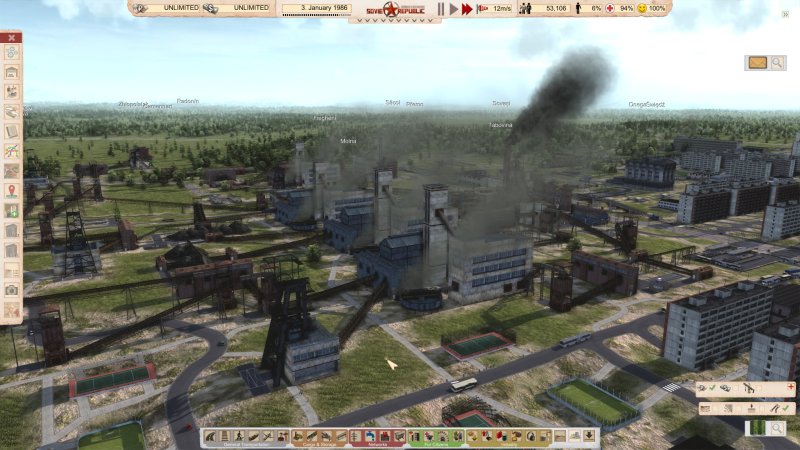
Time to start your combine harvester. This short test reminded me how brutally difficult and fun and addictive this game really is. It's like PTSD, only in reverse. The game is uncompromising. I was almost terrified of playing again, knowing all too well how much emotional and intellectual capacity you must free to master its intricacies. And then, despite all that, you kind of want to.
Conclusion
Workers & Resources: Soviet Republic works fine in Linux. I did encounter quirks with the sound, which can be resolved, mostly, by playing with the Windows 7 option, and/or with some sound tweaks in the game launcher properties. This will probably be rolled into a seamless solution in the coming months, so you won't have to bother even with these small changes. Beyond that, the experience was awesome.
The game plays just as well as it does on Windows. The old saves, check. Fabulous orchestra music, check. Performance parity, check. All there. So there you go, one less reason for me to stick with Windows come the doomsday date. Whatever happens, having options is always a nice thing. And you have a nice tutorial, so go have fun building your steel mills and oil refineries. Just remember, this game demands everything. See you around, comrades and comradettes.
Cheers.