Updated: December 22, 2025
Typically, over the years, I've mostly used "big names" distros for my serious workloads. Initially, SUSE, later on, flavors of Ubuntu. There's one exception to this rule: MX Linux. I've used it mostly on my low-end devices, like the eeePC, and it has delivered quite admirably so far. The reason why I was willing to step out of my rather strict norm is the combination of many various qualities that MX Linux has.
You can get a sense of what I'm on about from my latest MX-23 review. No, it ain't perfect. But, over the years, the distro team has worked hard on improving the system, with tangible results, contrary to most other distros that have shown a deterioration in quality. It comes with a session save option during the live testing and installation, something very few other distros offer. It's lean and fast. It uses init rather than systemd, which is completely unnecessary in the home environment, nor does it bring the hallowed speed improvements that were sold as systemd's major advantage over its crummy predecessor. Well, MX-25 is here, and it's time for a fresh adventure. New Debian base, big changes. Let's begin.
Brief intro, live session, installation
MX-25 represents an end of an era. One, there's no longer a 32-bit option. This is very sad. But it also highlights the fact most distros are beholden to whatever their upstream colleagues decide. The concept of choice in Linux isn't as straightforward as it sounds. Nor as choicy as one may think.
Two, MX-25 now also offers systemd out of the box - in the older releases, you could sort of manually set it up if you wanted. Now, there are two builds, one with init, one with systemd. Separate ISO images for download, too. Furthermore, to make things a bit more complicated, the Xfce version ships with the newest kernel, 6.16, plus advanced hardware support for latest platforms, whereas the Plasma edition comes with a slightly older kernel. This made me somewhat miffed, as I wanted to use the latter, but I also want to see what happens with the flagship edition. Xfce, it is, then, somewhat reluctantly.
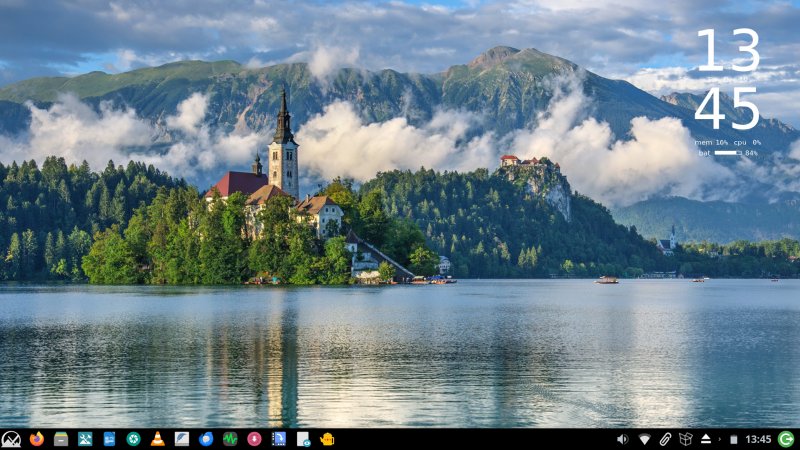
The distro booted without much fanfare - a rather old-style text-based boot for the live session. The desktop is a bit dark, heavy. While the wallpaper is stylish, the theme isn't happy. This is the case with 99% of systems out there, which opt for a depressing dark gray tone rather than black plus strong accent colors, creating a dejecting feel. More on the styling issues and whatnot later.
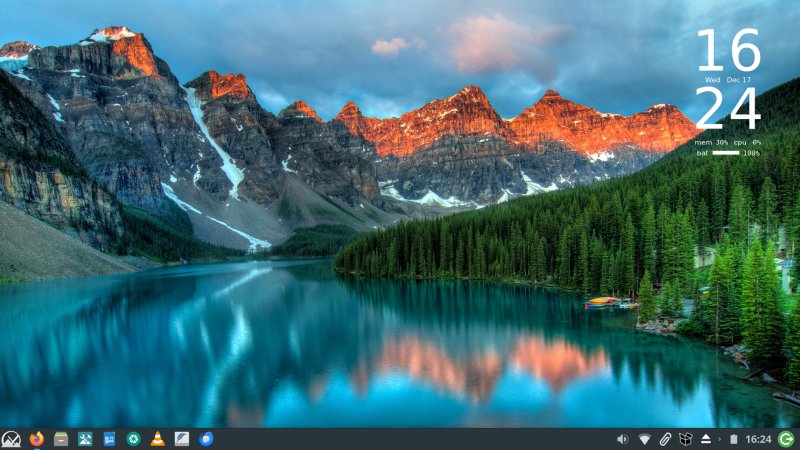
I did spend some time tweaking things, because I know MX Linux will save the stuff for me. In this regard, Xfce feels archaic. And it's not about the look. It's the fact you need to go through probably 5-10 different tools and utilities to tweak everything. The system tray icons don't scale up identically. There's always some mismatch, regardless of the height. The clock is too tiny, the logout button too big. You have a dock, but it seems as if you can't rearrange the icons yonder, and you can pin icons to the panel as you normally would, but they will all be jammed in the right corner, so there's quite a bit of click-n-move to get things sorted. And then, you will have duplicates, because the panel icons and the dock icons aren't the same.
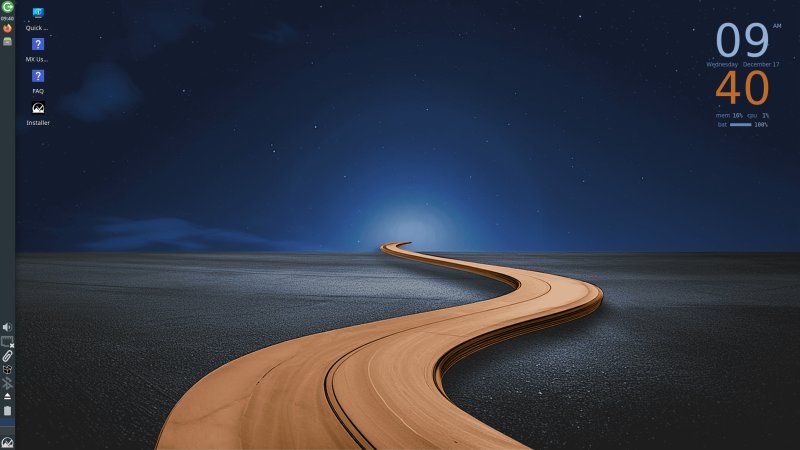
I am not fond of the bottom-up vertical panel. Just feels ... not.
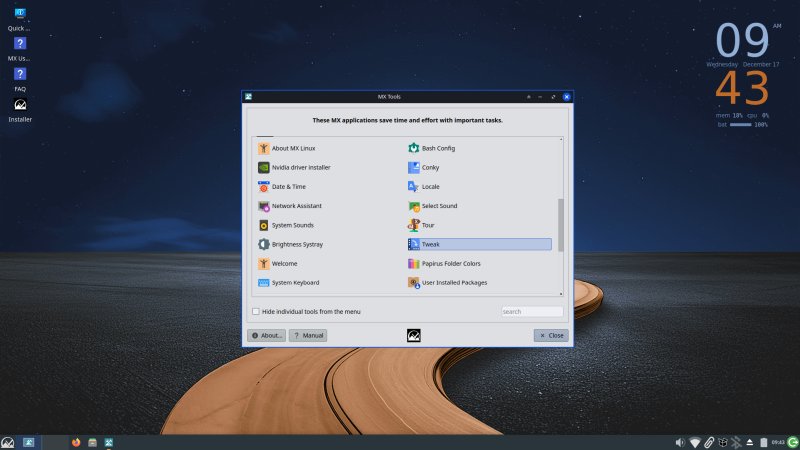
The scaling is also quite problematic - you effectively end up with zoomed-up elements, which looked washed out and blurry. The only solution is to increase the DPI value from the default of 96 to something like 120. The default theme comes with thick bright blue borders, but when you maximize windows, only the top one shows. These sort of inconsistencies are everywhere, and it takes a good hour sorting things out. Ideally, you would need not do anything. Even then, the results are less than great.
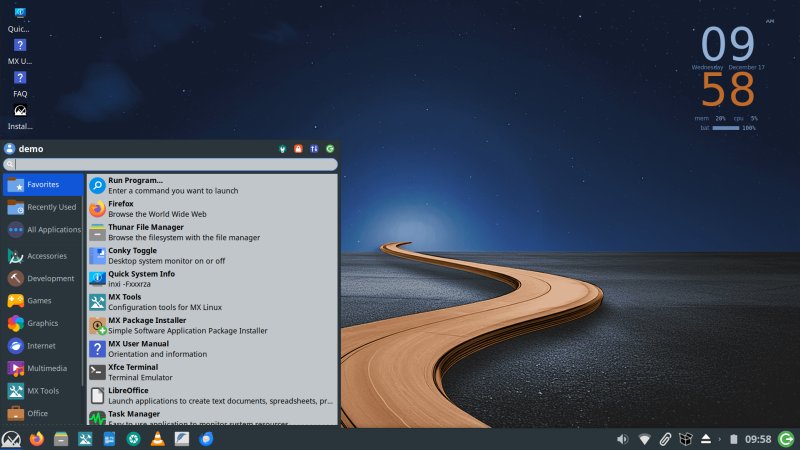
Some quick visual rework.
The installer is a bit nicer than before - the sidebar isn't as busy as before. The options are a little bit friendlier. The partitioning step is still somewhat clunky, if functional. The user save feature works more reliably than before, and it seems to be executed at the very end of the installation, so you do really get all of your stuff until that point. This is a nice improvement over the MX-23 release. What isn't is the fact the installation took about seven minutes to complete (on battery). This is still sooooo much better than most other distros, but it's longer than the '23. There, it took just four minutes to set up the system on an 11-year-old desktop. See above. Lovely. And it shows it's possible to have fast systems sans "modern" crap that ruins any advancement in hardware over the years.
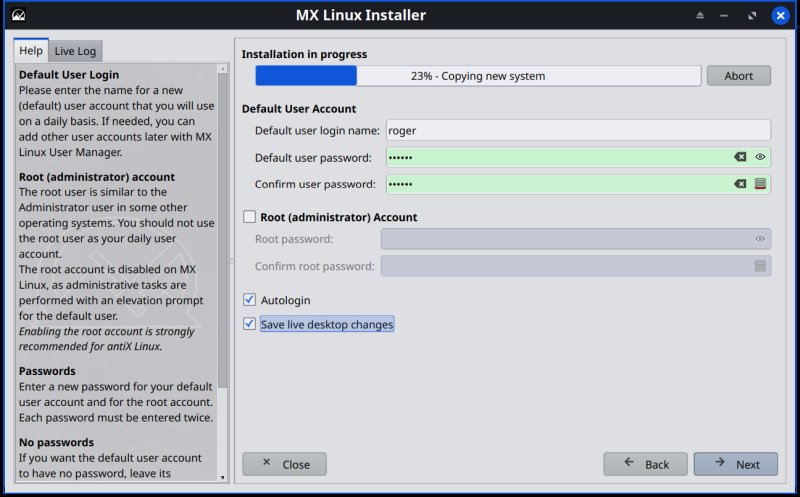
The window screenshots seem to have a double border - or a weird shadow.
Divide by zero
The system correctly configured a dual boot. Speaking of boot, it takes a merry 17 seconds for the MX-25 Xfce session to fully load, sans any encryption. This is a rather mediocre result, comparable to most other distros. The old lean and mean is somewhat less lean or mean. Still, the boot sequence isn't any slower than all other systemd-powered distros, which tells you a lot. And yes, I choice the init-powered Xfce edition, if you haven't figured that out.
The boot process isn't the prettiest, with weird animations and flickering. In this regard, from the GRUB menu to the session login, MX Linux could do a lot better, with simpler, cleaner elements, which might accidentally help speed things up, too.
In the installed session, I had 100% of data from before. Excellent. Then, I hit two snags. One, supposedly, Firefox wasn't the default browser, which is nonsense. I also had to change the mouse click behavior from single to double. This isn't categorized under Mouse, if you wonder, plus there are separate options for desktop and Thunar the file manager. Confusing and somewhat unnecessary. Double click is there for a reason.
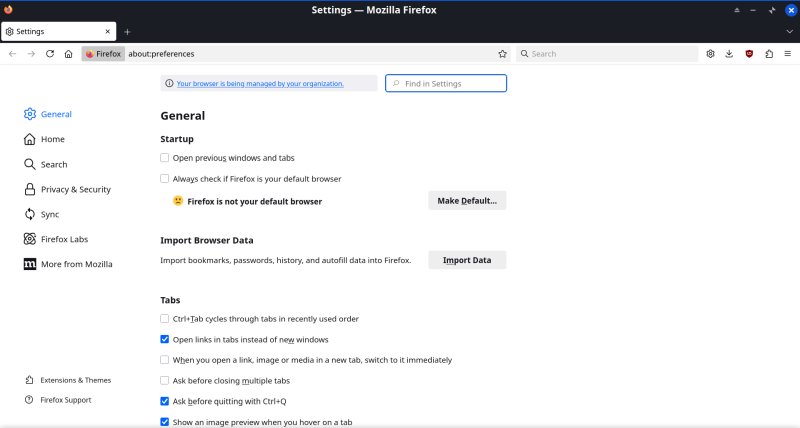
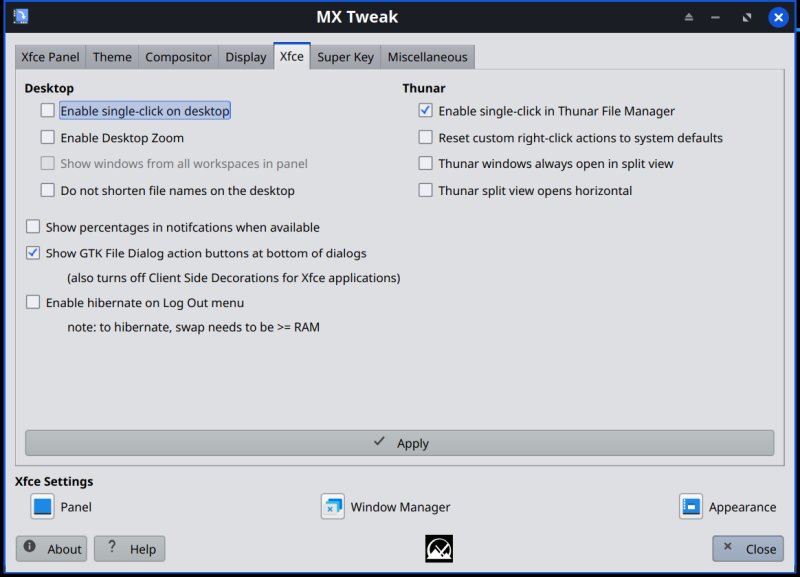
Some more polish
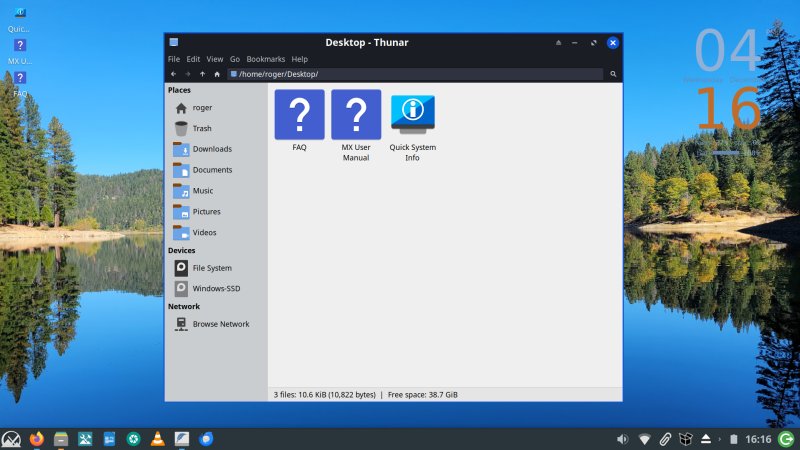
Thunar gave me a bit more grief. One, removing items from the sidebar ain't trivial. You need to right-click onto an empty section, and then you will have an option which elements to toggle on or off. That said, you can't rearrange some of these predefined defaults.
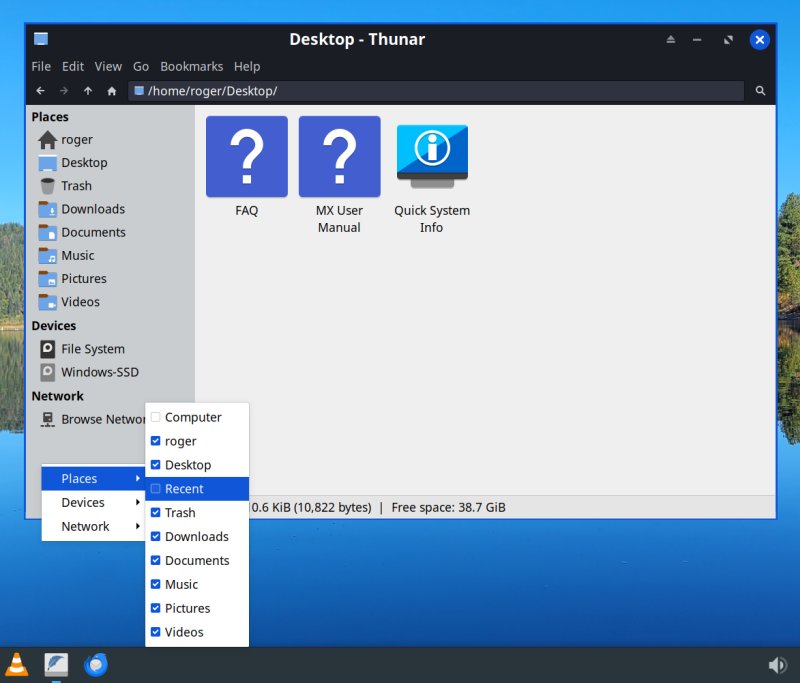
Eventually, I got the file manager sort of okay:
Everyday usability, functionality, connectivity
Styling aside, which is subjective (although my style is superior, but hey), what actually matters is how well the system behaves day to day. Infinity did quite all right. No errors, no weird bugs. Samba connectivity was fast and true (unlike what I showed you in my Plasma 6.5 review in KDE neon). Package management is spartan and ugly, but it actually works, correctly and reliably. I'll take that over pseudo-bling any time.
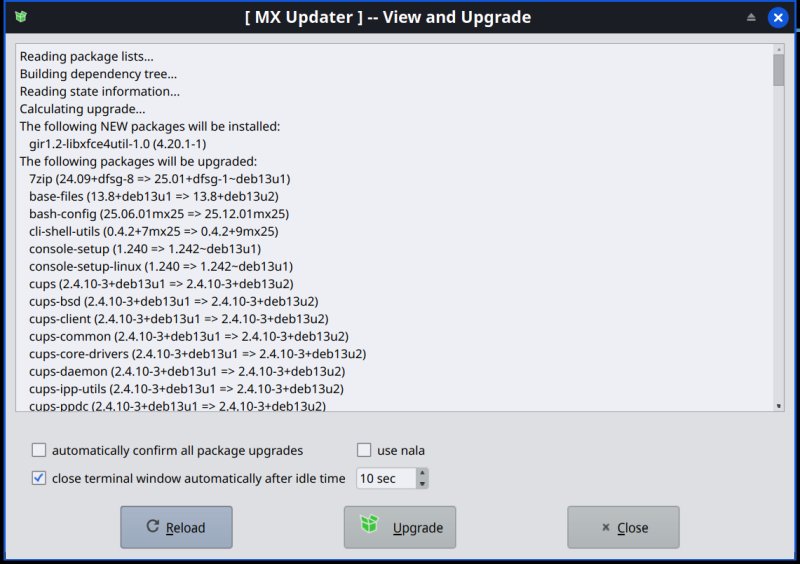
This is quite ugly, but it works. I've no idea what nala is.
Hardware compatibility also seems solid - brightness, Fn keys, all the bits and pieces that matter. I was surprised to see a system update pull in about 50 different firmware blobs, including some for platforms with Nvidia cards. I mean, not the case on my IdeaPad 3 (with its Ryzen processor and integrated graphics), but I guess it's just dead weight on the disk.
Performance, responsiveness, battery life
Now, it's time to be a little bit disappointed. MX-25 does no longer represent frugality in its ultimate form. The distro is still quite sprightly, with excellent responsiveness and low resource usage. But, as we've seen earlier, the boot times aren't spectacular. And neither is battery life.
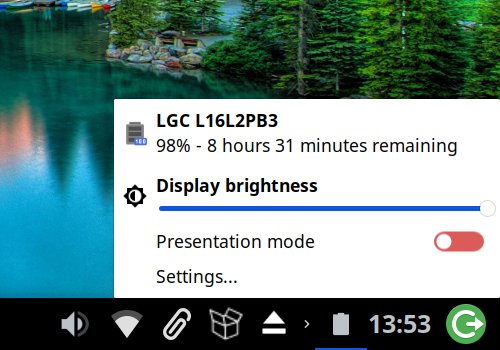
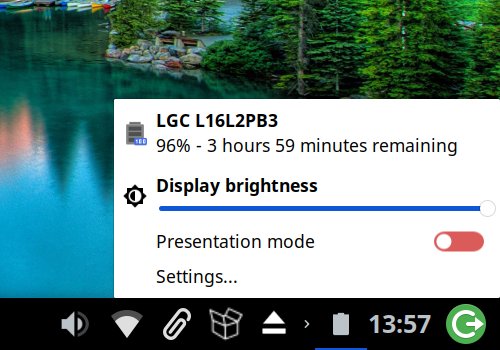
Sure, soon after you wake the device from sleep and let it idle, it will merrily suggest 8-9 hours. But in reality, even with light use, you will get maybe four hours. Considering the battery cell is at 80% capacity, then we're talking 5 hours, maybe 5.5 with brightness down to 50%. This is better than Libretto (MX-23) with KDE, which clocked maybe 4 hours at best. But, in MX-21, the Xfce edition could do 6-6.5 hours. Same hardware. It is admirable that an older system can still run modern distros with almost no disruption, but the slow and inevitable creep of software inefficiency is meh.
Conclusion
MX Linux MX-25 Infinity is a'right. If nothing else, you have to appreciate the following facts: the distro is reasonably consistent, it's slowly improving, the distro team sticks to their goals without getting distracted, and they champion the cause of simplicity quite admirably. That said, Debian brings its own constrains, the Xfce session takes quite a bit of time tweaking, and things aren't as slim as they used to be.
Still, I'm pleased. And I do want to see what happens when one chooses the KDE version, the systemd version, or both. I may also take this fine distro for a spin on an Nvidia-powered machine. Look, if you're looking for something that isn't barebones Debian or "heavy" Ubuntu, MX Linux fits the bill nicely. You get lots of decent programs, good hardware compatibility, and excellent speed. Just don't go comparing MX Linux to itself, as that might leads to some heartache. Lastly, even though Infinity is okay, it can do better on the first impressions front. In particular, the choice of the theme, and the fact you need a lot of effort in multiple places to tame the Xfce desktop, be it the panel, the clock, the dock, the Whisker menu, and whatnot. Each comes with its own utility, its own configurations, and this can get tedious.
All in all, 'tis a good start for a new-age MX Linux. I don't know what this practically means, other than the loss of 32-bit architecture builds. How the KDE work will pan out, or how systemd will pan out, and all the relevant implications, I doth not know yet. For the time being, MX sticks to its familiar story, and it seems to work quite well. It just needs a sprinkling of happiness, brighter colors and some extra consistency. We're done.
Cheers.