Updated: July 26, 2024
Let's start with a disclaimer. I know the product name ought to be capitalized. But that makes for a somewhat chewy reading, and so, you will forgive me for spelling things out a bit differently. That will not change the essence of this review. Speaking of, let's do a software review! Our candidate for today is OnlyOffice Desktop Editors, a free software office suite a-la LibreOffice or Microsoft Office. Of course, one cannot mention one without the other (two). Mostly.
I've already reviewed this product twice before (and OnlyOffice has a range of other solutions, as well). My general impression was that you get a pretty solid, rounded suite, with lots of goodies, lots of nice, convenient extras, decent file format support, and modern looks. That said, the performance and Microsoft Office compatibily could be better. All right then, let's have a fresh take. Begin.
Installation, setup, ergonomics
Platform of choice? Linux, KDE neon to be exact, on a laptop with 125% scaling (HD, 14 inches). I grabbed the Deb files (this was a bit confusing, as there are lots of paths, lots of download options), ran the installer, and then launched the program. No dependency issues.
The main program lets you choose among the three main applications - docs, sheets, slides - and you can also optionally connect to the cloud. However, due to the display scaling factor, everything looked a bit out of proportion. You may not get that impression from the screenshot, but things looked HUGE, by default.
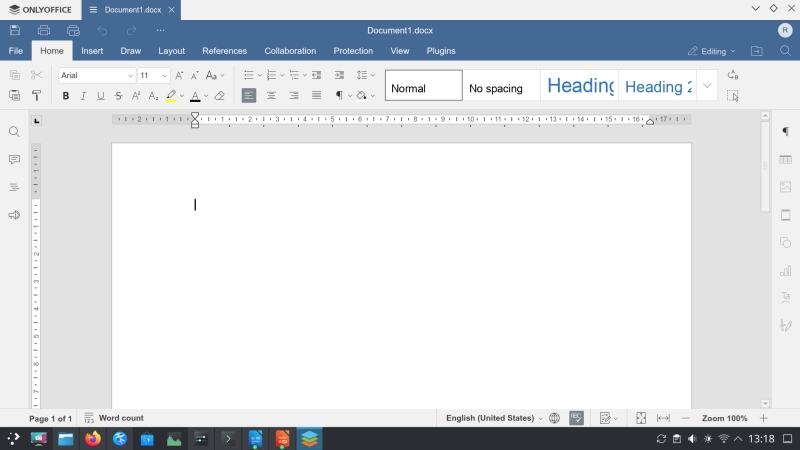
Luckily, OnlyOffice lets you adjust the scaling in its own settings. 100% feels way too small. In a way, a scale between 100% and 125% would be ideal. Furthermore, you can play with the theme and font colors, to try to get a bit more clarity. Indeed, I found the default fonts to be too gray.
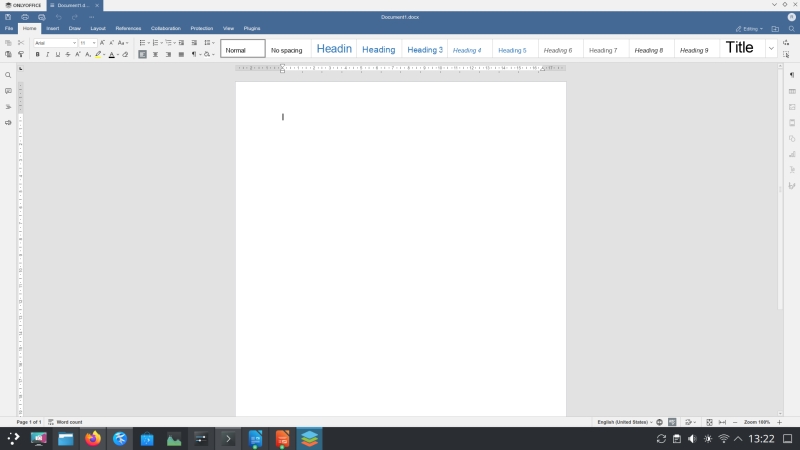
Scaling at 100% feels tiny. Also, the program did not respect my system theme (window borders).
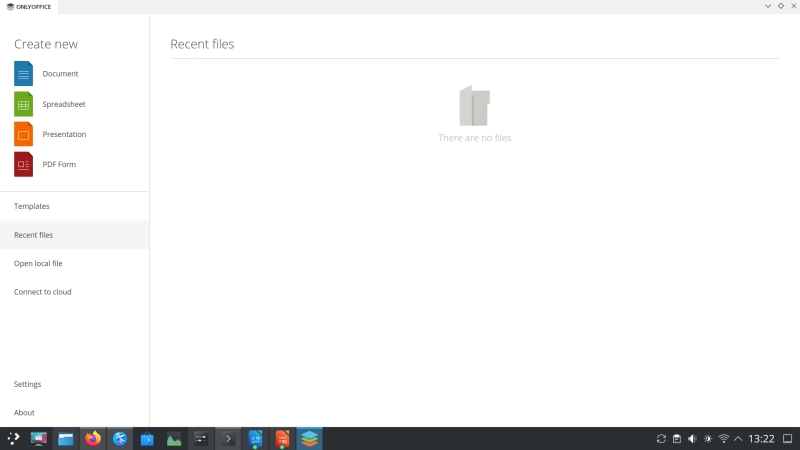
Default fonts are too pale - notice, in particular, the right pane.
Furthermore, the program doesn't really have an Open (as in open file) button on its toolbar, so you must actually invoke the main launcher view to grab your documents. This is tedious, and not very efficient. The next ergonomic comment is that the UI is very rigid, and you can't really change anything - not even have your styles shown elsewhere, or remove the default ones. In some ways, OnlyOffice Desktop Editors behaves more like Google Docs than say LibreOffice.
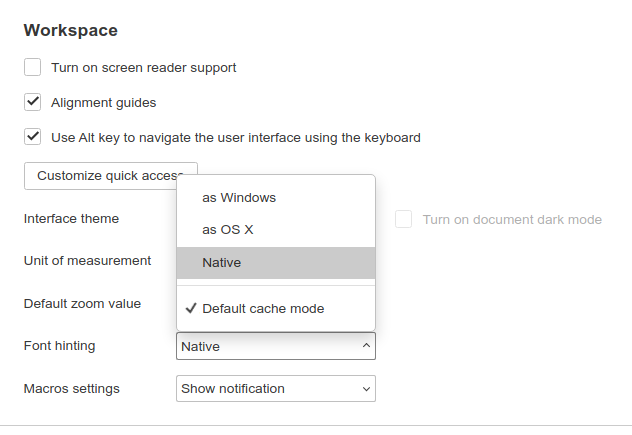
Back to the fonts (and clarity and readability in general), the fonts also have an odd "fuzzy" feel - hinting is set to Windows by default. Going Native helps. Now, overall, I think the biggest issue any modern program can have is to try to offer "modern" ergonomics to the end users. There's no such thing really. Ergonomics and touch-inspired interfaces run in opposite directions.
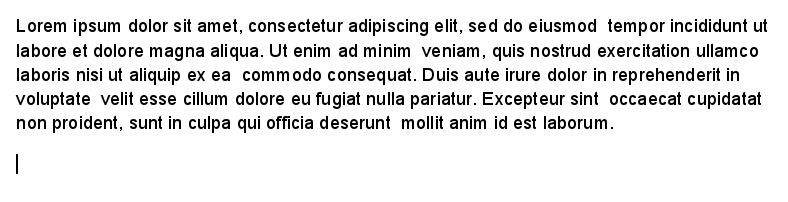
Making the fonts bigger, or increasing the view zoom helps, but these are only workarounds.
Styles management
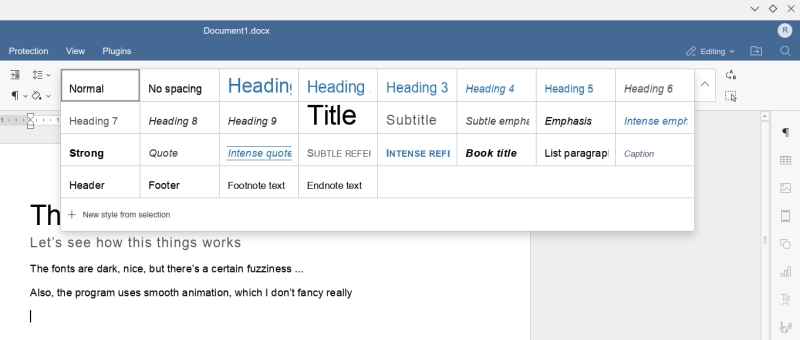
Not quite as good as I'd like. One, as I said, the UI is rigid, and so your styles will overlap your text. What if you add a dozen new styles, will the window obscure more and more of the actual writing area, or will there be a scrollbar somewhere? Either way, you only get a limited view of available styles, and they cover a critical part of the document. Now, there's so much unused space on the right side - the gray area outside the document margins, so why not use that for styles? Maybe it's possible, but I've not figured out how. LibreOffice does this slightly better (alongside its own set of issues), but it's still Microsoft Office that has the best, most convenient styles management.
Two, the default set of styles is quite limited. Once again, Google Docs comes to mind. I'd like to see way more options. Making new styles out of selection is easy, but the process does not feel "accurate", which is something you'd want for document formatting.
Microsoft Office compatibility
This is crucial for any real office usage. Love it or hate it, Microsoft Office is the de facto standard. Good or bad, it makes no difference. Normies use it, and normies expect their files to behave accordingly. Thus, any contender to the market leader needs to have equivalent or superior functionality. Alas, that means Office format support.
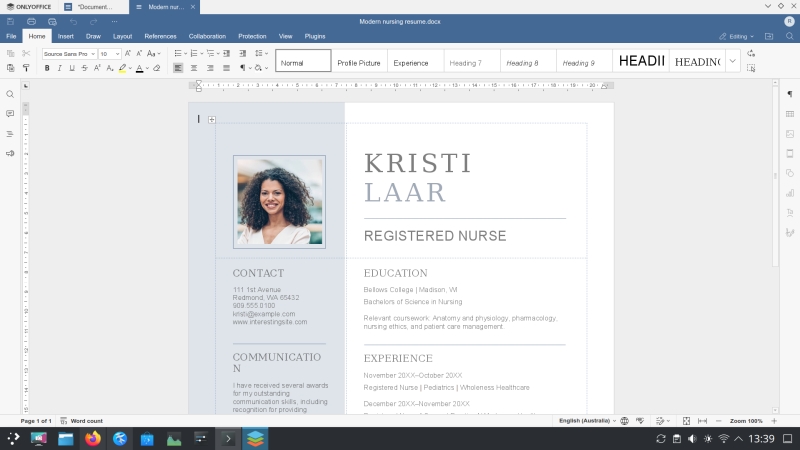
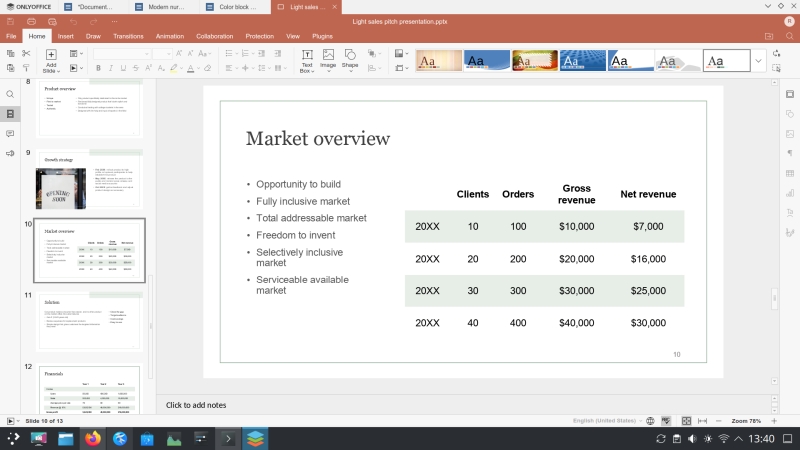
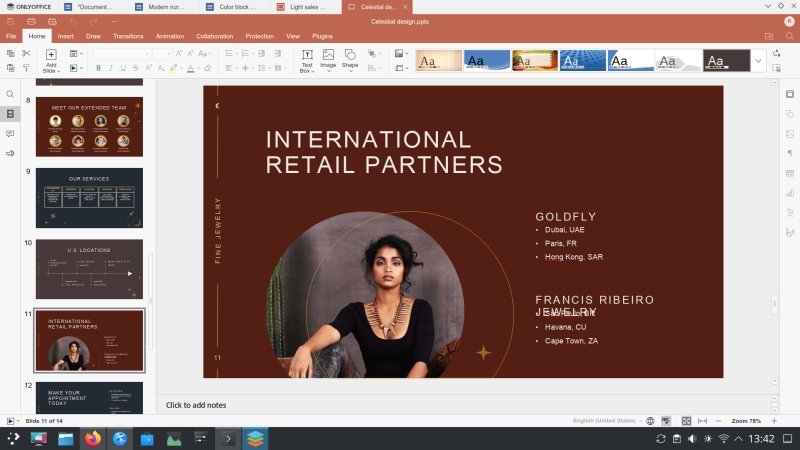
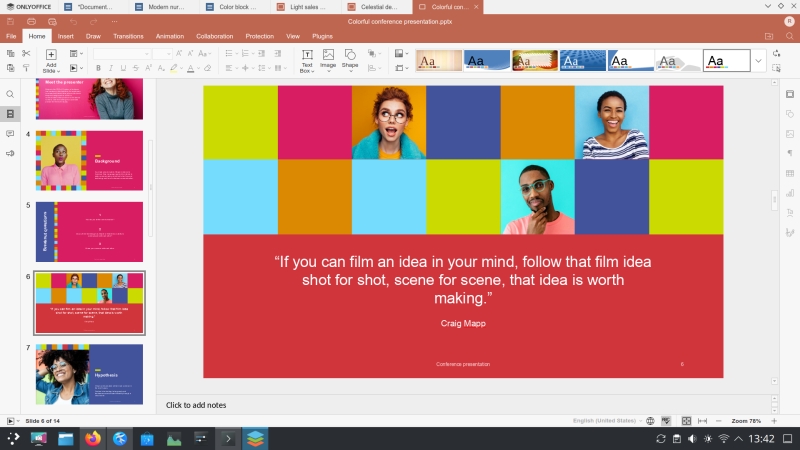
My previous testing shows that OnlyOffice is okay in this regard, but not perfect. Like in my recent LibreOffice test, I tried to open five different, randomly chosen Microsoft Office templates, two Word and three Powerpoint examples. OnlyOffice rendered these well, or at least as good as LibreOffice, for that matter. There was a tiny glitch with bullet points in one of the Word files, but other than that, the compatibility was reasonable. However, always, in these scenarios, the devil is in the finest, tiniest detail.
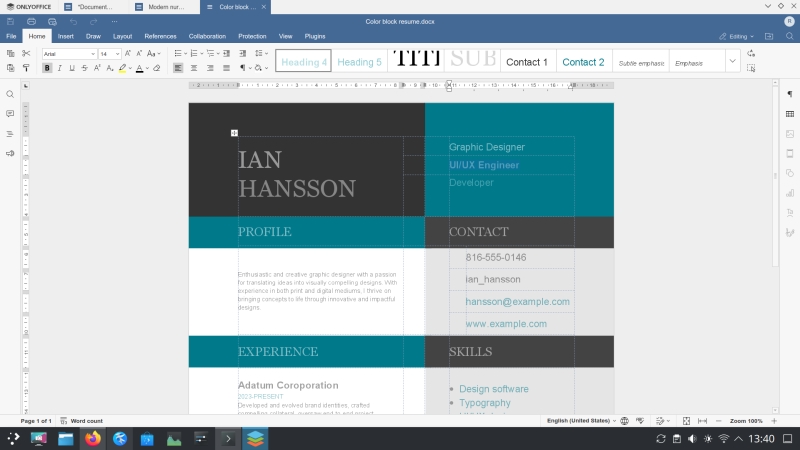
Bullet points seem to be missing from the Contact segment of the CV template.
Problems
I encountered a few oddities while running the program. One, I did a number of quick min/max actions, and this caused OnlyOffice to crash my entire system. Everything froze, and I had to hard-boot. I disabled graphics acceleration in the settings, and the problem did not recur since.
Two, I noticed that OnlyOffice maintains a number of network connections. There's a persistent open socket on localhost (13012), plus a TCP connection to AWS. My guess is this has to do with cloud functionality, or perhaps some of the addons, but I'm not 100% sure why. It would be nice to have a toggle for a completely offline experience.
Coincidentally, I wanted to install net-tools (so I would have netstat and ifconfig, as I don't like ip and ss), and Ubuntu (apt) no longer offers these as a suggestion. The software is still in the archive, but there's no 'did you mean thingie' like in the past. That's your Linux desktop. Enterprise solutions being embraced wholesale, with no regard to actual human usability. "Choice", they call it. Nope. This is a functional regression. Ss and ip are inferior, from a USABILITY PERSPECTIVE, to the good ole tools. I don't care about DevOps, Python, or people who work in big corporations trying to solve their IPv6 issues. At home, I want quick and simple answers, and I'm not in the mood for anti-ergonomic utilities, for whatever reason. This is a complete aside, that's only related to OnlyOffice because I wanted to check network activity, as part of the review process.
Three, the biggest issue, opening new documents takes a lot of time! We're talking three seconds. This always happens, and I'm not sure why. No system load, NVMe storage, the file handling ought to be instantaneous. Alas, it's not, and this creates a sense of lagginess that can be really exhausting. Having no hardware acceleration helps some, but not enough. Still, not a solution, per se.
Conclusion
Overall, I like OnlyOffice Desktop Editors. It's a pretty solid, slick program. But it is not without faults. The UI is too "modern". It could be a bit more old school, especially when it comes to colors, contrast, fonts. The tabbed view is great, but it can also be tricky, especially if one works with a lot of files. My biggest gripes are: style management (quite limited) and weird sluggishness opening documents. The last one really is out of place, and I have no good explanation for it. But it does ruin the general impression of the program, or programs if you will.
On the plus side, Desktop Editors deliver a free, complex office suite, with lots of nice extras. Some people probably won't care for a few of these, like translation, macros, OCR, and then some, but they are handy additions for the professional office setting. The basic three elements - documents, sheets, presentations - work fine, and you get solid if not perfect Microsoft Office format compatibility.
For the free price tag, this is quite all right, but not a jail-free card for not making the product better. For OnlyOffice to truly shine, the next milestones ought to focus around responsiveness, styles and ergonomics. Well, there you go. If you feel there's not enough choice in the office space, you want something other than Microsoft Office, and you're not happy with the other free software options, OnlyOffice could be the alternative you're looking for. Just be aware of some of the rough edges. We're done. See you around, folks.
Cheers.