Updated: August 1, 2025
What do you do if you don't want or cannot use Microsoft Office? A legitimate question. There are many options, of course. You could try the free LibreOffice, for instance. You could try maybe Google Docs and alike. But what if you're really keen on document fidelity and accuracy, and you just must have good Microsoft Office format support, plus you actually want a proper desktop program?
Well, OnlyOffice sounds like a nice candidate. Having tested it before several times, I can indeed say it's a pretty decent program. It could be a bit speedier, the UI could be a bit more ergonomic, but it works well, and it renders Office documents quite alright. Not perfect, but good. Well, a major new version is out there, so we should test it! Now, I'm going to examine this program in Linux. One, why not. Two, as a cross-platform suite, OnlyOffice should work well on any of the supported systems, so Linux is as valid as any. Three, I do want to stop using Windows, so this is an important aspect of the test, for me. Sure, there might be Linux-specific niggles. Do take that into account while reading. Now, let's.
Linux setup, harder than it should be
As I said, for Windows folks, this specific section is irrelevant. It still reflects on how easy it is to get prominent software running in Linux. Specifically, Kubuntu 24.04 in this case. Well, I decided to try the "new" package mechanisms, snap and Flatpak, as they ought to offer better isolation and portability. Most importantly, both packages are made by OnlyOffice, so they show up as verified in the Snap Store and on Flathub. This is a very important distinction, as I recently explained in one of my Wayland-X11 benchmark articles.
I started with the snap version. It would not run:
onlyoffice-desktopeditors
Irregular theme <'Breeze'>. Using Adwaita
I tried changing the GTK theme in Plasma settings, but this did not help at all.
Next, Flatpak. It did run, but with problems, including various GUI artifacts, which we will cover shortly, plus, eventually, an irrecoverable crash. What happened was, OnlyOffice uses its own titlebars. These do not align with what Plasma uses. I wanted to change them. Indeed, there's a command-line switch in OnlyOffice that lets you force the program to use system titlebars. Namely:
--system-title-bar
So, I ran the Flatpak version thus:
flatpak run org.onlyoffice.desktopeditors --system-title-bar
And the program crashed thus:
flatpak run org.onlyoffice.desktopeditors --system-title-bar
Qt: Session management error: None of the authentication protocols specified are supported
(DesktopEditors:2): Gtk-WARNING **: 17:53:22.801: gtk_disable_setlocale() must be called before
gtk_init()
libva error: /usr/lib/x86_64-linux-gnu/dri/intel-vaapi-driver/iHD_drv_video.so init failed
The first two lines are annoying but not really the cause of the crash. The last two, yup. I tried to reinstall various graphics packages, for my Intel and Nvidia cards on this hybrid-graphics laptop, I also attempted to install various additional (related) libraries. Nothing helped. From this point on, the Flatpak version could not launch anymore, with or without any command-line switches.
In the end, I went for the deb package. In Kubuntu, the installation also triggered the download of Microsoft fonts. The --system-title-bar option works fine and without any problems. The overall performance and usability seem to be identical to the Flatpak version, which is good.
Now, OnlyOffice ...
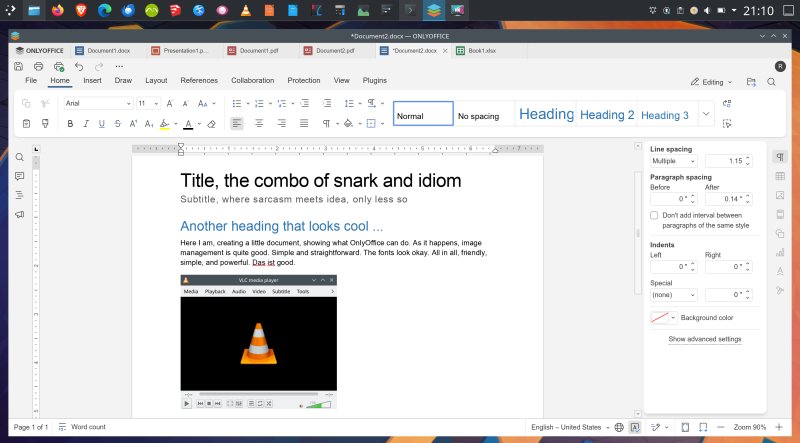
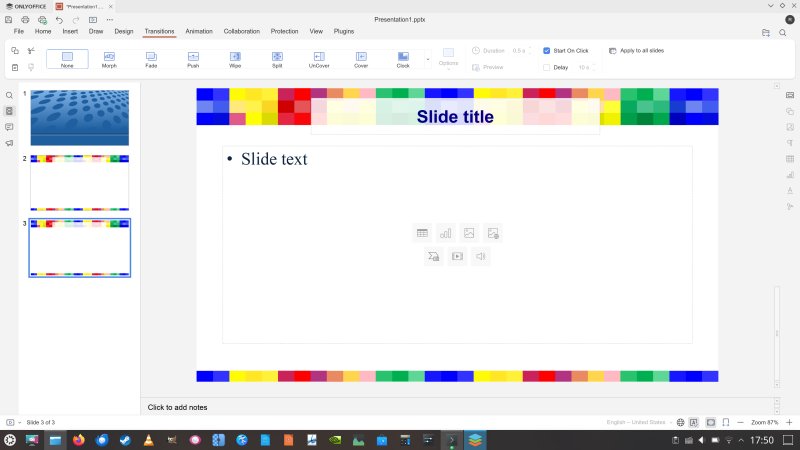
Let's start with ergonomics. I've often complained how OnlyOffice renders too pale, too Weby. Version 9 brings some improvements. There are new themes, and the one called Modern Light seems to offer the best contrast, although scrollbars are still too pale, the titlebar is too chunky, and it does not respect the system's window decorations (by default). Overall, the UI clarity was better than what I experienced last time. In this review, I tested on an older machine with a 4K display, and OnlyOffice correctly matched the desktop's 225% scaling, and rendered reasonably well on the screen. An auspicious start, if you will. I expanded the testing to other Linux setups, with similar results.
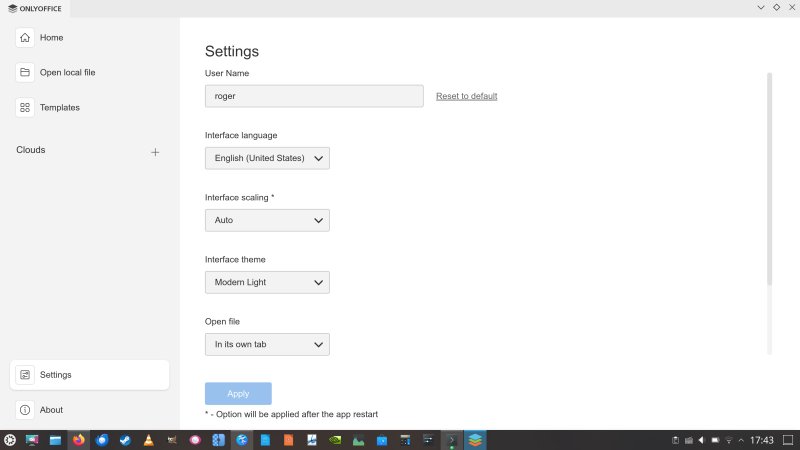
There's still a bit too much paleness around.
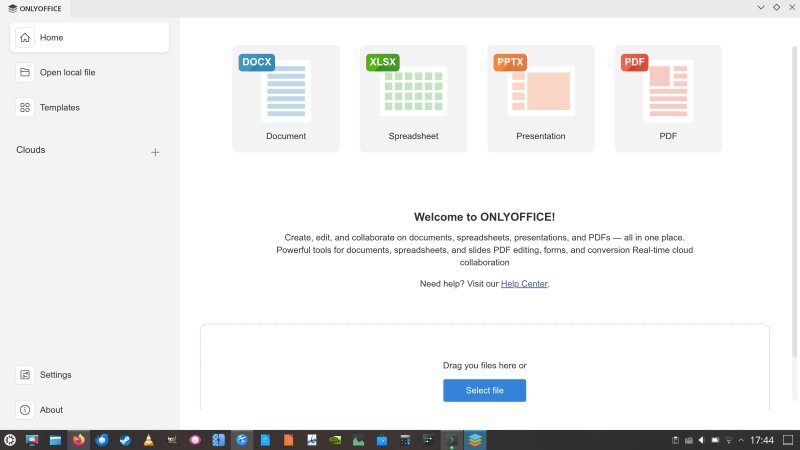
Creating a new document still takes a very long time. This element hasn't improved. Click on a new document, spreadsheet or anything, there's a 2-3 second delay before the UI renders the new file and you can actually work inside it. Weird.
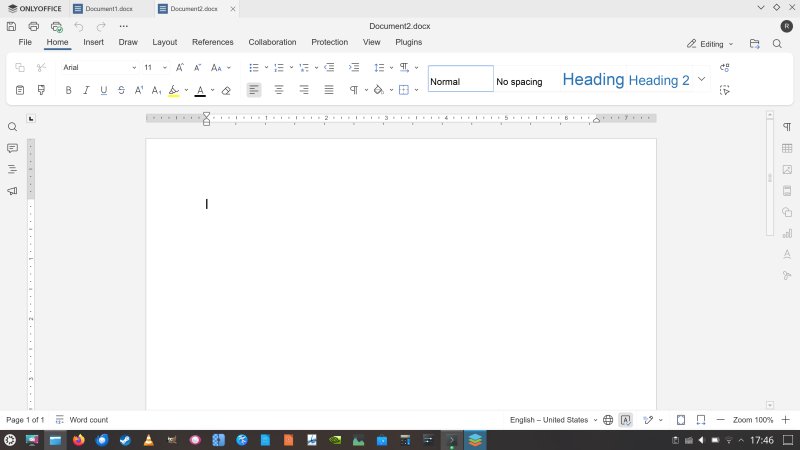
The Ribbon-like menu is quite decent. Clear, accessible. It will also instantly appeal to Microsoft Office users, who seem to be the main target audience. This also explains the anti-ergonomic pale gray theming. One of the first things I've ever done in Office was switch to a bright, colorful theme from the "older" days, as much as reasonably possible. I would like to see something similar here.
PDF functionality
Not a new thing, but seems to be ever so slightly improved. You can craft your own PDF files, complete with buttons and fields and whatnot. Essentially, a mini PDF editors, which lets you generate forms. This is a very decent option.
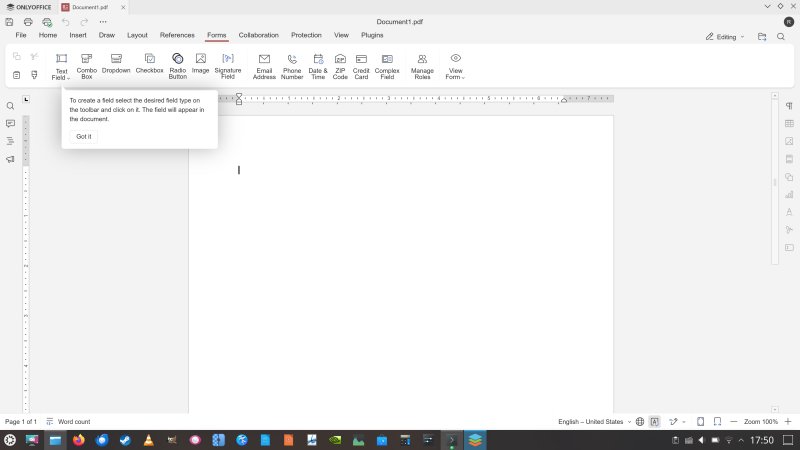
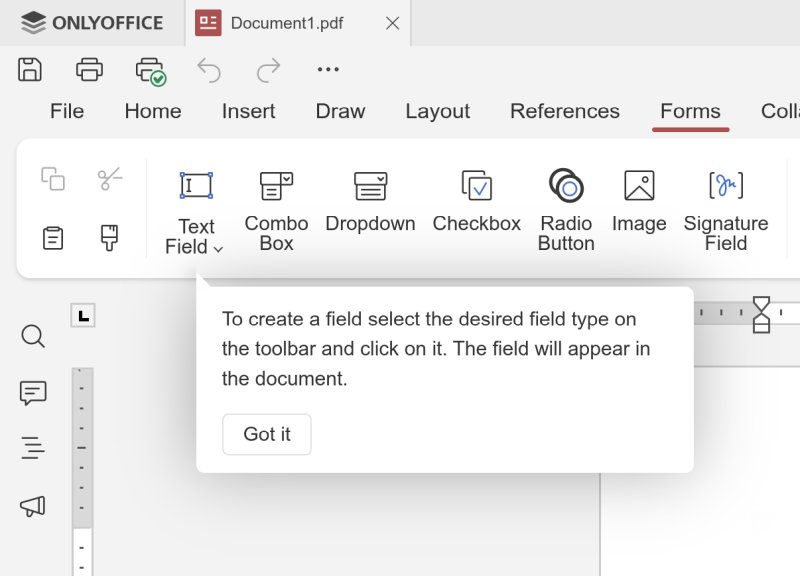
The wording "Got it"; another element from the Microsoft-Google world that should not have been copied. It's too vague, and it's not a replacement for explicit Yes/No. A nice lil' Okay could also do. Got it is too passive-aggressive.
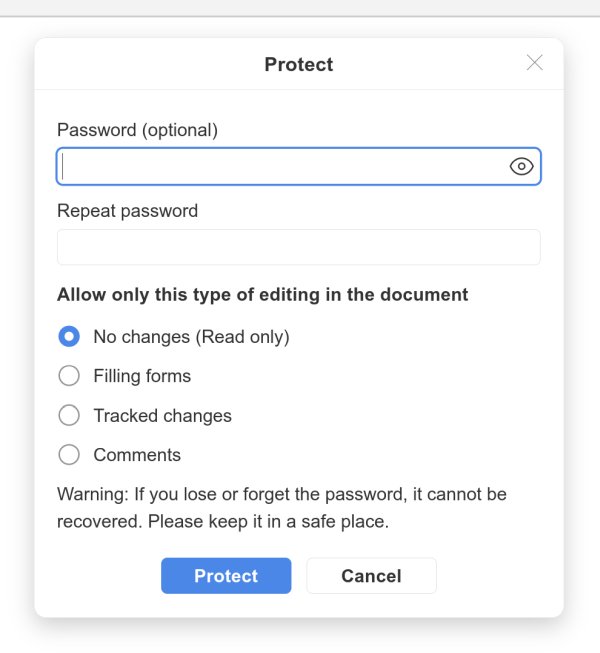
There is a lot to like. For example, you get a rather robust change tracking setup. Likewise, you can encrypt and protect your documents. Version control, too. So, in some ways, OnlyOffice also aims at the big collaborative world, which means businesses and companies.
But then, the style management still remains quite meh. Very Google Docs. Yes, you can create new styles, but you must first edit the text in the body of the document, and then generate a style from that. Not bad, but in my view, this feels awkward. You cannot edit the predefined styles.
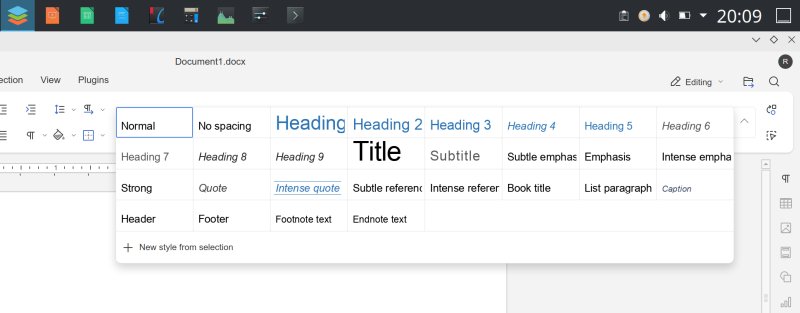
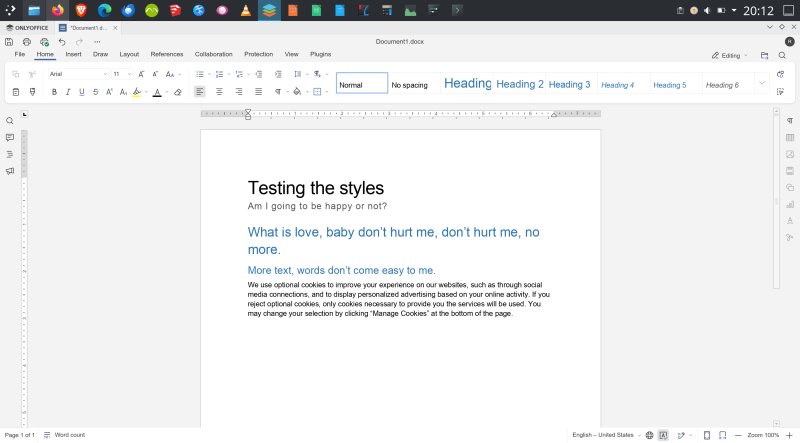
I tested a bunch of styles, and the usage was more cumbersome than having them shown in a vertical list, like Microsoft Office or LibreOffice does. I am also not sure how to update a predefined style that's been widely used throughout a document. Say a user wants to make a change, but this will only create a new one, not update the existing one. What's the option then? Go through the entire document and change everything? I'm not sure. This is probably the one area that OnlyOffice needs to improve the most.
Microsoft Office compatibility
For any office suite to truly succeed in a world utterly dominated by the de-facto use of Microsoft Office as the standard, whether justified or not, two things need to happen. One, governments force the use of open formats. Two, programs try to offer filters that mimic the Office functionality as much as possible. So far, in this regard, I've found OnlyOffice to be quite alright. But, as I also mentioned before, not perfect.
LibreOffice seem to be a hit and miss, more of a hit lately, WPS Office was generally good, but I've not tested it in quite a while, SoftMaker Office did similar to LibreOffice, and OnlyOffice 8 behaved okay. This time around, though, I've managed to uncover a few fresh problems. As always, I downloaded a bunch of Office templates from the official site and tried to load them inside the program.
They opened fine, and they looked fine. But when I compared the results to the preview images, I did notice various issues. Most notably, the positioning of items on the template page, and the use of fonts. In particular, OnlyOffice seemed to be using completely different classes of fonts.
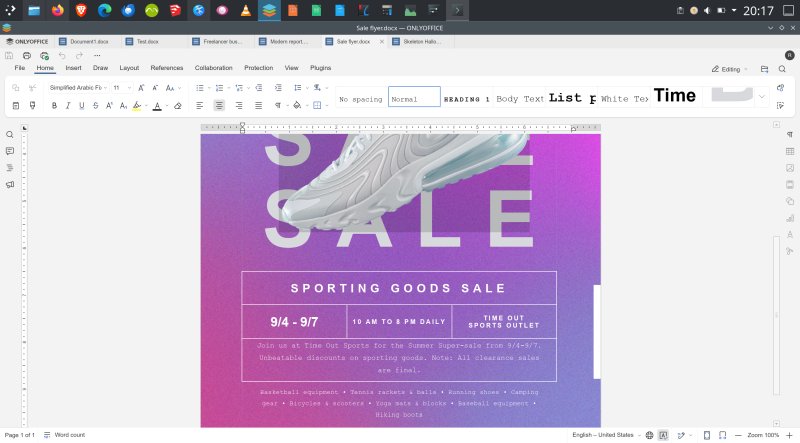
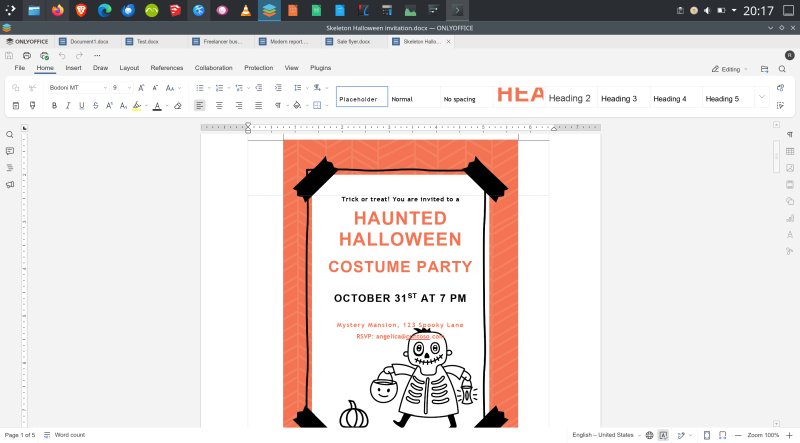
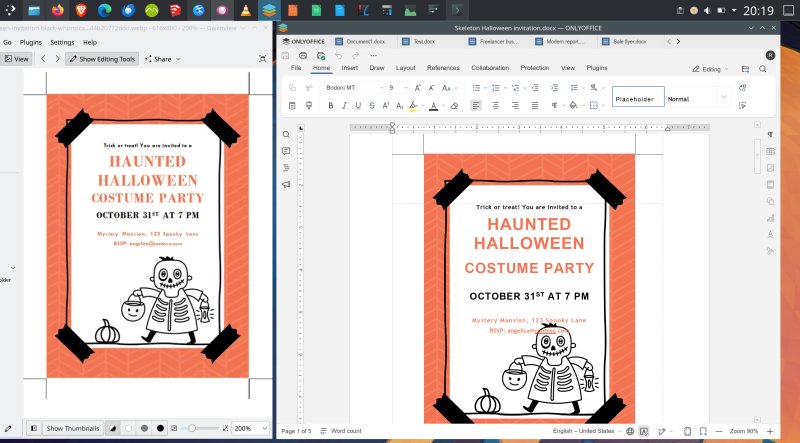
For example, in the image above, on the left, you can see the template preview. On the right, you have the document, as loaded inside the OnlyOffice program. Arguably, it did use the template fonts, like Bodoni MT shown there, but if you look at the shape of the letters for the words like Haunted, Halloween or October, you can see that the font shapes are different. Feels like sans versus serif. And the email covers the cartoon character, whereas in the original image, it does not.
This is nothing new or exclusive to OnlyOffice. Even Microsoft Office sometimes struggles with ... Microsoft Office. But if you're doing professional work, you sort of need and expert that fidelity, and these results could make things harder. Whatever the reasons for the difference, you need to be aware of the results. Until the world sobers up and decides to adopt open standards.
That does not mean you shouldn't use OnlyOffice for Office-like work. In all fairness, it will probably generate documents as good as any, but you cannot guarantee 100% accuracy. For many people, this will most likely be the only reason for them to have to use Microsoft's products and/or stay on Windows. I know I'm a hostage of this situation, too, as publishers and agents to whom I send my book materials almost all exclusively require DOCX files. Super annoying, but c'est la vie. For now.
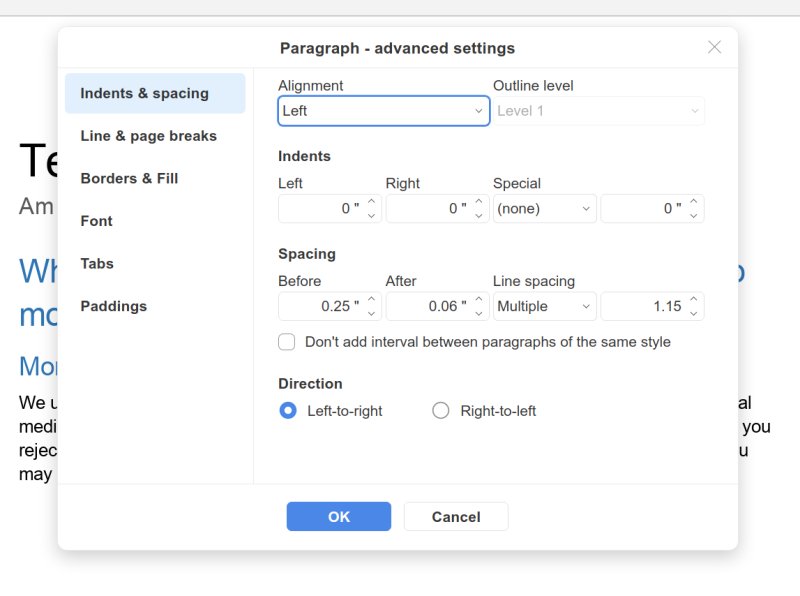
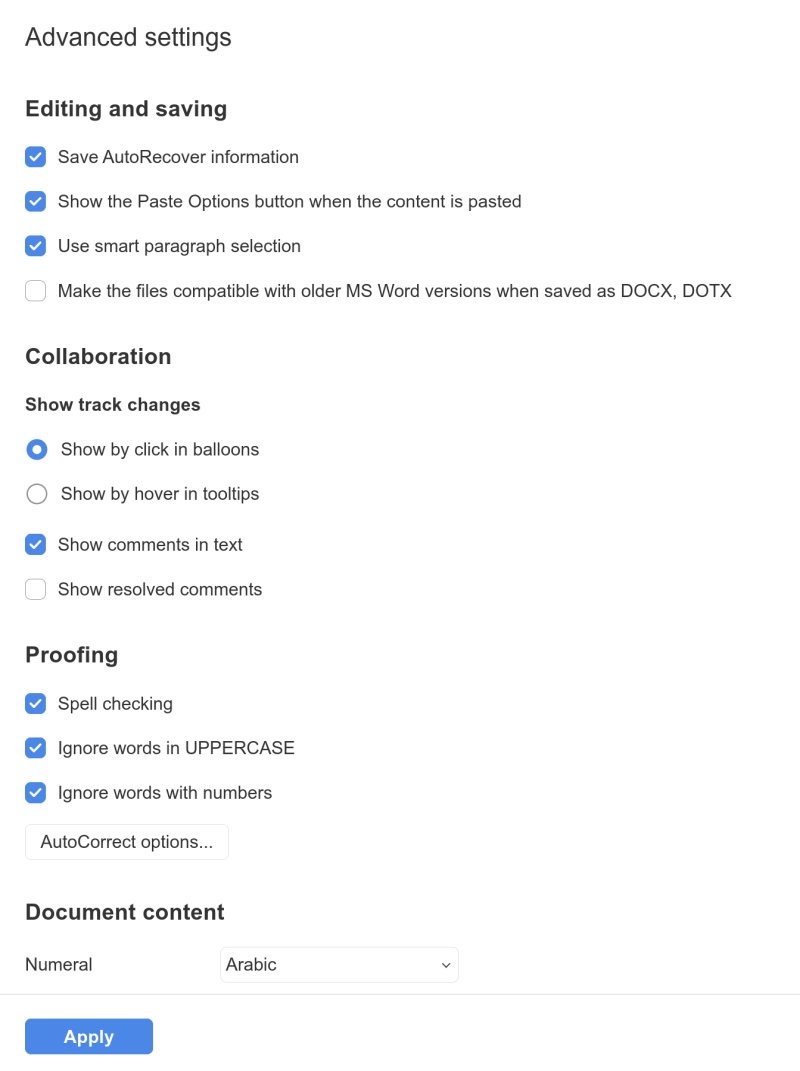
Finally, OnlyOffice also lets you preserve compatibility with older versions of Microsoft Office. Now, notice that lovely blue color. Checkboxes and all. Why doesn't it feature anywhere inside the UI except dialog boxes and settings windows?
Other observations, some problems
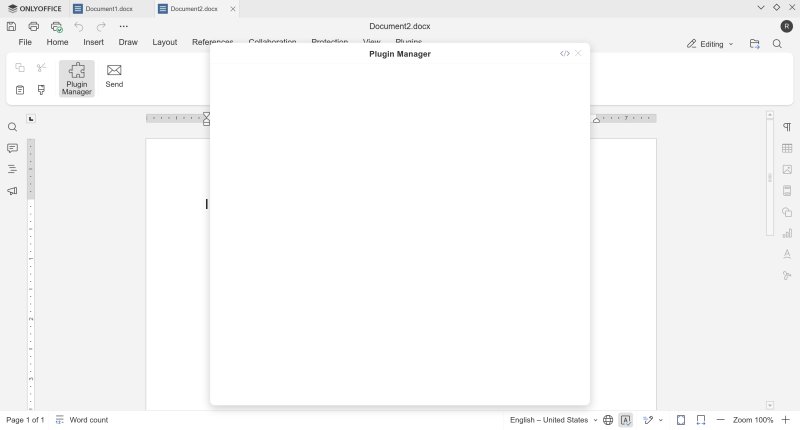
For some reason, in the Flatpak version, the Plugin Manager window was entirely blank:
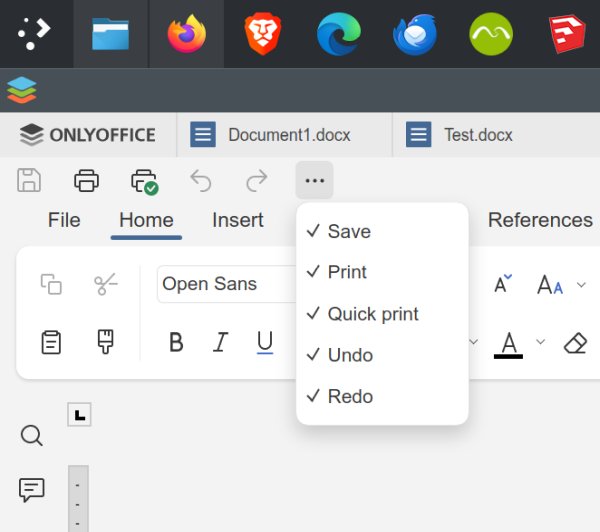
And I've noticed the quick action menu in the top toolbar has only five actions - Save, Print/Quick print, Undo/Redo. Why not add open there as well? Going through the main menu is very Office-like and very cumbersome.
Conclusion
All in all, I believe OnlyOffice 9 is a better product than its previous version. There's a bit more focus on ergonomics. That said, I am not fond of the use of non-standard titlebars, and the UI needs more color and contrast. Functionality wise, documents open too slowly, even brand new blank ones. Styles management can be improved. Microsoft Office compatibility is, well, good, but not perfect. I'm not sure any program out there will ever be able to do that. But if you want something that can come close to the original, OnlyOffice is among the best choices right now.
You do get a fully fledged office suite plus PDF form editor, all for free. The program works well, minus the Linux-specific format/distribution quirks. This is a solid bundle, and it will serve your office needs quite well. But there are areas for improvement, as it "borrows" from the modern world of cloud and Google and alike, which I don't consider to be good representatives of either ergonomics or productivity. I know the intention is to make OnlyOffice immediately familiar to Windows people, but the UI flatness is not something to use or copy. It's something to be shunned, in my book. So, if you need something for your sheets and slides and an odd essay or two, OnlyOffice 9 is a good choice. With some extra polish and some efficiency tweaks, it could perhaps be fantastic. We're done.
Cheers.