Updated: February 14, 2024
About a year back, I purchased a gaming laptop from a small Spanish Linux-friendly vendor called Slimbook. Not my first gig with them, they sell awesome stuff. The big difference with the Titan purchase was, I wanted a powerful machine, with a dedicated graphics card (well, a hybrid setup really), so I could begin practicing moving away from Windows for good. This is a big project of mine, ongoing, with solid results. There.
But the early results with the Titan laptop were not good. The installation was flaky, I wasn't and still am not happy with the keyboard ergonomics, and with some of the issues I encountered in the first few months of use, as I've outlined in my first report, I felt I may have splurged a great deal of hard-earned money for a dud, or at the very least, a machine that's not worth its bang for buck. But persist we must, and these periodic long-term usage reports are exactly what I had in mind. An honest, no-nonsense tale of what it means to try to use Linux for everyday productivity, and not just boring, nerdy dev stuff. Let's proceed.
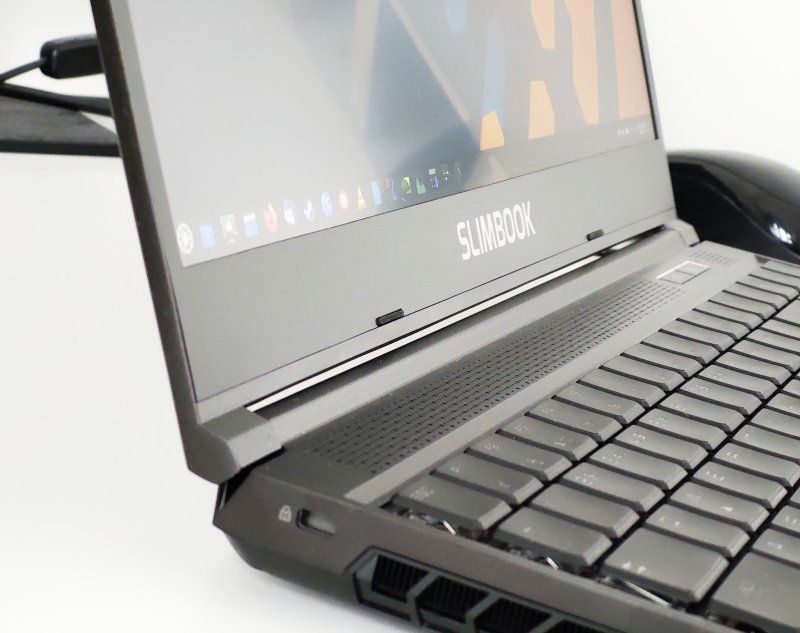
Hardware issues? Gone.
If you recall, I had problems with the laptop's suspend & resume sequence. The laptop wouldn't wake the second time around, which kind of makes it hard to use as an actual portable computer. I tried my best to fix this, without success. I figured, one of the future firmware or kernel updates ought to resolve it.
And resolve it, they did. Whatever package brought in the goodies, roughly two months ago, the bug was removed. My Titan can now go to sleep and wake as many times as needed, without any fear the session may just freeze. Now, that does not mean there won't be any future regressions, or that the problem may not come around in a different guise. But for now, it's working as expected.
The system crashed once in November last year, when I tested the Workers & Resources game. I don't think there's any direct link between the two. I checked the system logs (using the pointless journalctl commands, of course):
sudo journalctl -b -1 -e
...
Nov 23 12:42:47 titan kernel: nvidia-modeset: ERROR: GPU:0: Failed detecting connected display
devices
...
The online search for this error points to the same problem I outlined before. However, the big difference is, I hadn't tried to put my laptop to sleep, nor did it come back from one when the crash occurred. This was just BEFORE a round of updates that seem to have fixed my suspend & wake issues. See above.
Occasionally, the fans kick in rather loudly, and when the Nvidia GPU is working, there's a distinct warble from its fan(s). This is mildly annoying. However, I don't know, long term, if this is going to affect the graphics card cooling in any way. My past experience shows that fans usually start making weird noises before eventually failing, although that failure may be two or three years away. Or never.
The keyboard is still meh, but c'est la vie.
Software side of things
I noticed a few small quirks. During the boot, there's an ugly little message:
AMDGPU invalid config param
No idea what it means, or how it affects the integrated graphics card. The system works fine. Likewise, I saw one or two instances of the following error in the system logs:
[drm:nv_drm_fence_context_create_ioctl [nvidia_drm]] *ERROR* [nvidia-drm] [GPU ID 0x00000100] Failed to allocate fence signaling event
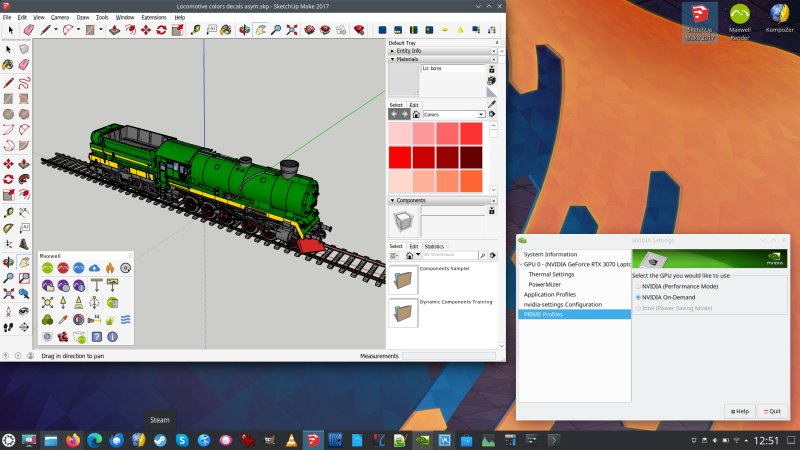
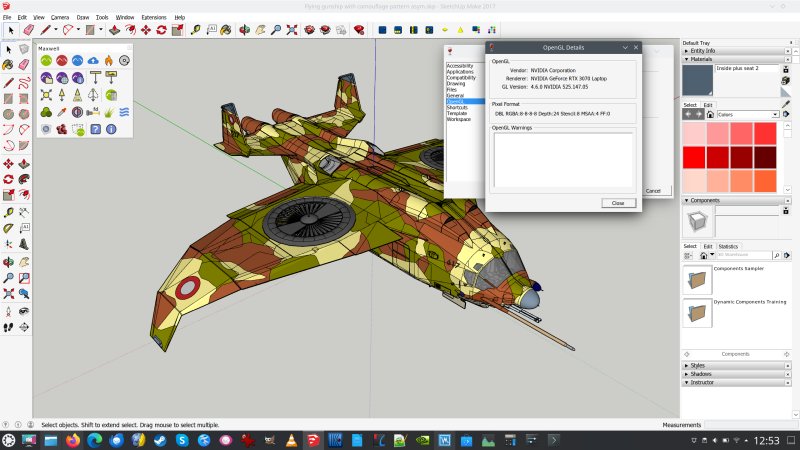
This might be related to the hybrid graphics card setup, as the error is correlated to playing games on Steam. The program is configured to always run with the Nvidia driver (the whole PRIME on-demand setup thingie). But apart from the noise in the logs, I didn't notice an actual issue with the usability or performance.Other than that, the things are nice and cushty. Stable, robust. Everything works well. In fact, I set up a bunch of extra Windows programs via WINE, and they all work beautifully. I (re-)installed SketchUp Make as well as the Maxwell Render SketchUp plugin, and managed to resolve the empty window dialogs issues.
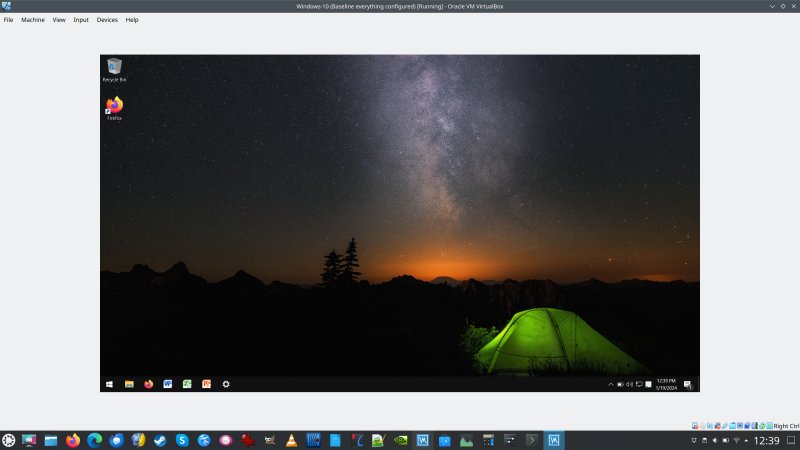
I did set up a Windows 10 virtual machine, with the good ole Office 2010 installed in it, as this remains the ONLY piece of software I've not been able to install "natively" yet. But WINE 9.0 shows great promise, so perhaps I will be able to fix that, too.
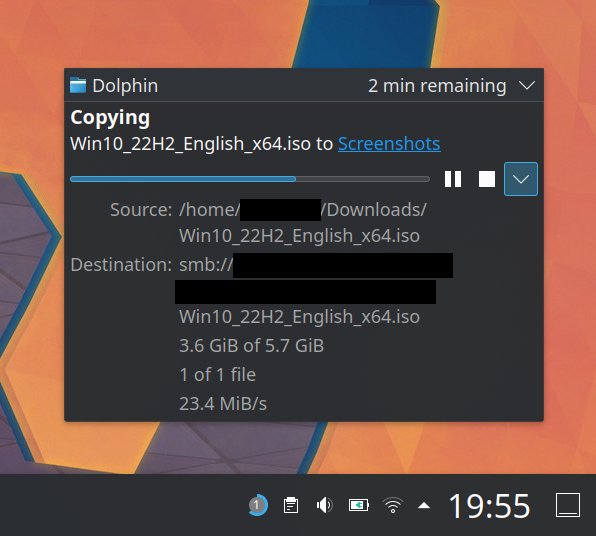
Samba speed is good and solid, the fastest I've seen yet:
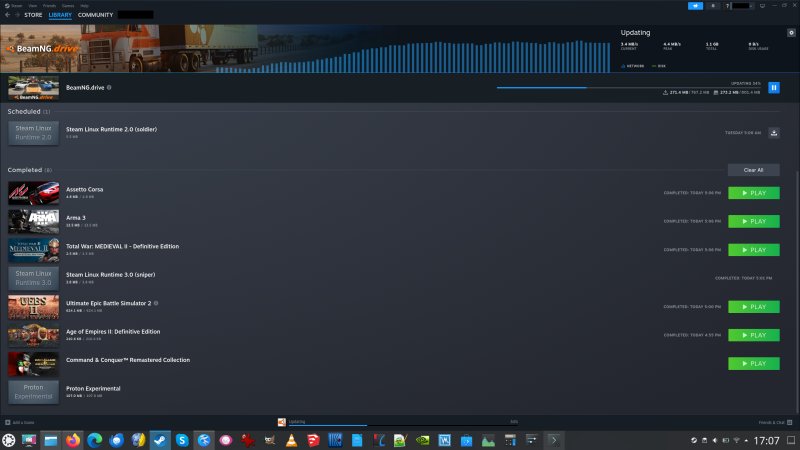
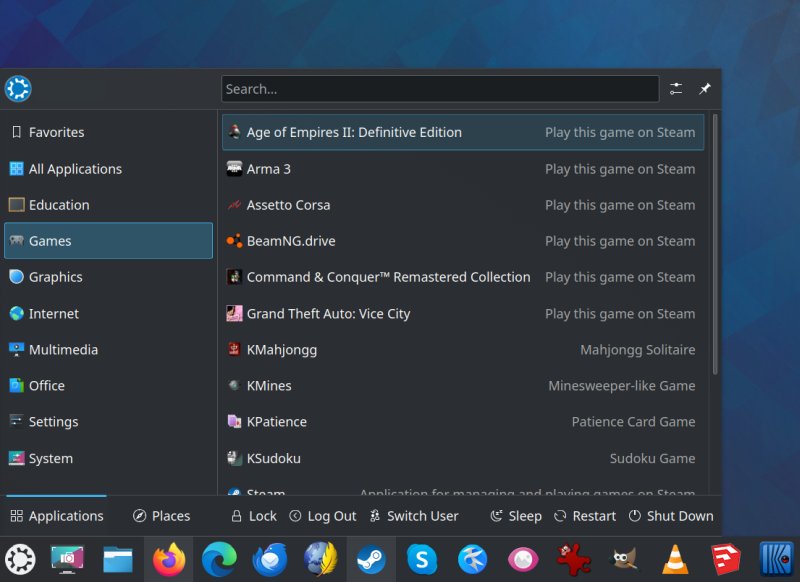
On the gaming side of things, everything is peachy, too. All of my games are running well, and I have the Logitech G27 steering wheel configured nice and sporty like. I still need to check if Assetto Corsa runs how it should. Note, I have installed it, but haven't tested it yet. After all, the Windows shenanigans and this title will make for an interesting report number three, don't you think. Ha, stay tuned.
Conclusion
I am beginning to feel happy and confident with my Slimbook Titan. We seem to have turned a corner, it and I. The early woes seem to be gone, and I can now focus on enjoying this beastly device as desired. The laptop is fast, stable, the Plasma desktop ultra-pretty and slick. I've got a rich repertoire of programs, including a wide range of excellent Windows software, and everything works fully and completely.
The system performance is excellent, the battery holds its charge well. There's no excess heating, the old hardware problems seem to be gone, the gaming element is surprisingly great, much better than I expected, and so, knock on wood, my migration journey can proceed without snags, perhaps well ahead of its intended schedule. That's not the only reason to use and enjoy this machine, as it's fun and cool in its own right. But it does not hurt to have a sense of extra freedom of choice and maneuvering space, if needs be. Anyway, the Titan is quite all right. A positive trend. With that in mind, go ponder your next hardware purchase, and see you around, my fellow Tuxy nerds.
Cheers.