Updated: September 3, 2025
If you use the iPhone, your browser choices are somewhat limited. Under the hood, it's all Safari, one way or another. But. Safari itself can use adblockers, like the lovely UBlock Origin Lite. Crucial for sane Internet usage. Firefox, on the other hand, does not have those. Shame, because Firefox is my preferred browser choice everywhere. Firefox Focus sort of does the job, but in a limited fashion.
This brings me to Brave, which I tested in Zorin OS, i.e., its Linux version. As far as Chromium-based browsers go, it was okay. Pretty decent. It did quite well, it has a built-in adblocker, and you can also add Manifest V2 extensions. In iOS, things are a bit different, but you still get a browser that promises to keep your Internet quiet and clean. Well, let's see what gives.
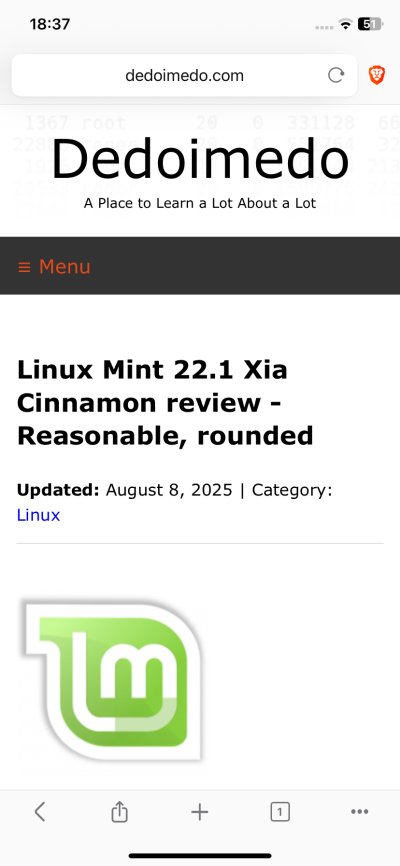
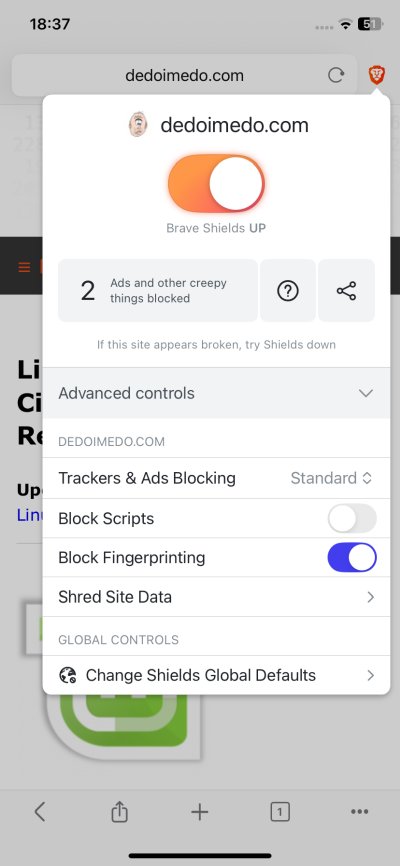
Install, configure ...
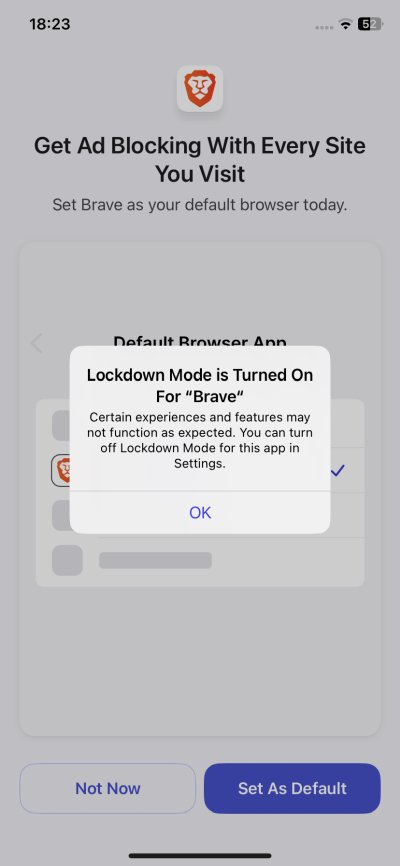
I grabbed the browser, and fired it up. The iPhone informed me that the Lockdown Mode was active. Good. Just as we want it. After all, the Lockdown Mode should be the default settings for everything, as it reduces the amount of pointless "modern" annoyances one has to suffer, security notwithstanding.
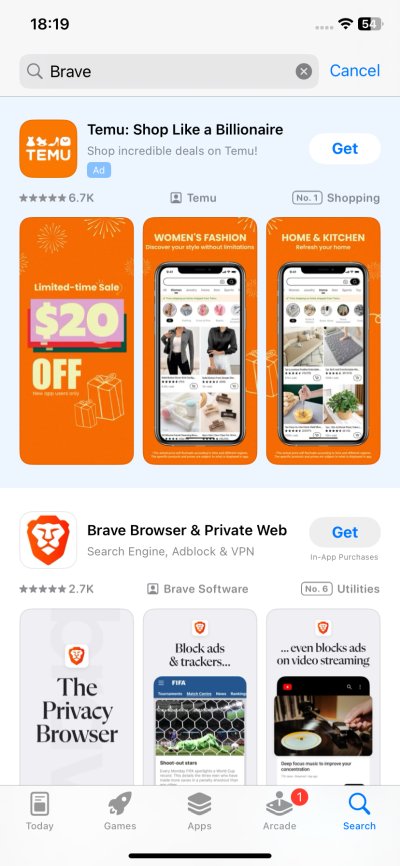
In the Apple Store, like Google Play, pointless ads feature first and foremost. My oh my.
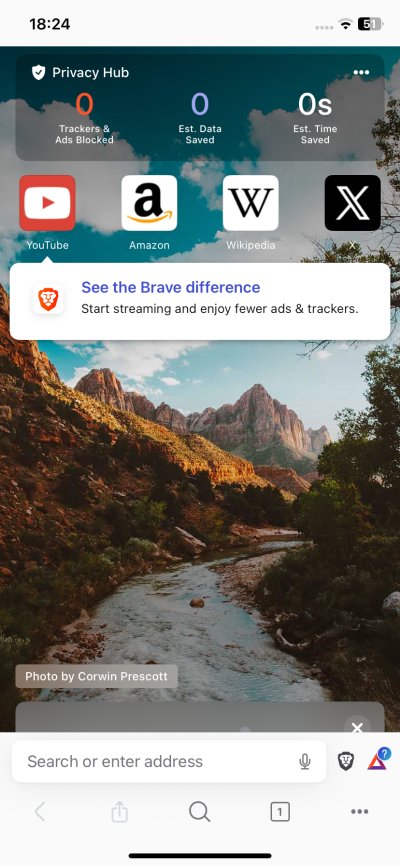
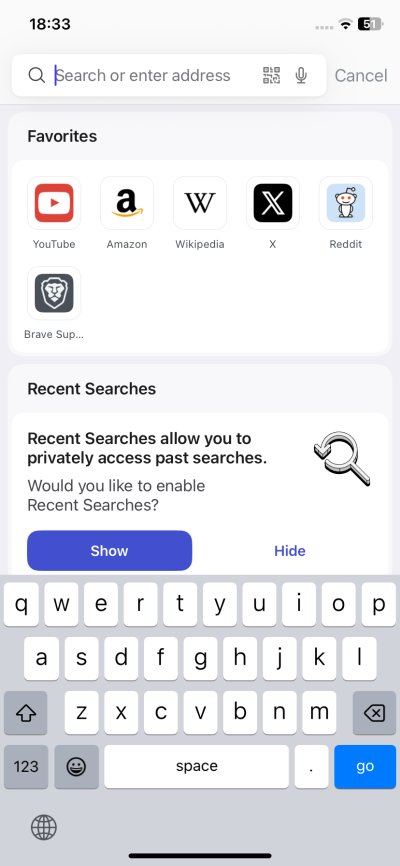
I went through the Brave settings, toggling options on and off. Notably, by default, you get a rather busy home screen, which shows the number of trackers and ads blocked (Privacy Hub), several shortcuts to online services, and a background image. You won't miss the casual snide of Youtube being the first icon, and the notification about the difference of using Brave being associated with it, ergo videos sans stupid ads.
Then, once you enter the Settings page, there's a VPN trail "ad". Hm. You will find a few of these offers throughout, and once you dismiss them, they won't show up again. To be fair, this is not that different from Firefox offering its own VPN, albeit somewhat more elegantly.
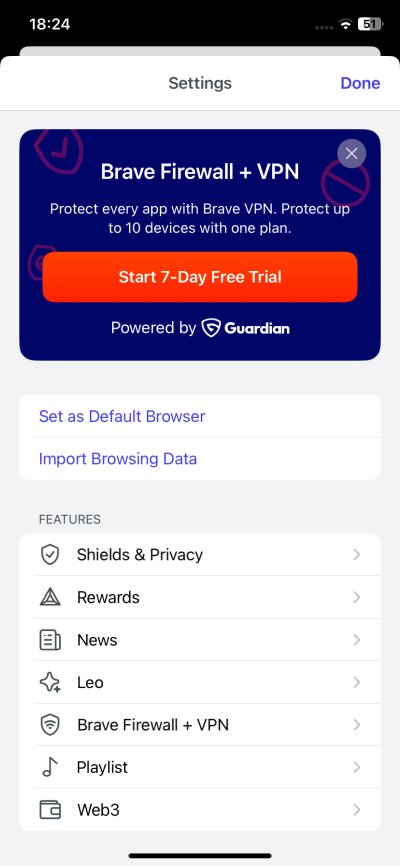
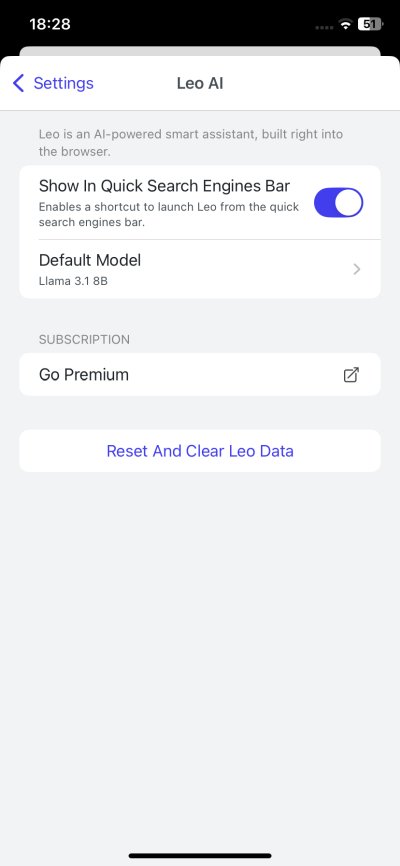
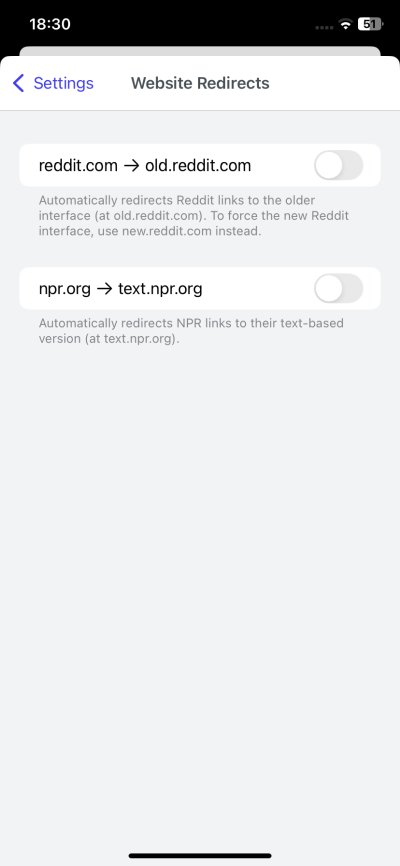
From the privacy perspective, you get quite a bit. While the iOS version of the browser does not support any extra extensions (no UBO for you), you can subscribe to various anti-ads, anti-annoyances list, which Brave's built-in Shields will use. You can also block AMP (which you shouldn't use anyway, as they are an abomination unto the Web), and redirect Reddit and NPR to their old "desktop" versions. Not sure why these two sites stand out specifically, but hey. There's also Leo AI. Now, I'm not sure how to disable it completely. You can just hide it from the search bar. I don't like the notion of any AI engine residing there, at all. This bears further investigation.
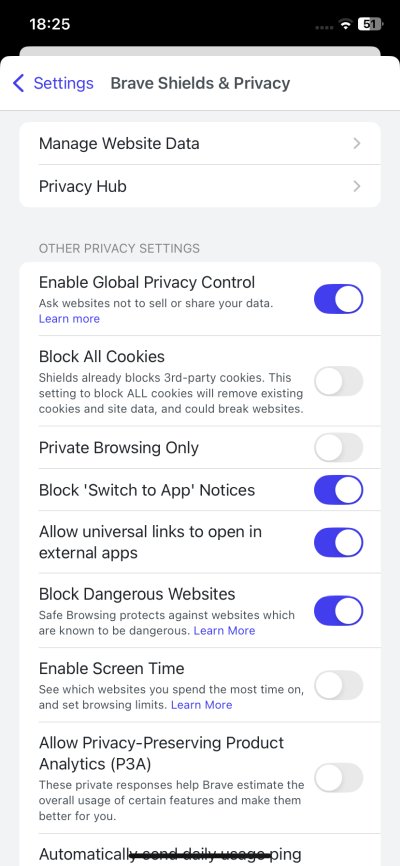
Some of the settings confused me a bit. There's Global Privacy Control, and if you turn it off, you may actually make yourself more "visible" by being more unique than most other Brave browsers. Then again, there's also no reason to "interact" with websites more than you need to. Furthermore, having read on the technology, I'm not sure it has any value, because anything that relies on goodwill is doomed to fail on the greedy Internet. Asking websites not to track you is like asking a cat not to eat the food you leave outside while you're not around. Ultimately, a futile objective.
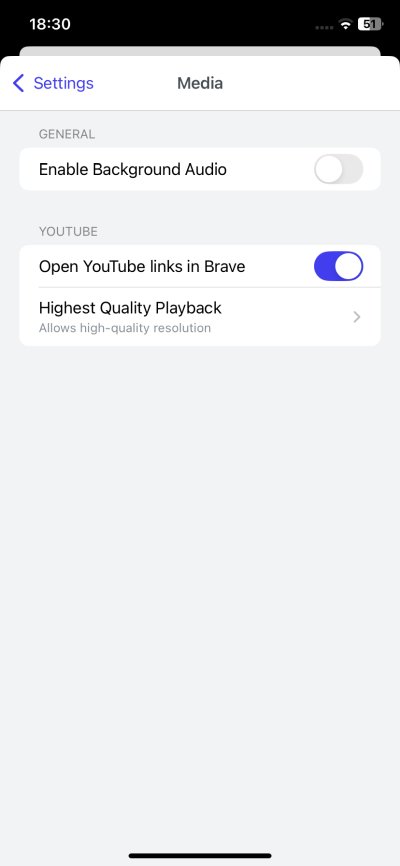
Brave can also open universal links in apps. But I don't really know what these are, and how they work, and what will happen if I toggle this off. Will I be asked, or will the links open in Brave instead? Why is Youtube marked separately under Media then?
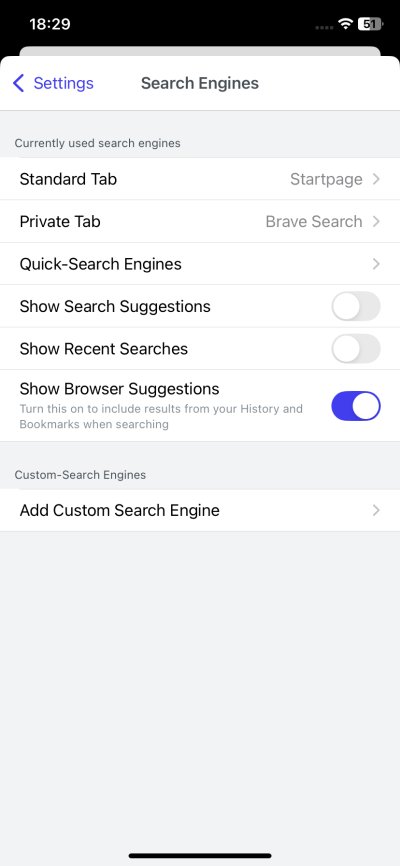
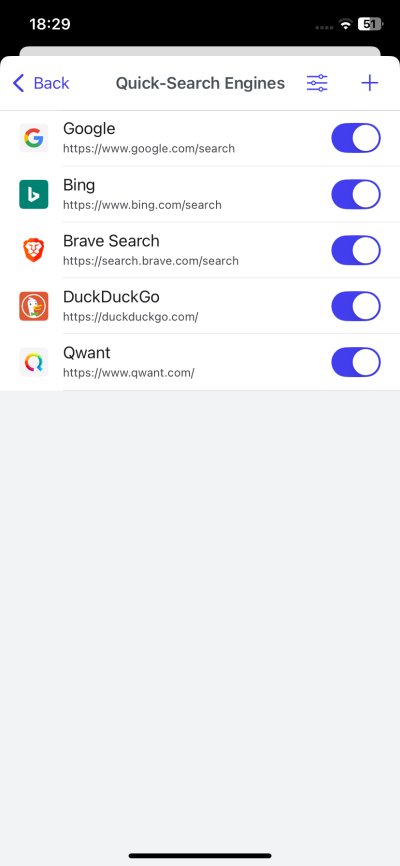
Search wise, you get lots of interesting options, including Startpage and Qwant. The latter may only show if you're in a supported territory, though. I'm not sure. There's also an offline player, and you can also assign Siri shortcuts. Not interested at all. I always fully and complete disable it.
What I liked a lot is the UI customizations. You can move the address to the top of the interface! This significantly improves the workflow. You can also hide the Brave rewards icon, and customize the Actions. Finally, you can also edit the home screen, and remove the background or any sponsored images.
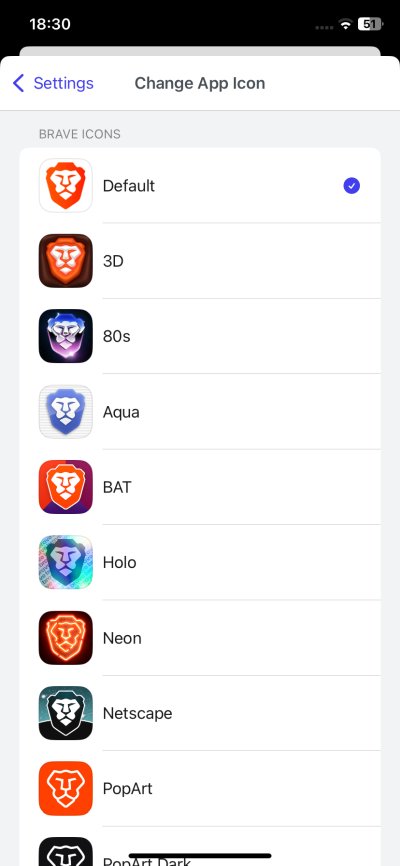
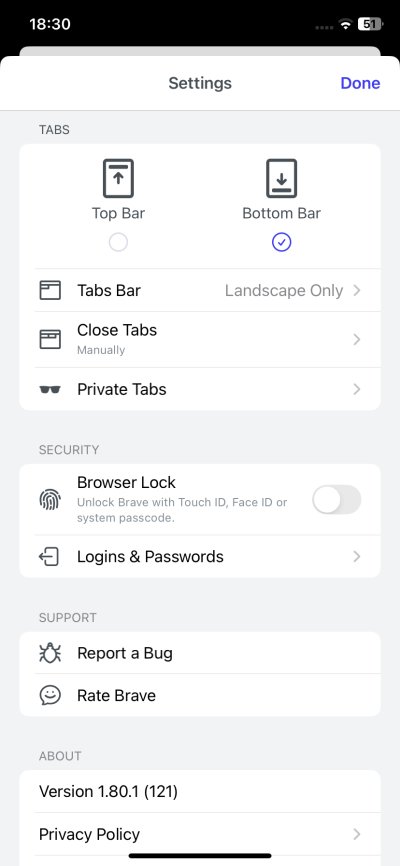
You can even change the browser icon, if you like. The 80s does not feel 80s enough, though.
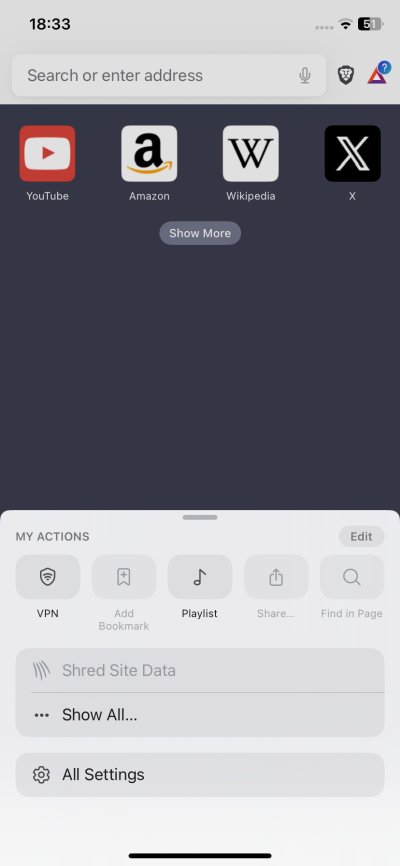
... and browse!
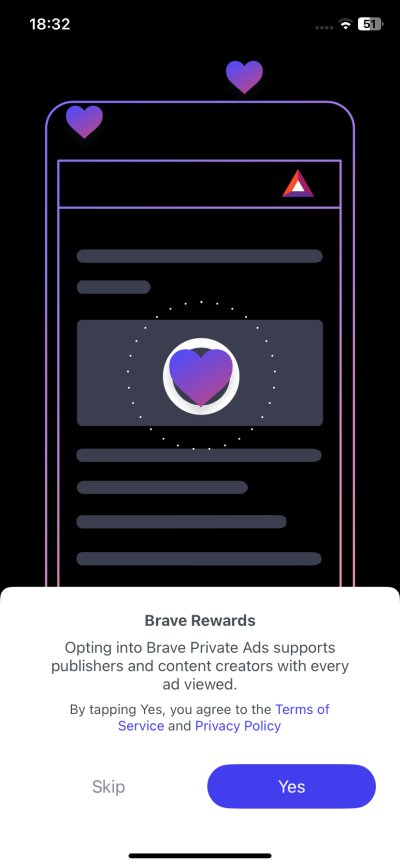
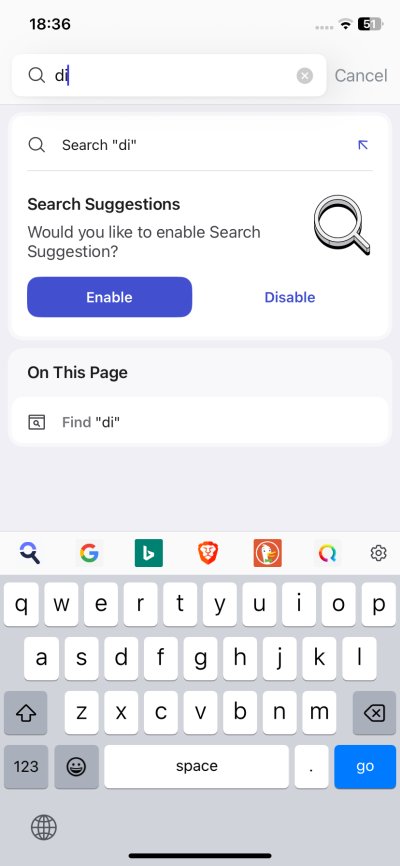
I started using Brave. First, it will ask you a bunch of questions, even if you set various toggles to off. I had to say no to rewards, search suggestions and alike. After that, Brave went quiet and let me get on with my browsing. Depending on how you configured it, it may also auto-dismiss cookie notices. Very handy, but. This can cause various sites to fail, as they have complex script loading chains, so you could end up with a site that doesn't quite work as you'd expect.
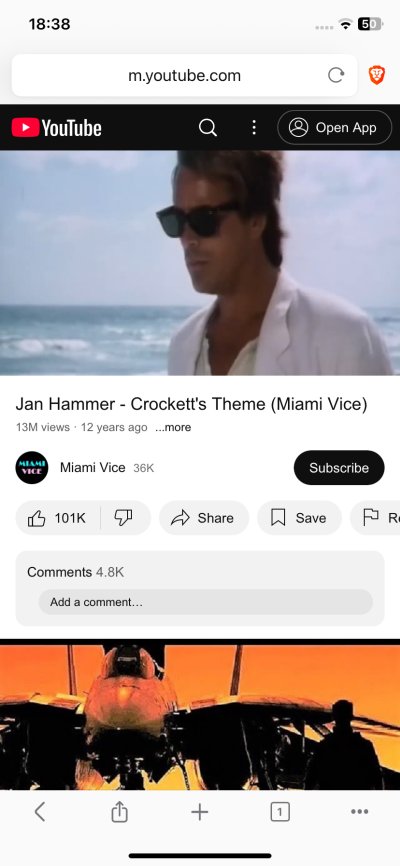
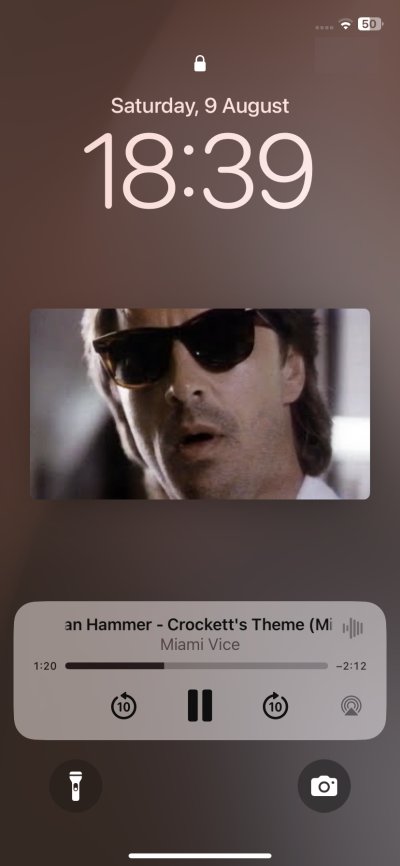
I visited a bunch of sites. No ads. I also tried Youtube. No ads, either. Better still, you can continue playback even if you switch away from Brave, and you can use the media controls on the lockscreen to play songs or videos (or to stop them, if you will). Quite handy. And effective.
In terms of raw performance, I feel that stock Safari + UBO Lite feels a little bit snappier, a bit more responsive. I've not done any actual benchmarks, so take my words with some reservation. It would stand to reason that Apple's own product would be ever so slightly better tuned for the operating system. That said, Brave was fast, and it rendered pages quickly and correctly. Its Shields worked as promised, and I had a quiet, calm Internet, as intended.
Now, there are things that can be improved. Notably, the X button on the tabs (in the tab view) is too small, and you can easily miss it, which means you'll re-open the tab rather than close it. I would also like to see a list of tabs rather than thumbnails. In this regard, how Firefox does it feels more useful, in my view. Now, you can change the UI scaling, but this only affects the rendered pages, not the browser itself. As it stands, the address bar, the Shields icon, they are a bit too small, too close together for comfort. Tiny problems, but still.
Conclusion
Brave for iOS is a very nice browser. It's fast, sleek, and it will block pointless ads for you. You also get tons of options, tons of customization, and you can change the layout, including both the address bar position and the app icon, if you like. Shields work extremely well, blocking both ads and trackers. You can also dismiss cookie banners, again, highly effectively, perhaps too effectively. If you want to use the so-called modern amenities, Brave has them all. From VPN to Web3 technologies to rewards. If not, you go about doing things simply, quietly. But I still want to know what happens to Leo if you only hide the icon.
Like I've always said, for me, Firefox is my go-to browser. If there was an option to use it with an adblocker on the iPhone, that would be my choice. Since that isn't feasible, Brave seems like the best alternative. While the responsiveness is a tad behind Safari, the UI is more pleasant to my taste. And with UBO Lite, Safari also comes with superb ad-blocking capabilities, so you can use the Internet normally, sanely. The thing is, you can have both, and use them as you see fit. On its own, Brave is a pleasant surprise, and probably the best choice for the iPhone at the moment. Those are high words coming from my staunchly Firefox mouth. Well, there you go. From your favorite peasant and curmudgeon, until the next time.
Cheers.