Updated: October 17, 2025
Slow down. You're telling me there ought to be a tutorial on how to achieve this seemingly trivial thing? Well, yup. As it turns out, if you want to set a custom tune as your ringtone on your iPhone, i.e., use a funky piece of music from your own MP3 collection or alike, then you will need to do some mild homework before you enjoy the final result. Since the steps to get there ain't so simple, I felt compelled writing this article.
Now, I don't consider myself a typical iPhone user, nor should you treat me as one. I merely have a second-hand device, which I mostly use for testing, but through these escapades, I'm discovering all sorts of problems and interesting phenomena which occasionally compel me to write a piece or three. For example, most recently, we talked about the amazing UBlock Origin Lite extension for Safari, and how to minimize the effects of Liquid Glass in iOS 26. Now, I wanna show you how to use custom music for your ringtone.
Requirements
First, you need some music. If you don't use Apple Music, if you don't use iTunes, you will need to figure out a way to get your songs onto the iPhone. Luckily for you, I've written two tutorials on how to achieve this, once through the awesome media player VLC and the second time with the help of KDE Connect, which will also come in handy today. Thus, once you've loaded your music, open Files.
Long press on any file, select Use as ringtone. In all likelihood, the system will tell you the file is too long. Indeed, iOS allows you to set custom music as your ringtone, but only if it's shorter than 30 seconds. Not sure why there's this arbitrary limitation, or why the system cannot truncate files automatically, but that's life in the fast lane.
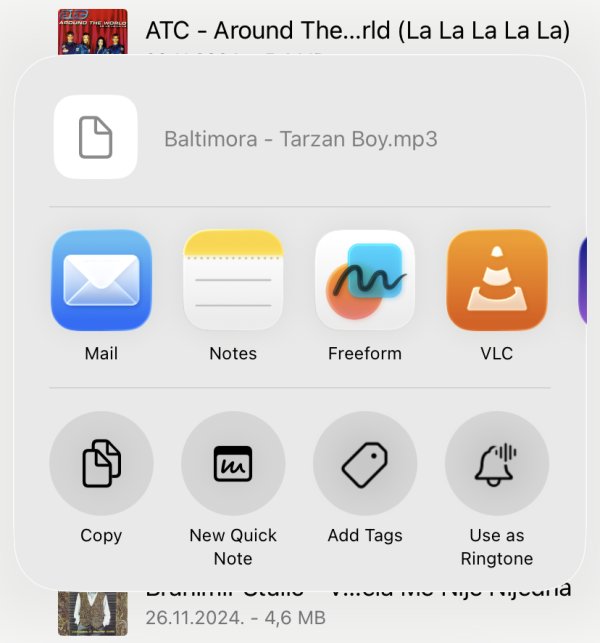
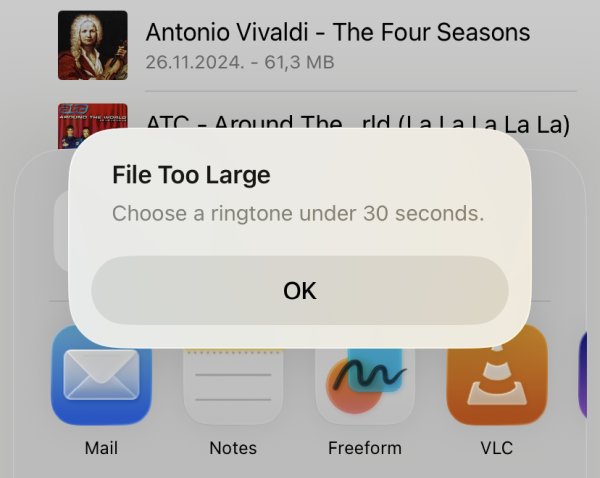
Is it too large or is too long? Huh!
Split MP3 file into shorter segments
Well, what we need to do is split the MP3 song so that we have a less-than-30-seconds piece in our hands. There are many ways about this. First, I wanted to try the on-device functionality. To that end, I installed Apple's iMovie, a video editing tool.
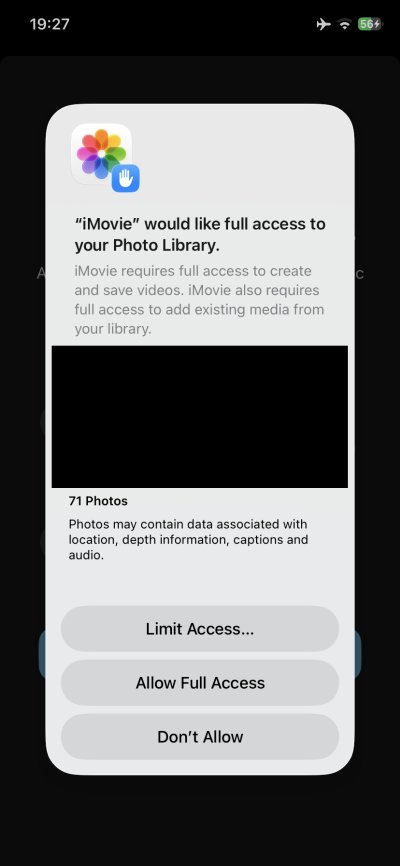
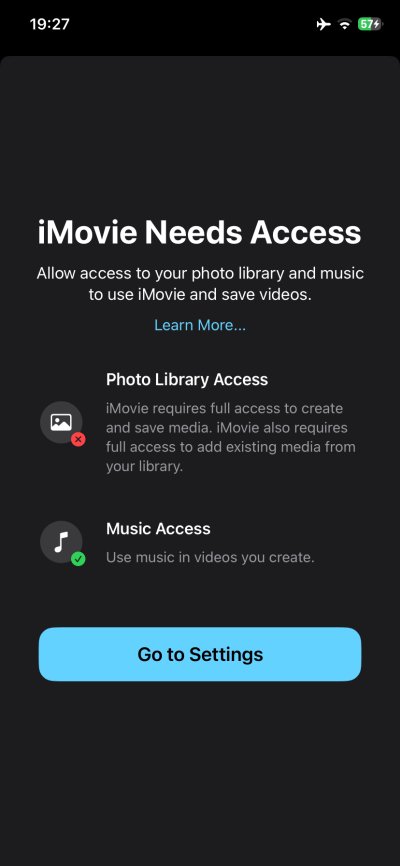
I set it up, including some rather grandiose permissions to my photos and media, without which it would not work. Then, I tried to do the desired task. I found the exercise extremely annoying. First, the Split option was grayed out with only an audio clip loaded in the project. As it turns out, you must ALSO add a video clip, even if you have no intention of using it. Then you can do the split.
After that, I saved the project and exported the clipped section. The iPhone said it had set it as the ringtone, but this wasn't the case, nor could I see the project file in the ringtone list. So, whatever I've done, the whole "Use as Ringtone" option was useless. I tried a couple more times, realized this was a futile exercise, and decided to use my desktop for audio processing. As one should.
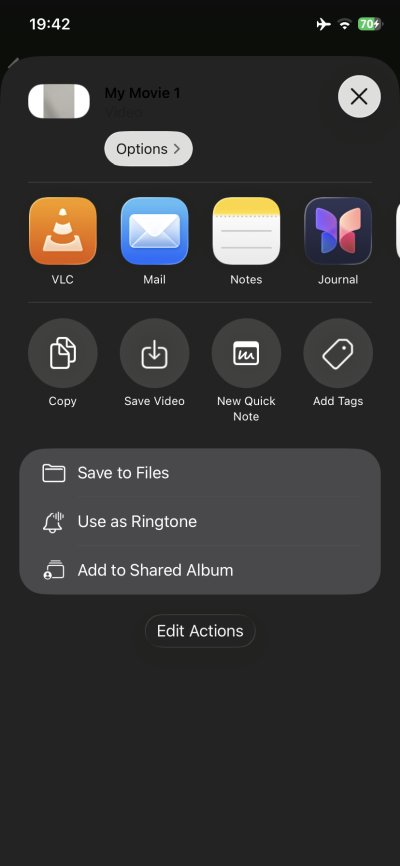
Notice the black title on gray background. Ergonomics FTW!
Use ffmpeg to cut, KDE Connect to copy
So there. Again, I have a tutorial on how to use ffmpeg. Consult that please. In my Linux desktop, I ran a one-line command in a Konsole window, and within a few short moments, I had a 23-second clip at my disposal, to use as the ringtone.
ffmpeg -i original.mp3 -ss 0 -t [whatever duration] -c:a copy short.mp3
Now I merely needed to copy it. KDE Connect, job done!
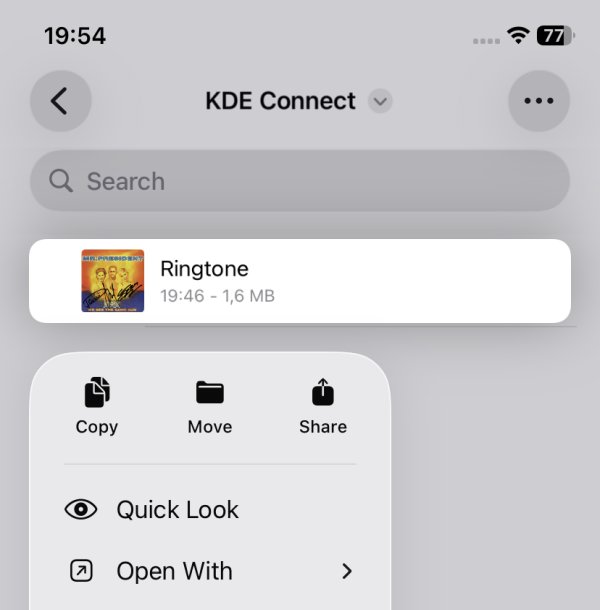
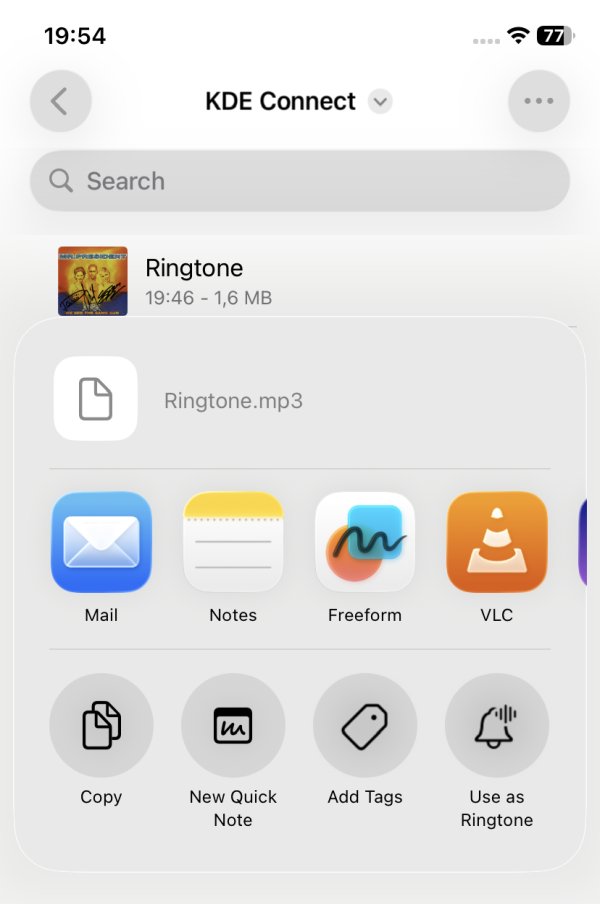
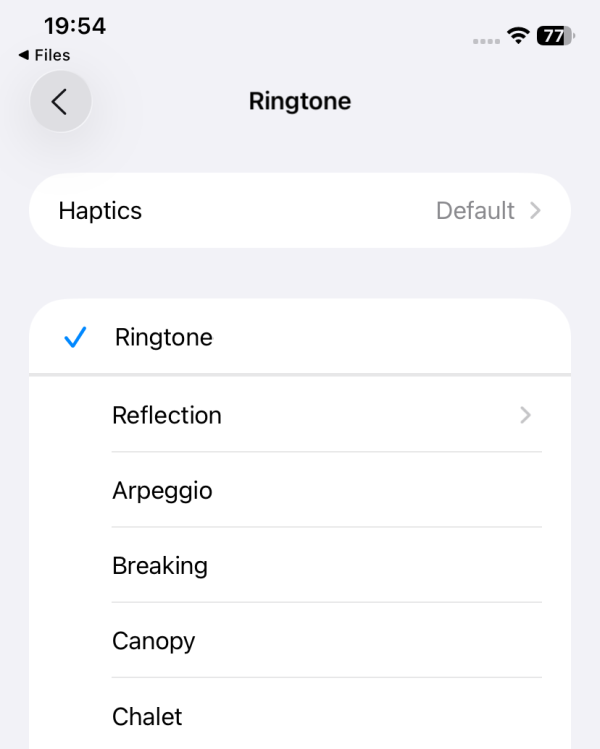
Custom tune set. I had to exit the menu and come back for it to show in the list, though.
Conclusion
There you go. An unnecessary tutorial on how to achieve something that should be utterly trivial. And paradoxically, I had more success getting the job done using open-source tools in Linux than an actual tool from the Apple ecosystem. Don't get me started on the dozen ergonomic problems in the iMovie interface alone, to say nothing of the permissions or the fact I wasn't able to accomplish the desired task. The arbitrary limitation on 30 seconds is also weird.
But, it can be done. If you don't mind using a different tool for audio splitting - the fine ffmpeg will do, and it works in Windows as it does in Linux, and then with KDE Connect (cross-platform, too), you can then copy the short clips onto your iPhone, and from there on set them as your ringtones. And now, you can be badass, with majestic sounds blasting from your device any time anyone calls you. If they ever do, that is. In all likelihood, if you're a grumpy dude like me, no one will be calling, hi hi. Enough ranting. We got the job done, see you around, dear fellas.
Cheers.