Updated: April 4, 2025
You know me. Mega curmudgeon. Whenever I review Linux distros, I'm usually unhappy. Lots of people mistake my negativism as something inherently anti-Linux. Quite the opposite. I so want the Linux desktop to succeed that I'm always upset when it doesn't. After all, true friends don't just blindly nod at whatever you tell them, they actually tell you the truth. The problem is, my reviews may obscure the fact that I do use Linux quite extensively, and usually manage to accomplish a great deal in the operating system. Not everything, but a lot.
So I thought, let's have a little semi-random article that highlights some of the many cool things I've been doing in the past year or two, using Linux, primarily Kubuntu 22.04 and 24.04, on a couple of different machines. We're talking everyday stuff, gaming, writing, music, whatnot. Some clever solutions, too. Now, as a member of the nerd race, extra monkey clade, my everyday isn't exactly the mainstream nonsense. Even so, perhaps you will find this article relatable and enjoyable. Begin we must.
Linux gaming
On my Slimbook Titan, I've managed to run a dozen exclusively Windows games with great success, using the Steam Proton layer. Excellent results, including being able to import old game configurations and saves, directly from Windows machines. Solid.
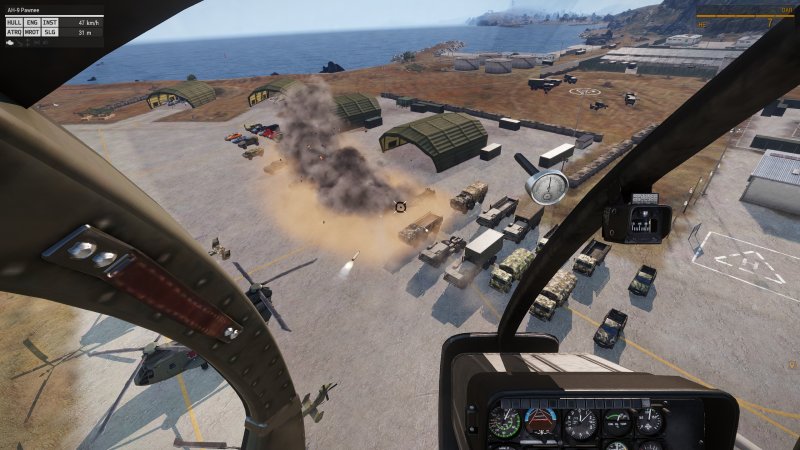
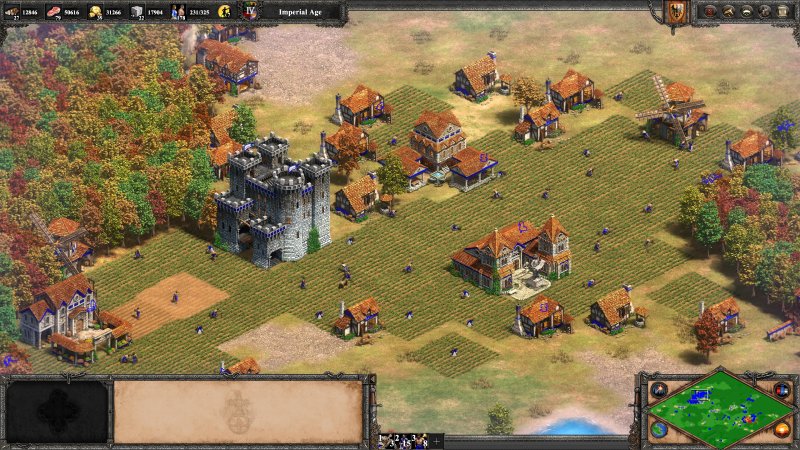
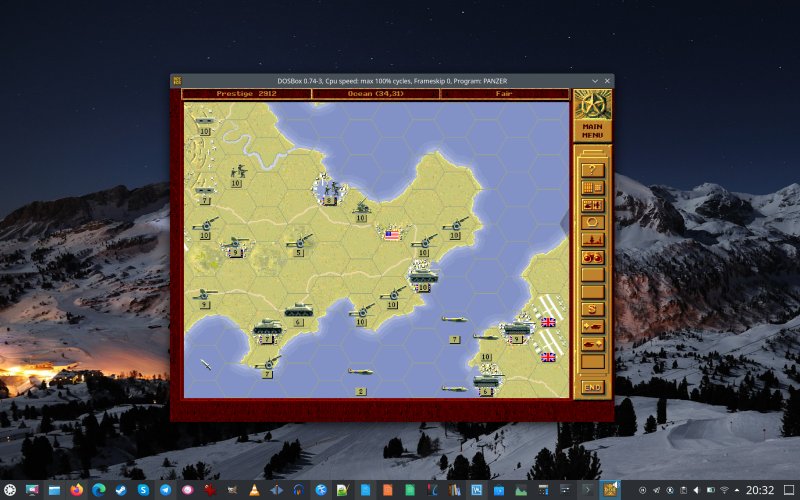
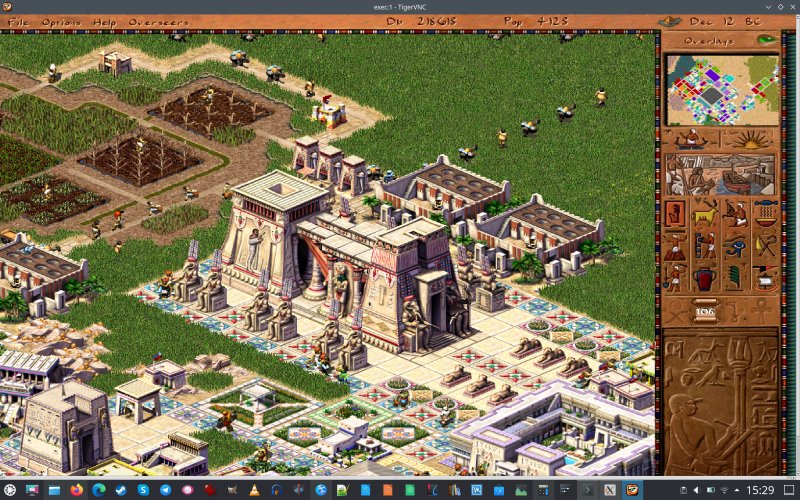
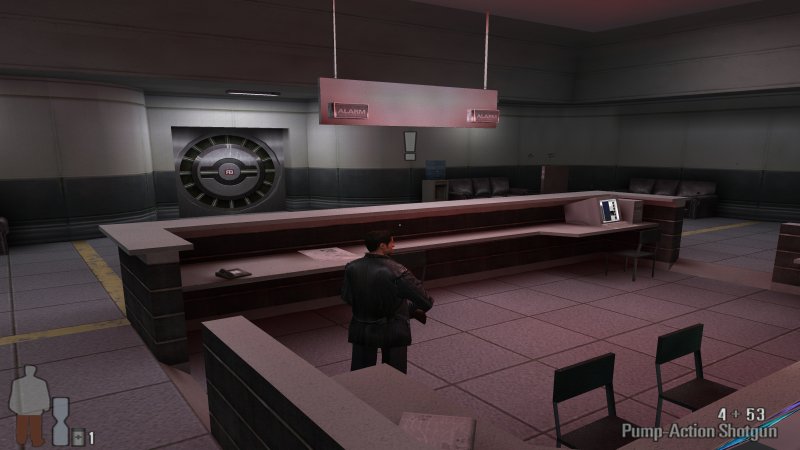
But then, I've also recently been playing old DOS games with HD scaling in DOSBox, and I showed you how to pretty much run any old game on a Linux desktop using Xephyr nested X sessions and VNC server with scaling. Nifty, and cool. I was also able to run Max Payne, a 2001 title, on a 4K screen without any modifications whatsoever. Splendid, splendid, this is. What makes the endeavor extra cool is the fact that Caesar III and Pharaoh, both GOG-sourced games, are also Windows-only, and not really meant to run in Linux, and yet they do, beautifully.
Offline music on the iPhone
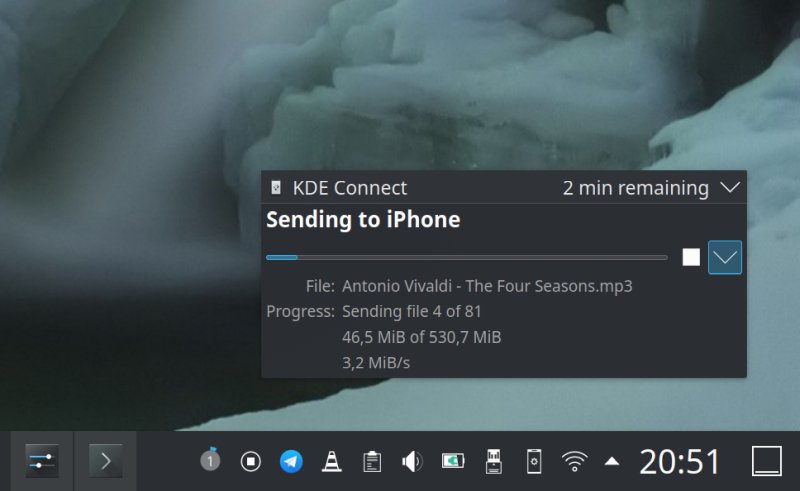
This was another obstacle that haunted me for years. But then, I accomplished a breakthrough. Two in fact. First with VLC, and then with KDE Connect. In both cases, I was able to copy my offline, no-cloud MP3 collections onto the device, and enjoy music without any subscriptions or streaming nonsense.
You need QR codes? No need for any website generator
This is extremely random, but for one of me articles, I needed this obscure functionality. Indeed, if you want to create one, simply download and install qrencode. Run it, job done. No need to go about hunting for online sources that will do it for you, usually with an obligatory watermark or some such.
qrencode -o dedo.png "ALL YOUR BASE ARE BELONG TO US"
Upscaling old photos
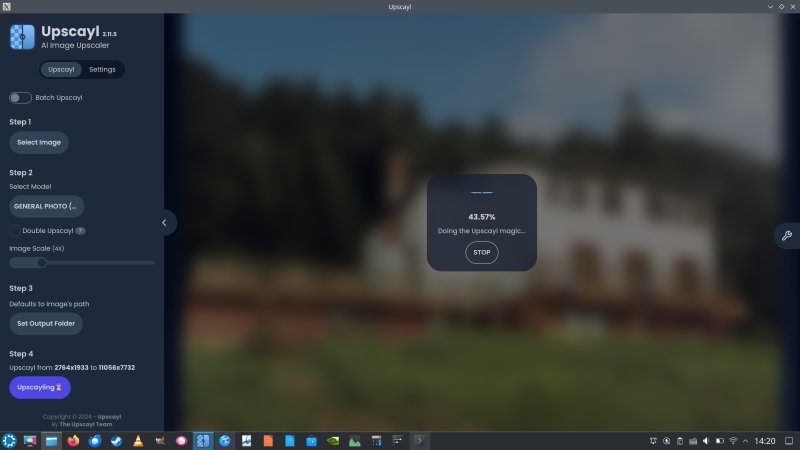
Another great success, with fully offline, no-cloud Upscayl. Sweet! I was able to do this on a 10-year Nvidia-powered laptop, with a 4K screen, and the PRIME profile correctly and fully configured out of the box, without any manual tweaking.
And you can even try to do some upscaling yourself with ImageMagick! Only if you want to, that is.
A complex 100K-word book, with Linux and open-source tools
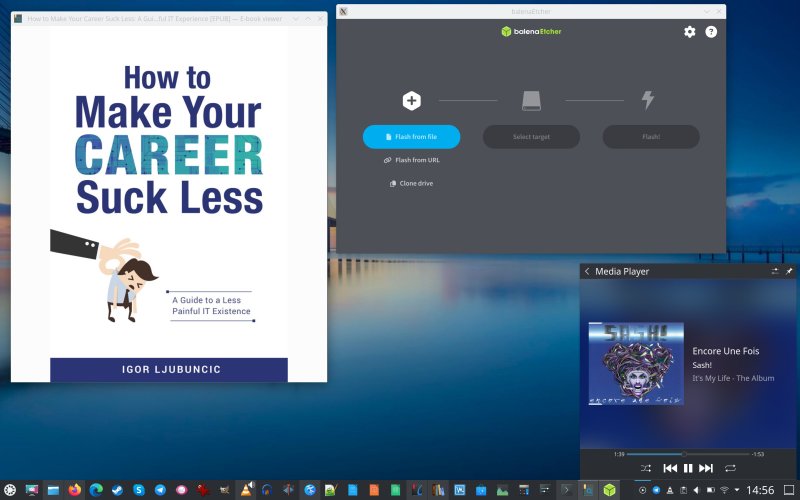
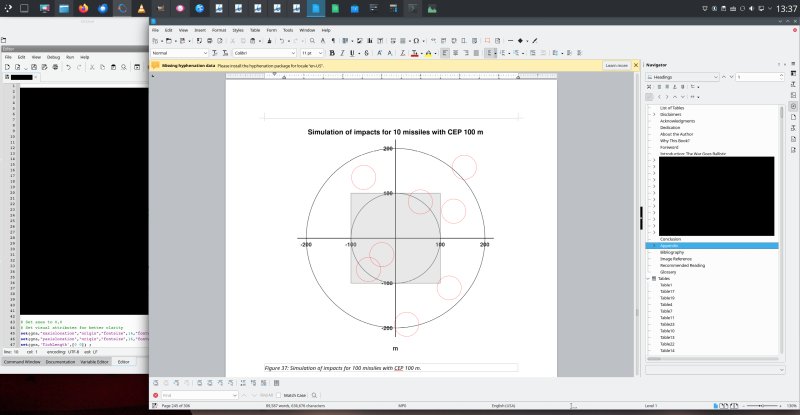
I recently completed a nonfiction military history book. Some fine statistics: 90K words, but 100K sounds nicer, about 35 tables, about as many images, close to 700 citations, plus a snippet of code. I used LibreOffice, Octave and Okular as my primary tools. Solid success.
Revitalizing old hardware
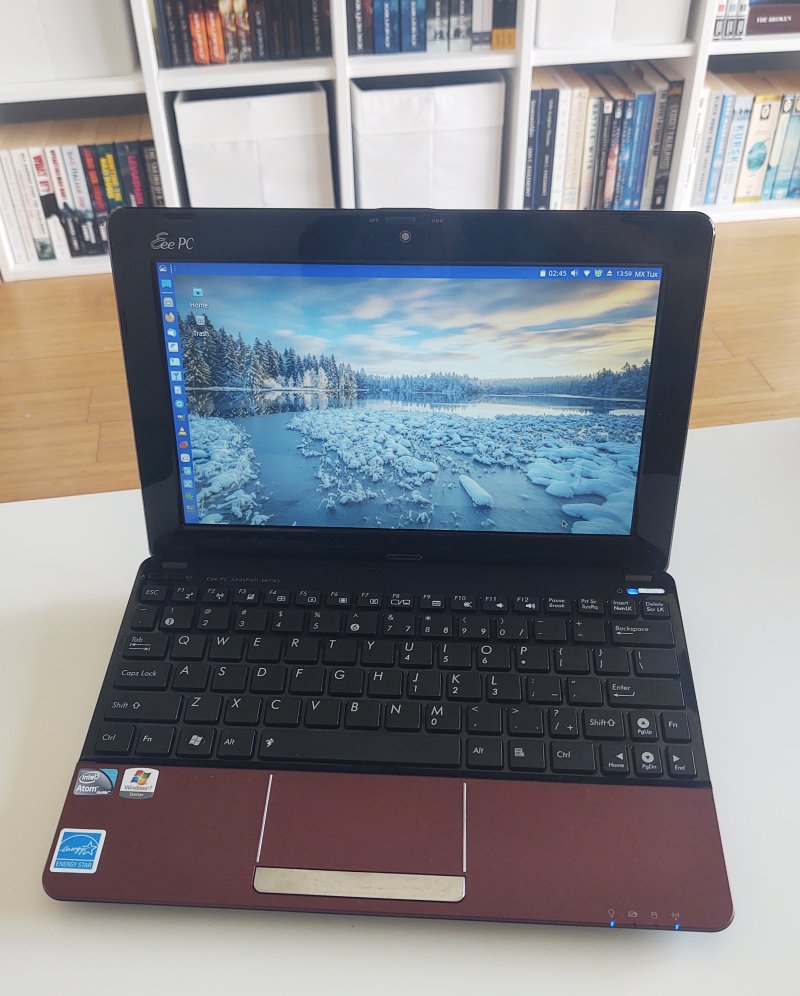
Got some ancient rigs lying about? Well, try some lightweight distros. While adding SSD into my Y50 and G50 boxen sure has given them a fresh breath of air, at 11 and 10 years of age, respectively, the more impressive feat is running MX Linux 32-bit on a 2010 netbook, one Asus eeePC. That's fun. For the other two machines, please check my Hardware section.
A few other things
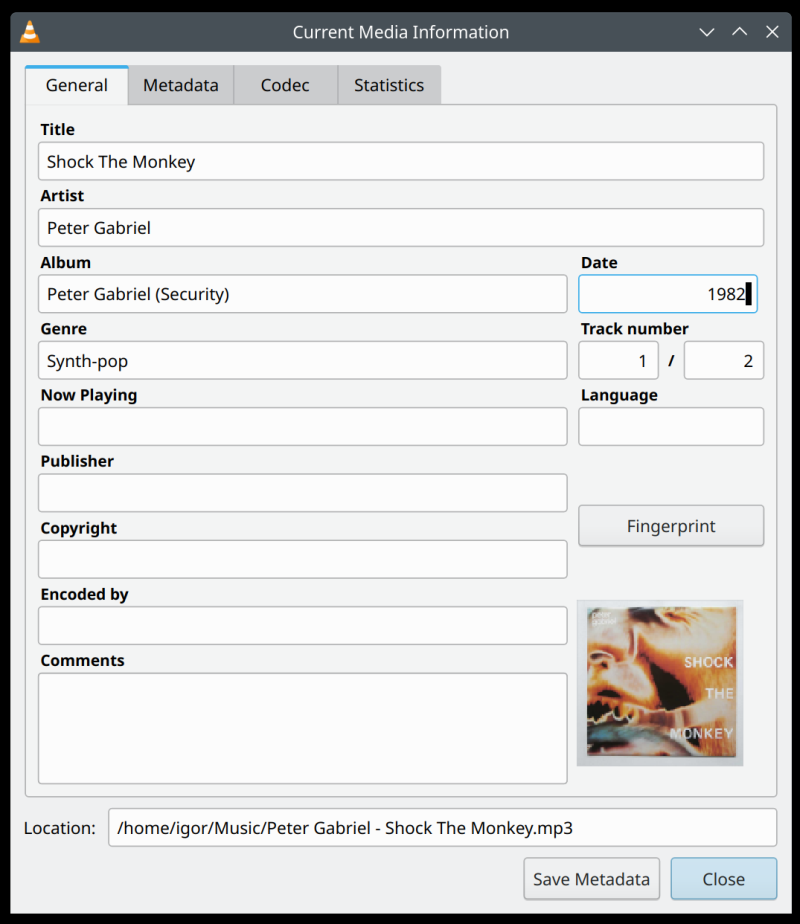
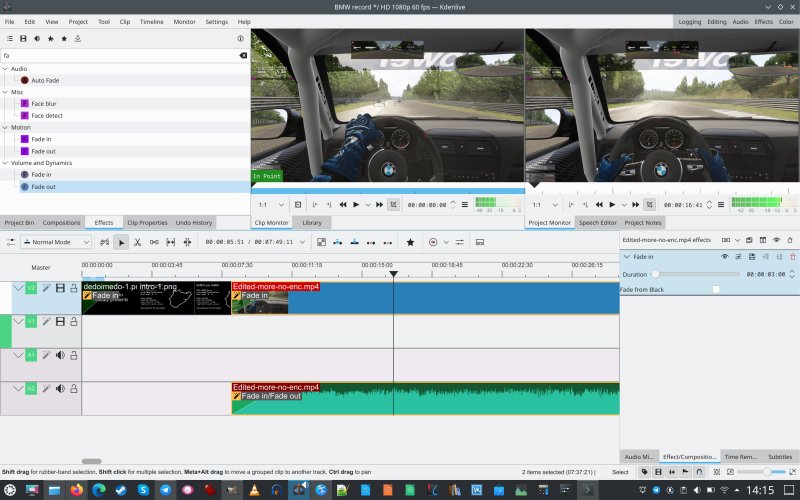
Well, if you want to edit metadata for your songs, you can use VLC. With ffmpeg, you can shift the offset in any subtitles that don't quite match the playback. I also used the trusted old KDEnlive to make a video of me driving a BMW M235i on Nordschleife in the Assetto Corsa racing simulator. That's available on me Youtube channel, if you care about that kind of thing.
Conclusion
So, it ain't all doom and gloom. You can do lots of cool things using the Linux desktop. Common, average stuff, specialized nerdy stuff, games including old titles or Windows titles or both, media editing, and then some. On top of that, there's the usual browsing and online shopping, which seems to work fine, or to be more accurate, as good as you'd have it doing these activities in Windows. Comes down to the browser, really.
The only downside in the entire experience is the relative inconsistency. Occasionally, things will break, randomly and for no good reason, and that can yank you out of your blissful zone, erode your confidence. But still, the general vibe is pretty solid. Software management can be better, for sure, and there are still scenarios where you can't really go full Linux. For that, a virtual machine or two can solve a lot of problems. And I guess this brings me to the end of this happy article. If you're ever in doubt about my intentions and how I feel about things, save this piece as a reminder. How close am I to my final migration away from Windows? Pretty close.
Cheers.