Updated: December 1, 2025
The eternal tragic hero the likes of those mentioned in Greek mythology reports for duty. That would be me, that is. Once more, I must test my Slimbook Executive, a Linux-only laptop that I use for serious stuff. Or try to use, provided how benevolent the muses of software feel at any given day. Were my experience with the Linux desktop only positive, you would not be reading these articles. But that's not the case.
The Executive is a beautiful machine, and for a while, it worked impeccably, until bad updates made it bad. Since I've battled a range of silly problems, including power management, session management, keyboard behavior, and then some. They come and go. It's a complex story that involves tons of different components of the Linux ecosystem, with each somewhat to blame for the fiasco. Over the last year or so, I was able to get rid of many of the problems. Most notably, I upgraded the operating system. This report shall tell you whether that bold move helped eradicate the last traces of this annoying affliction. Follow me.
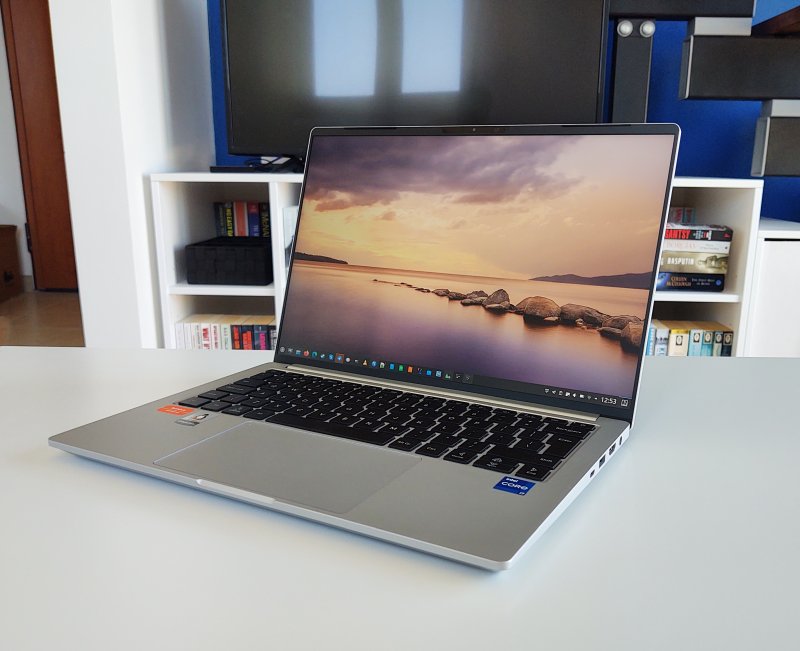
Random system suspend issues? Still there.
No, the upgrade to 24.04 did not resolve the problem. I left this question as the cliffhanger toward the end of the upgrade article, and here we are. Occasionally, the keyboard would go loco, and suddenly start spewing all-caps letters, and tons of them. Or the mouse would go into Shift + click mode, selecting stuff rather than applying clicks. The machine would also randomly suspend and wake itself multiple times in a row before settling back to normal.
Maybe I can fix the problem?
Remember what I did on the Titan? I figured out I could "minimize" the system freeze issues by masking or blocking the offending interrupt triggering all those unnecessary general purpose events. As the occurrence of similar yet different problems on the Executive more or less coincides with those of the gaming rig, I thought I could perhaps do the same thing here.
I still blame badly tested firmware patches and kernel upgrades for the issue, and the fact they affected two different machines with vastly different hardware (Intel processor plus graphics vs AMD-Nvidia hybrid) makes me suspect Ubuntu (22.04) as the primary culprit. Furthermore, the come-n-go nature of the problem points another blaming finger toward the operating system. But 24.04 sort of makes me wonder.
Anyway, let us proceed gingerly.
I checked if any interrupt is creating unnecessary events:
grep . /sys/firmware/acpi/interrupts/*
And then I disabled it. I also tried masking rather than blocking, and made the change permanent via the bootloader change, to see what happens. As a quick change, sans any reboot:
echo "disable" > /sys/firmware/acpi/interrupts/gpe6e
Did it work?
Well, yes and no! I did solve the random suspend problem, but I also introduced a few new ones. With the specific interrupt no longer firing, so to speak, the following happens:
- Suspend via keyboard shortcut takes now about 10 seconds to kick in. Previously, it would only take about one second. If you suspend the Executive through the system menu, the operation is immediate.
- The system startup and shutdown are slower by about 2-3 seconds.
- When you connect the power supply, the mouse goes crazy, generating click events 2-3 times per seconds. If you load a tab in a browser, you will see some insane action, including (in)ability to truly make any click stick, as in nonstop page refreshes and other merry nonsense.
Thus, I decided to undo my fix. It's easier to live with the random suspend shenanigans, which are sporadic, than the persistent, fully repeatable problems listed above, all of which manifest when you mask or disable gpe6E on me box.
Wait a moment!
But then, I had an epiphany. Making changes to the kernel boot parameters made me examine the system specifications more closely on both the Titan and the Executive. And then I noticed something quite odd. Both had identical kernels, 6.8-whatever, even though the former runs Kubuntu 22.04 (still), as the experience with the Executive's buggy upgrade made me leery of doing the same upgrade, and the latter runs Kubuntu 24.04. Why would two completely different LTS releases, made two years apart, use the same kernel?
I expanded my "investigation", and I noticed: this is either a major bug or a major feature. Even on a brand new installation of Kubuntu 24.04, as say the one on my super-ancient G50 laptop, you get 6.8. So, it's not a question of an in-vivo upgrade that retained the "old" kernel, although that could still technically be a coincidental bug. There's some other logic here, and I don't know what it is, and it irks me.
Online documentation - and apt sources - mention 6.14 as the latest kernel release for 24.04. I decided to manually install that, to see what gives. Would this major bump help my Executive finally and forever get rid of the weird power-suspend-keyboard issues?
Kernel upgrade ...
I installed 6.14 and rebooted the machine. It came up fine. And then, I spent a couple of days using the system, trying to figure out what gives. For the time being, the impressions are positive. I'm guarded, cautious, barely optimistic, but I've not been able to trigger any problems.
The system is a tad faster and more responsive, there's less heating, and all of the hardware and the peripherals function correctly. Most notably, the screen dimming, blanking and suspend functions all work correctly, which, if you recall, were the early symptoms of the borked firmware-kernel update. Thus, I may say that this could finally, finally be the remedy. But it will take at least another month of daily use before I can make any definitive declarations (within the boundaries of things not breaking randomly with future updates).
However, that said, some of the "old" symptoms remain:
- The system log still has the ACPI errors.
- The interrupt count for gpe6e still keeps climbing.
- If I'm charging the laptop, suspend it, and then remove the charger cable, the laptop will wake up. I'd expect it to stay suspended until I deliberately wake it. For some reason, the removal of the charger results in an interrupt that resumes the session. This has been so since day one with this machine.
Other things
The power struggle notwithstanding, there were a few other niggles in the everyday experience. I managed to "lock" my keyboard a couple of times with Alt + F2, which made the Super key stop working, hence no system menu showing up. It's a funny keyboard combo, and not sure what purpose it serves. Also, Discover doesn't always show the size or the correct state of installed patches.
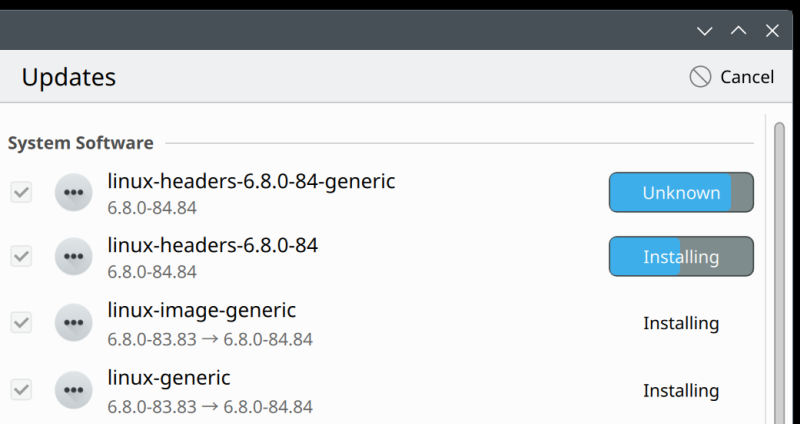
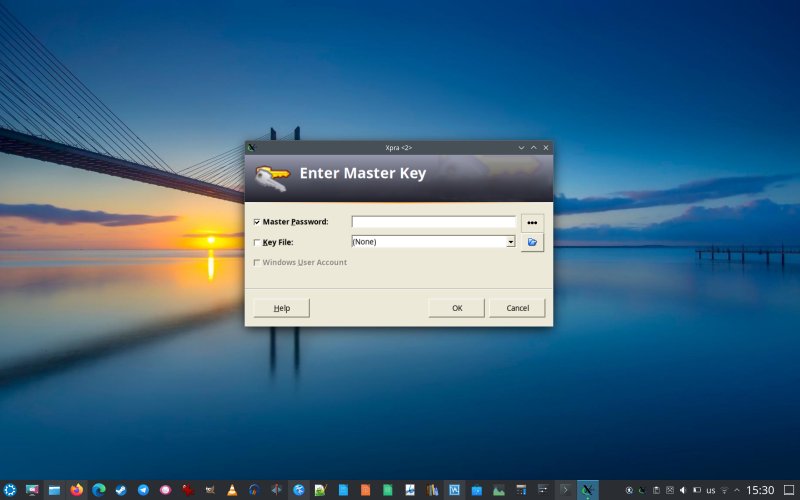
I was able to resolve the KeePass no-scaling issue with Xpra and run_scaled. Amazing utilities! It's a shame that the problem manifests to begin with, but I'm happy that there's a reasonably elegant solution in place. Cherish it, cherish it most preciously, because it only works in X11, and soonish, it might not. Progress!
Conclusion
The Executive saga continues. I don't know why 24.04 installs with kernel 6.8 and not a higher version, nor why the upgrade didn't bump my kernel. I do know that the LTS move didn't really fix the issue, and that masking the offending interrupt makes things both better and worse at the same time. Perhaps kernel 6.14 will do the magic, but we shall have to wait for that. Also, while this could be nice, it's not a guarantee. It doesn't inspire confidence, because it was a set of system patches that introduced the problem. It can always happen again.
On the software side, with the upgrade done and sorted, the machine works reasonably reliably, minus the power issues mentioned. I still love the Executive's form factor, its cool and sleek case, the lovely display and the excellent keyboard. Truly, on the hardware front, I can't think of a better product. I only wish the software gave me the expected reliability, consistency and stability I require. If my eleventh long-term report teaches you anything, it's that even in 2025, with the Linux desktop, you need to be on your toes, ever so. Stay tuned for fresh articles and new adventures. Take care.
Cheers.